
Allow the microphone
Click Start recording and allow the microphone when your browser asks. Use Test microphone first if you only want to check that it works.
Record audio from your microphone right in the browser, with a live level meter so you can see the sound is coming through. Pause and resume, play it back, rename it and download it. Nothing is uploaded.
Open Voice Recorder →Click Start recording and allow the microphone when your browser asks. Use Test microphone first if you only want to check that it works.
Speak and watch the level bar. Pause and resume whenever you need, then press Stop.
Play it back, give it a name and download it as MP3, WAV or WebM.
Use Manlin to reflect, plan and take your next step.

Yes. Record as much as you like with no account, no time limit and no watermark.
No. The recording is made and saved in your browser and never leaves your device. If you close or reload the page before downloading, it is gone.
Click Test microphone, allow access and speak. If the level bar moves, the browser is receiving sound from your microphone. If it stays flat, check that the right microphone is selected in your browser or system settings and that it is not muted.
Click the lock or settings icon next to the address, set Microphone to Allow, and reload the page. On a phone, also check that the browser is allowed to use the microphone in the system settings.
MP3 plays everywhere and is small. WAV is uncompressed, which suits editing but makes bigger files. The WebM (or M4A in Safari) file is the recording exactly as your browser made it.
Yes. Pause and Resume keep everything in one recording, and the time while paused is not counted.
Red means the sound is very loud and may distort. Move back from the microphone or turn the input volume down.
Yes, in current Chrome and Safari. Keep the page open while you record: some phones stop recording when the browser is in the background.
 Audio ConverterConvert audio to MP3, WAV, M4A, OGG or FLAC for free, pick the quality and cut out the part you need. Works with video too. No upload, no sign-up, no watermark.
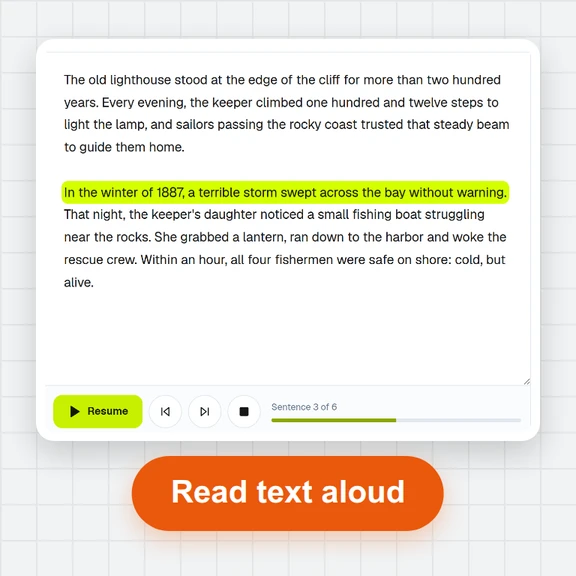 Text to SpeechTurn text into natural-sounding speech for free. 16 English voices, adjustable speed, read along as it plays and download MP3 or WAV. Runs in your browser, no sign-up.
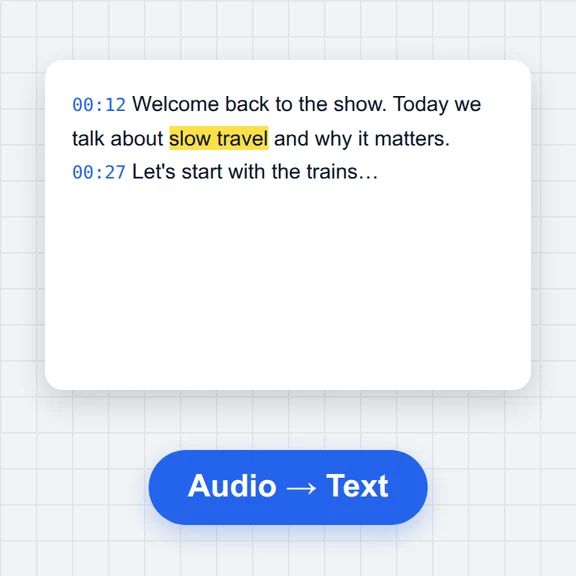 Speech to TextFree speech to text: transcribe audio, video and microphone recordings in about 100 languages. Edit the transcript, then download TXT, Word, SRT, VTT or JSON.
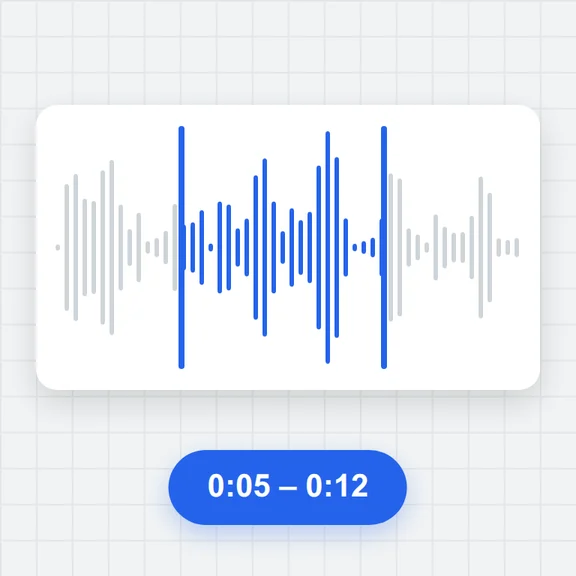 Audio TrimmerTrim MP3, WAV, M4A, OGG and FLAC files free: drag the handles on the waveform, preview the part, add fades and save as MP3 or WAV. No upload, no sign-up, no watermark.
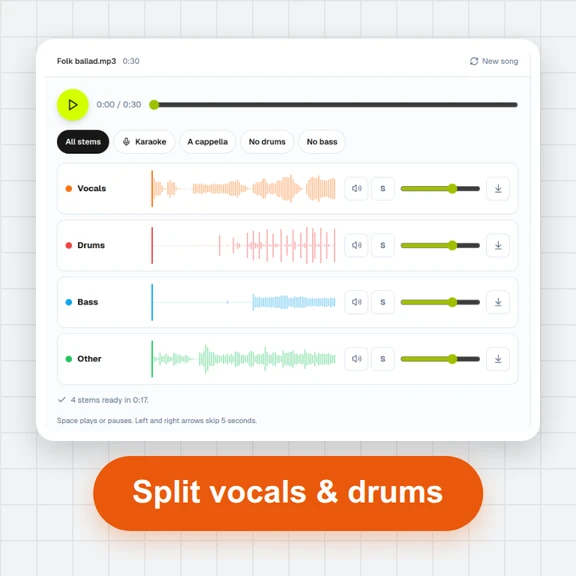 Vocal Remover & Stem SplitterRemove vocals from any song for free, or split it into vocals, drums, bass and other. AI separation runs in your browser: mix the stems, make karaoke tracks and download WAV or MP3. No upload, no sign-up.
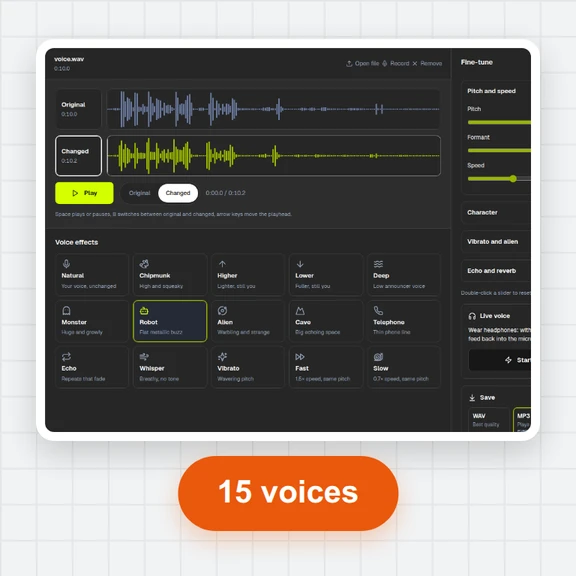 Voice ChangerChange your voice online free: record or open a file, pick robot, chipmunk, deep, alien, cave, telephone or whisper, fine-tune pitch, formant and speed, compare before and after, and save as MP3, WAV or WebM. No sign-up, no watermark.