
Add a song
Drop, choose or paste an audio file or a video. Songs up to 15 minutes.
Split a song into vocals and instrumental, or into vocals, drums, bass and other. Mute, solo and balance each part, then download the stems or your own mix.
Open Vocal Remover & Stem Splitter →Drop, choose or paste an audio file or a video. Songs up to 15 minutes.
Pick 2 stems (vocals and instrumental) or 4 stems (vocals, drums, bass and other), then separate.
Listen to each stem, mute or solo parts, try the karaoke preset, then download WAV or MP3.
Use Manlin to reflect, plan and take your next step.

Yes. Separate as many songs as you like with no account, no watermark and no daily limit. Each song can be up to 15 minutes long.
No. The AI runs in your browser and your files never leave your device. The first time, your browser downloads the AI model once (about 40 MB for fast mode, about 87 MB for best quality) and keeps it for next time.
2 stems gives you the vocals and everything else (the instrumental). 4 stems splits the music further into drums, bass and other instruments, so you can, for example, practise along without the drums or the bass.
Best quality leaves noticeably less of the voice in the instrumental and is the only mode with 4 stems. Fast mode is about ten times quicker on a computer without graphics acceleration and gives 2 stems.
With graphics acceleration (WebGPU) it is usually much quicker than the song itself. Without it the AI runs on the processor: best quality takes roughly half a minute to a few minutes per minute of music, depending on your computer, and fast mode a few seconds. The progress bar shows the time left.
Yes. After separating, choose the Karaoke preset to mute the vocals, check it with the player, and download the mix as WAV or MP3.
You can add a video and get its sound separated into stems, for example the voice without the background music. The tool downloads audio files; it does not change the video itself.
MP3, WAV, FLAC, M4A, AAC, OGG, Opus and AIFF audio, and the sound of MP4, MOV, MKV and WebM videos. Stems download as WAV (lossless, 16-bit, 44.1 kHz) or MP3 (256 kbps).
The tool does not add any watermark or restriction, but the song itself is still covered by its copyright. Use stems of other people's music only where you are allowed to, for example for personal practice.
 Audio ConverterConvert audio to MP3, WAV, M4A, OGG or FLAC for free, pick the quality and cut out the part you need. Works with video too. No upload, no sign-up, no watermark.
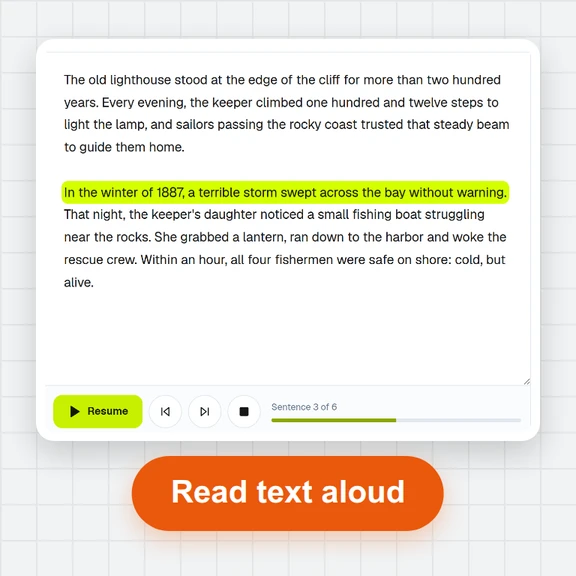 Text to SpeechTurn text into natural-sounding speech for free. 16 English voices, adjustable speed, read along as it plays and download MP3 or WAV. Runs in your browser, no sign-up.
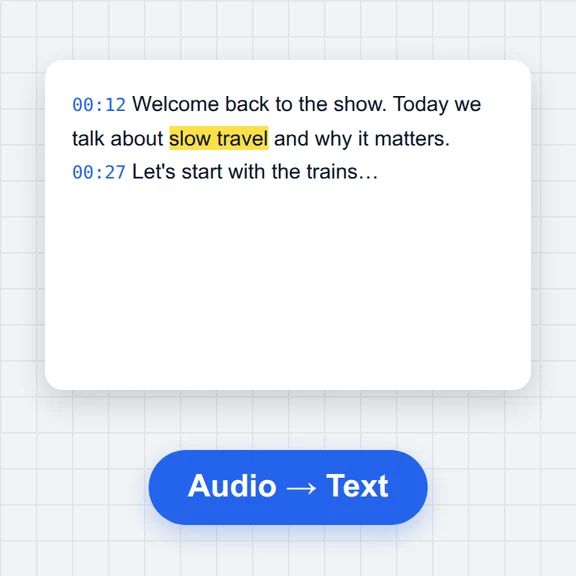 Speech to TextFree speech to text: transcribe audio, video and microphone recordings in about 100 languages. Edit the transcript, then download TXT, Word, SRT, VTT or JSON.
 Voice RecorderRecord your voice online for free: live level meter, pause and resume, playback, then save as MP3, WAV or WebM. Works in your browser. No upload, no sign-up.
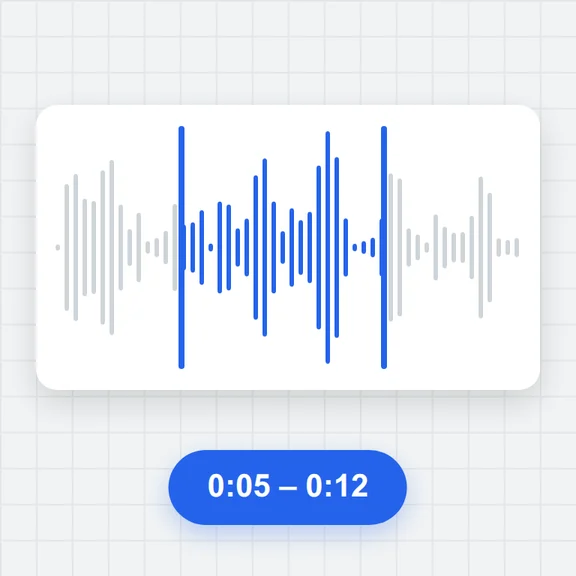 Audio TrimmerTrim MP3, WAV, M4A, OGG and FLAC files free: drag the handles on the waveform, preview the part, add fades and save as MP3 or WAV. No upload, no sign-up, no watermark.
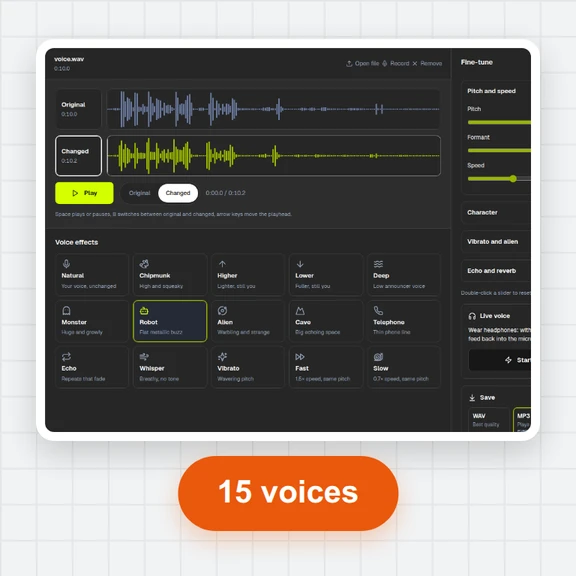 Voice ChangerChange your voice online free: record or open a file, pick robot, chipmunk, deep, alien, cave, telephone or whisper, fine-tune pitch, formant and speed, compare before and after, and save as MP3, WAV or WebM. No sign-up, no watermark.