
Add audio or video
Drop one or more audio or video files, or record from your microphone. Pick the language, or let it be detected.
Turn interviews, lectures, meetings and voice memos into text, in about 100 languages. Play along, fix any word, then download a Word file, plain text or subtitles.
Open Speech to Text →Drop one or more audio or video files, or record from your microphone. Pick the language, or let it be detected.
Press Transcribe and watch the text appear. Click a paragraph to hear it, and double-click to correct a word.
Copy the text, or download it as plain text, a Word document, SRT or VTT subtitles, or JSON with word times.
The text is split into readable paragraphs at pauses and sentence ends, each with its start time. Click one to play the recording from there.
Edit a paragraph in place, split it with Enter, join it with the one before, or replace a misheard name everywhere at once. Undo works too.
Add a whole folder of recordings: they are transcribed one after another, and you can download every transcript in a single ZIP.
Fast is a small download that handles clear speech well. Accurate is larger and slower and makes fewer mistakes with accents, noise and other languages.
No file? Record from your microphone and the recording is transcribed as soon as you stop.
Recognition runs on your own device. Your recordings and transcripts are never uploaded; the transcripts are kept in this browser until you remove them.
Use Manlin to reflect, plan and take your next step.

Yes. There is no account, no watermark and no limit on files or minutes. Recognition runs on your device, so you can use it as much as you like.
No. Your audio and video stay on your device and are transcribed in your browser. The only download is the speech model, the first time you use it; your browser keeps it for next time.
About 100, including English, Spanish, Chinese, Hindi, Arabic, French, German, Japanese, Portuguese and Russian. It detects the language from the first words, or you can choose it.
On clear English speech both sizes get about 95 words in 100 right. For other languages choose Accurate: in our Chinese test it got about 9 characters in 10 right, Fast only 6. Accents, noise, people talking over each other and rare names lower accuracy, so check names and numbers.
It depends on your device. On a fast desktop processor, Fast needed a fifth to a third of the recording's length and Accurate two fifths to a half; laptops and phones take longer, and browsers with WebGPU can use the graphics card. You see an estimate before you start and the time left while it works.
Audio such as MP3, WAV, M4A, AAC, OGG, Opus and FLAC, and videos such as MP4, MOV, WebM and MKV. Only the sound is used.
Yes. The text comes with the punctuation the speech model writes, and it is split into paragraphs at pauses and sentence ends. You can split and join paragraphs yourself.
Not yet. Long pauses usually start a new paragraph, which often follows a change of speaker; you can add names while you edit.
 Audio ConverterConvert audio to MP3, WAV, M4A, OGG or FLAC for free, pick the quality and cut out the part you need. Works with video too. No upload, no sign-up, no watermark.
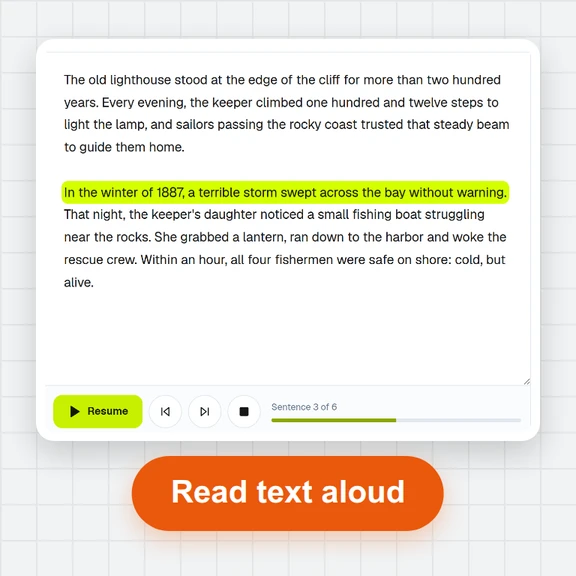 Text to SpeechTurn text into natural-sounding speech for free. 16 English voices, adjustable speed, read along as it plays and download MP3 or WAV. Runs in your browser, no sign-up.
 Voice RecorderRecord your voice online for free: live level meter, pause and resume, playback, then save as MP3, WAV or WebM. Works in your browser. No upload, no sign-up.
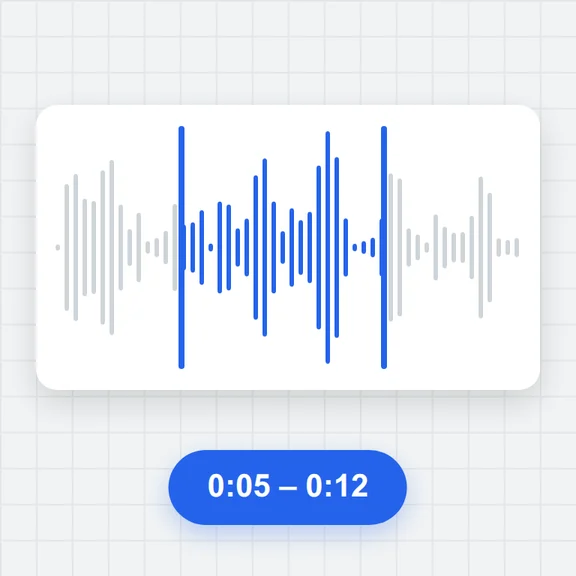 Audio TrimmerTrim MP3, WAV, M4A, OGG and FLAC files free: drag the handles on the waveform, preview the part, add fades and save as MP3 or WAV. No upload, no sign-up, no watermark.
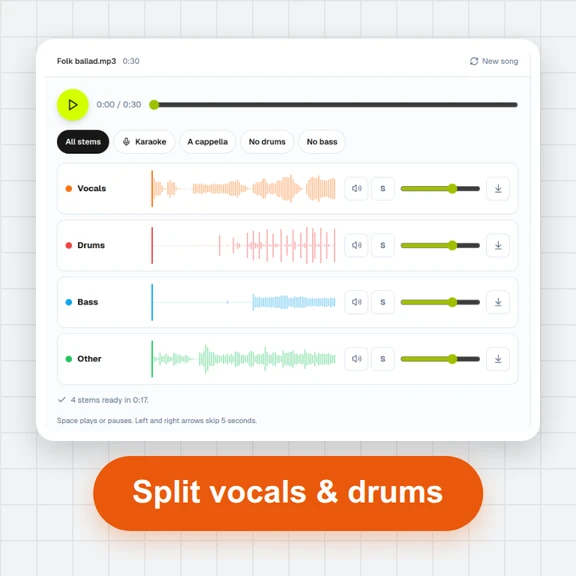 Vocal Remover & Stem SplitterRemove vocals from any song for free, or split it into vocals, drums, bass and other. AI separation runs in your browser: mix the stems, make karaoke tracks and download WAV or MP3. No upload, no sign-up.
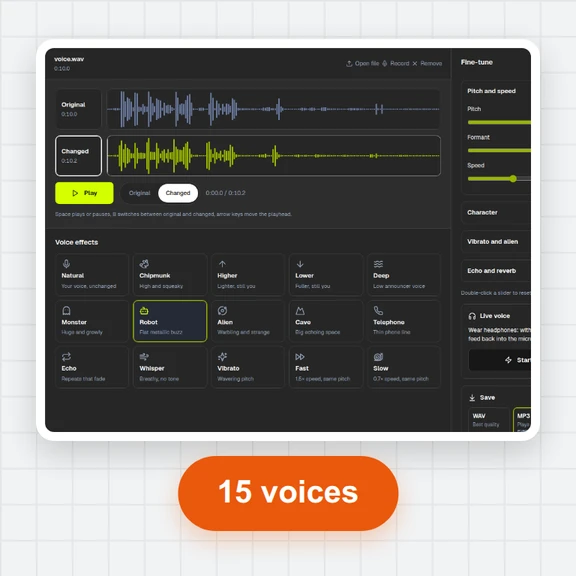 Voice ChangerChange your voice online free: record or open a file, pick robot, chipmunk, deep, alien, cave, telephone or whisper, fine-tune pitch, formant and speed, compare before and after, and save as MP3, WAV or WebM. No sign-up, no watermark.