
Add a voice
Record with your microphone, or drop an audio or video file: MP3, WAV, M4A, OGG, WebM or MP4.
Record your voice or open any audio or video file, then pick from 15 voice effects or shape your own with pitch, formant, speed, echo and reverb. Compare before and after on the waveform, try it live with headphones, and save the result as MP3, WAV or WebM.
Open Voice Changer →Record with your microphone, or drop an audio or video file: MP3, WAV, M4A, OGG, WebM or MP4.
Choose a preset such as Robot, Chipmunk or Cave, then fine-tune pitch, formant, speed, echo and reverb. Press B to compare with the original.
Choose MP3, WAV or WebM and download your changed voice.
Speak 10 to 20 cm from the microphone in a quiet room. Effects like Cave and Echo add their own space, so a dry recording works best.
Pitch moves the note of your voice; formant moves its tone. Raise both for a cartoon voice, or change only the pitch to sound higher or lower and still like yourself.
Start from a preset and add more: a deep voice with a little reverb, a robot with echo, or a whisper in a cave.
Live mode plays your changed voice as you speak. Headphones stop the speakers feeding back into the microphone.
Use Manlin to reflect, plan and take your next step.

Yes. Change and download as many recordings as you like, with no account and no watermark.
No. Your voice is processed in your browser and never leaves your device, so it is safe for private recordings.
Natural, Chipmunk, Higher, Lower, Deep, Monster, Robot, Alien, Cave, Telephone, Echo, Whisper, Vibrato, Fast and Slow. Every preset can be fine-tuned with pitch, formant, speed, drive, vibrato, ring modulation, echo and reverb.
Pitch is the note your voice sits on. Formants are the resonances that make it sound like a person, a child or a giant. Changing pitch alone keeps your voice recognisable; moving formants with it gives cartoon and monster voices.
Yes. The Speed slider makes speech faster or slower from 0.5× to 2× while the pitch stays where you set it.
MP3, WAV, M4A, AAC, OGG, Opus, FLAC and WebM audio, and the sound of MP4, MOV and WebM videos, up to 5 minutes long.
Choose MP3 for small files that play everywhere, WAV for the best quality, or WebM for the web, then press Download.
Yes. Put on headphones and press Start live voice: you hear the selected effect as you speak. To keep a take, record it and save it as a file.
Yes. It works in current mobile browsers: record with the phone microphone or open a voice memo, pick an effect and download the result.
 Audio ConverterConvert audio to MP3, WAV, M4A, OGG or FLAC for free, pick the quality and cut out the part you need. Works with video too. No upload, no sign-up, no watermark.
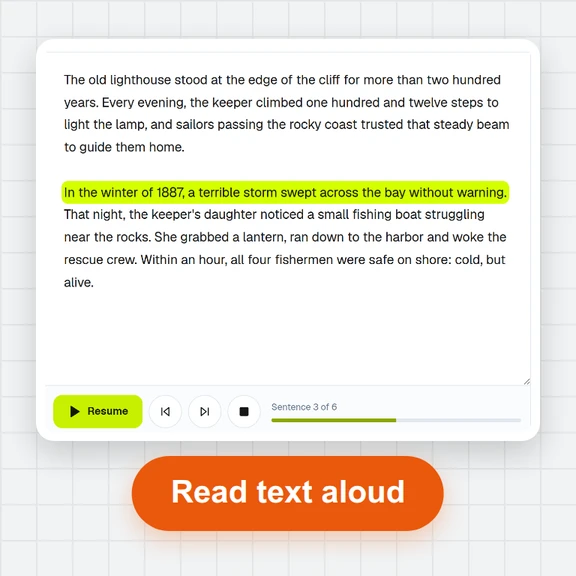 Text to SpeechTurn text into natural-sounding speech for free. 16 English voices, adjustable speed, read along as it plays and download MP3 or WAV. Runs in your browser, no sign-up.
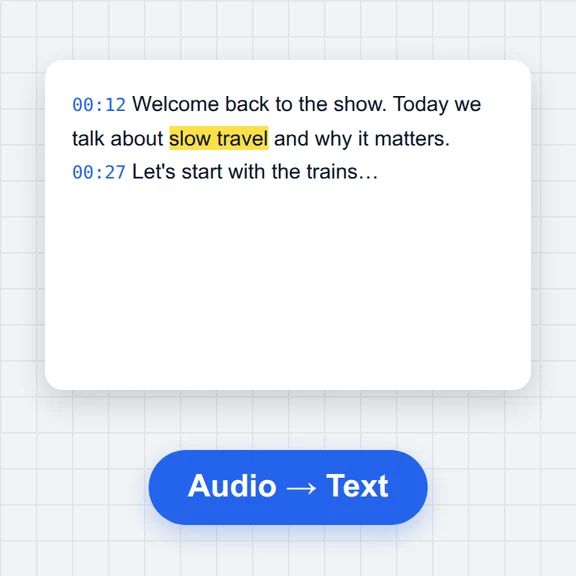 Speech to TextFree speech to text: transcribe audio, video and microphone recordings in about 100 languages. Edit the transcript, then download TXT, Word, SRT, VTT or JSON.
 Voice RecorderRecord your voice online for free: live level meter, pause and resume, playback, then save as MP3, WAV or WebM. Works in your browser. No upload, no sign-up.
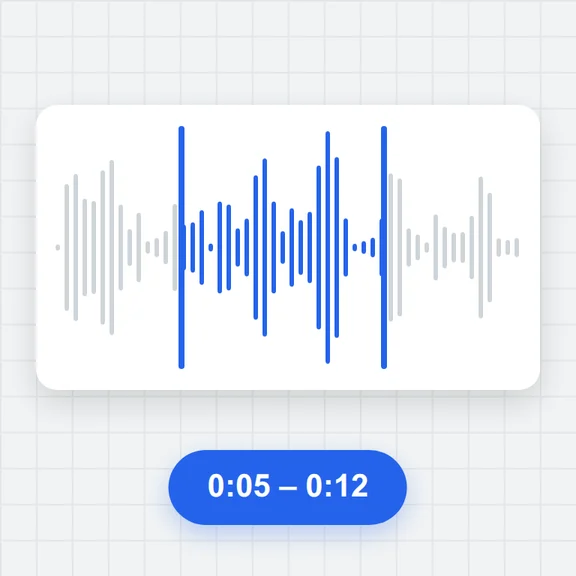 Audio TrimmerTrim MP3, WAV, M4A, OGG and FLAC files free: drag the handles on the waveform, preview the part, add fades and save as MP3 or WAV. No upload, no sign-up, no watermark.
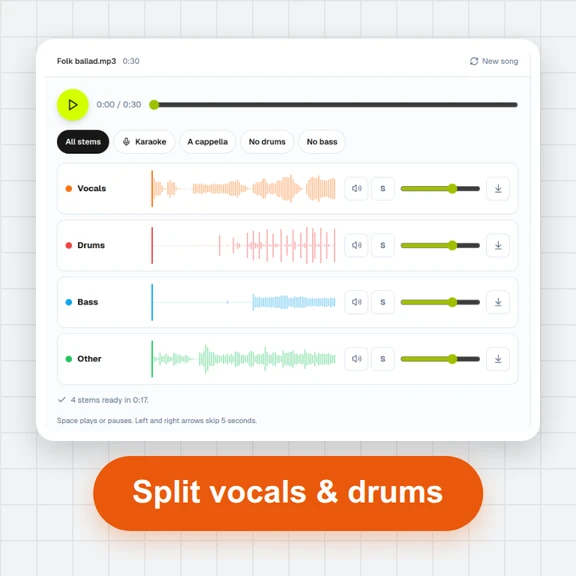 Vocal Remover & Stem SplitterRemove vocals from any song for free, or split it into vocals, drums, bass and other. AI separation runs in your browser: mix the stems, make karaoke tracks and download WAV or MP3. No upload, no sign-up.