
Add your file
Drop, choose or paste an audio file, or a video whose sound you want.
Drag the start and end handles on the waveform, play the part to check it and add a fade in or out. Save it as MP3 or WAV, or keep the original format without re-encoding.
Open Audio Trimmer →Drop, choose or paste an audio file, or a video whose sound you want.
Drag the handles on the waveform or type the start and end, press Play selection to check it, and add a fade if you like.
Choose MP3, WAV or the original format, listen to the result and download it.
Use Manlin to reflect, plan and take your next step.

Yes. Trim as many files as you like, with no account and no watermark.
No. Your audio is trimmed in your browser and never leaves your device, so it's safe for private recordings.
Open the MP3, drag the two handles on the waveform (or type the start and end in seconds), press Play selection to check the part, then press Trim audio and download the file.
Not with Original format: the part is copied without re-encoding, so the sound is identical. MP3 and WAV outputs are re-encoded; choose a higher MP3 quality or WAV to stay as close as possible to the original.
Enter the length of the fade in seconds under Fade. The sound rises from silence at the start, or falls to silence at the end, of the part you keep. Fades need MP3 or WAV output.
MP3, M4A, AAC, WAV, FLAC, OGG and Opus files, and the sound of MP4, MOV, WebM and MKV videos. WMA files can't be opened in the browser.
Yes. Select the 10 to 30 seconds you want, add a short fade, and save it as MP3.
Files up to 1 GB can be opened. WAV output of long recordings can be large, so make sure your device has enough free memory.
 Audio ConverterConvert audio to MP3, WAV, M4A, OGG or FLAC for free, pick the quality and cut out the part you need. Works with video too. No upload, no sign-up, no watermark.
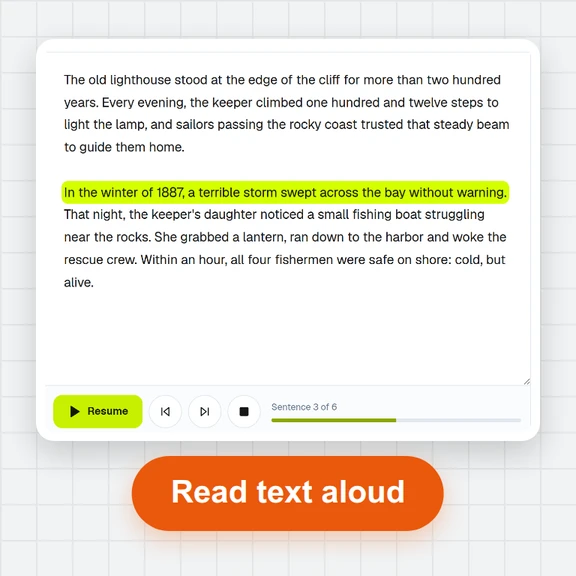 Text to SpeechTurn text into natural-sounding speech for free. 16 English voices, adjustable speed, read along as it plays and download MP3 or WAV. Runs in your browser, no sign-up.
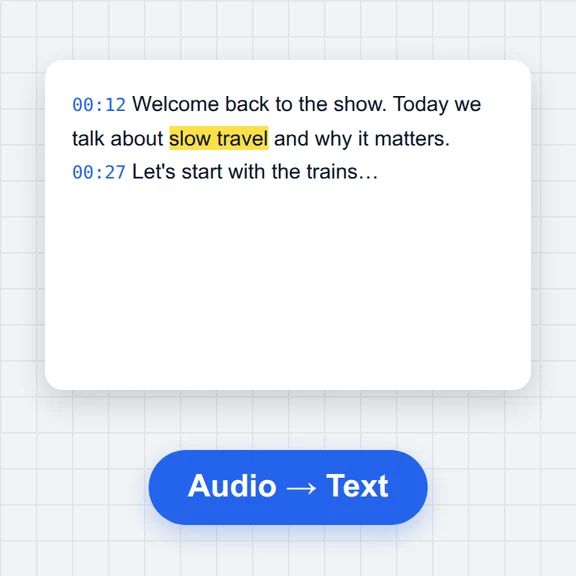 Speech to TextFree speech to text: transcribe audio, video and microphone recordings in about 100 languages. Edit the transcript, then download TXT, Word, SRT, VTT or JSON.
 Voice RecorderRecord your voice online for free: live level meter, pause and resume, playback, then save as MP3, WAV or WebM. Works in your browser. No upload, no sign-up.
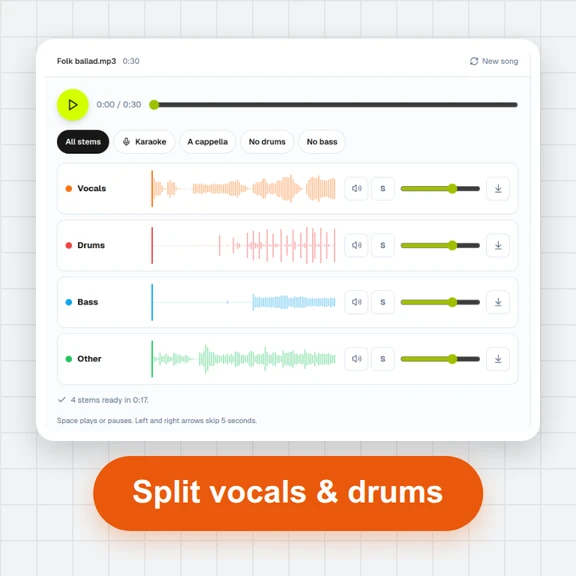 Vocal Remover & Stem SplitterRemove vocals from any song for free, or split it into vocals, drums, bass and other. AI separation runs in your browser: mix the stems, make karaoke tracks and download WAV or MP3. No upload, no sign-up.
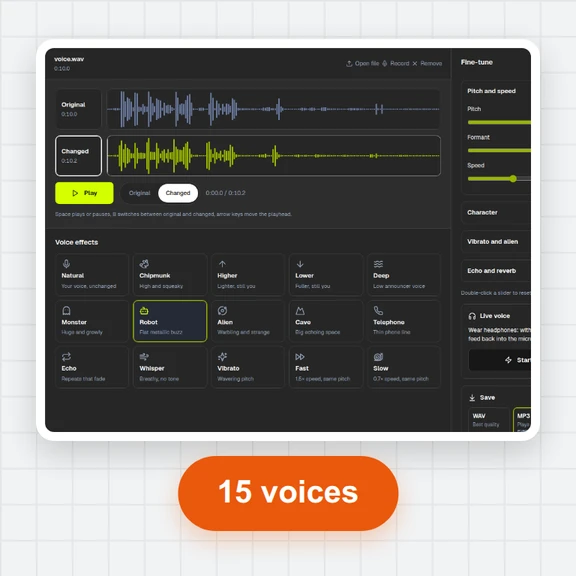 Voice ChangerChange your voice online free: record or open a file, pick robot, chipmunk, deep, alien, cave, telephone or whisper, fine-tune pitch, formant and speed, compare before and after, and save as MP3, WAV or WebM. No sign-up, no watermark.