
Open the PDF
Drop the protected PDF onto the page, paste it, or choose it from your device.
Type the password once and save a copy that opens without it. Restrictions on printing, copying and editing come off too. The PDF and the password stay on your device. Unknown passwords are not guessed or cracked.
Open Unlock PDF →Drop the protected PDF onto the page, paste it, or choose it from your device.
Enter the password that opens it. PDFs that only restrict printing or copying are unlocked right away.
Save the unlocked PDF. It opens without a password and has no restrictions.
The copy opens in any reader without asking for a password.
Print, copy, edit, comment and fill in forms again.
The file is decrypted in your browser. Neither the PDF nor the password is uploaded.
Use Manlin to reflect, plan and take your next step.

No. You need the password that opens the PDF (or its owner password). The tool doesn’t guess or crack passwords. PDFs that open without a password but block printing or copying can be unlocked without one.
No. The PDF is decrypted in your browser with the password you type. Nothing is sent anywhere.
An open password is needed to view the PDF at all. Restrictions (an owner password) let anyone open the file but stop printing, copying or editing. This tool removes both.
Password-protected PDFs using AES-256, AES-128 and RC4 (128 and 40 bit), which covers files from Acrobat, Word, and most other apps. PDFs locked with a certificate or a vendor’s own system can’t be unlocked here.
No. Pages, text, pictures, links, bookmarks and form fields stay as they are; only the encryption is removed. Digital signatures no longer validate, because the signed file has changed.
Yes. No account, no limit and no watermark.
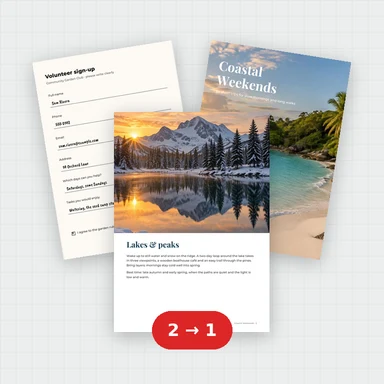 Merge PDFMerge PDF files into one, free: drag to set the order, combine any number of PDFs and download. No upload, no sign-up, no watermark, no file limits.
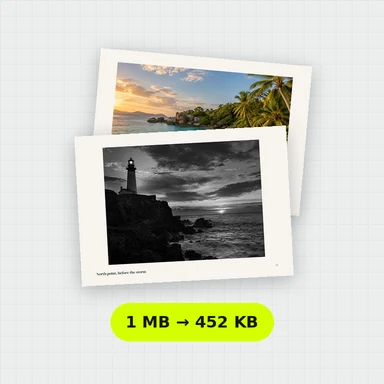 Compress PDFCompress a PDF free: shrink its pictures to reduce the file size while text stays sharp and searchable. Choose the level, see the result. No upload, no sign-up, no watermark.
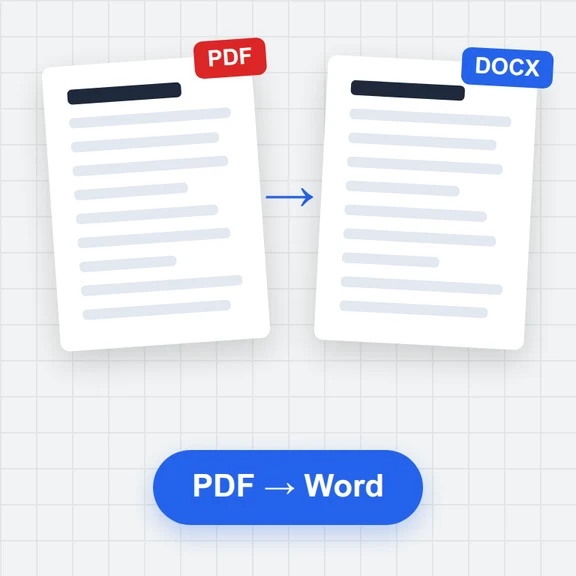 PDF to WordConvert PDF to an editable Word document (.docx) free. Keeps paragraphs, headings, lists, tables, pictures and links. Runs in your browser: no upload, no sign-up, no watermark.
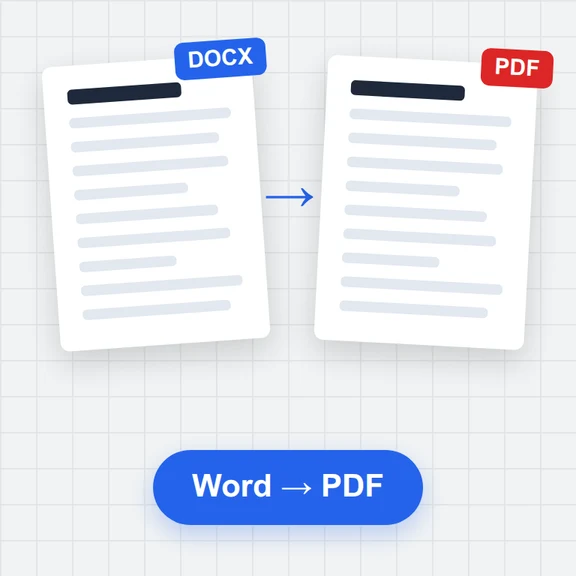 Word to PDFConvert Word documents (.docx) to PDF free. Real, selectable text, tables, pictures, headers and page numbers. Runs in your browser: no upload, no sign-up, no watermark.
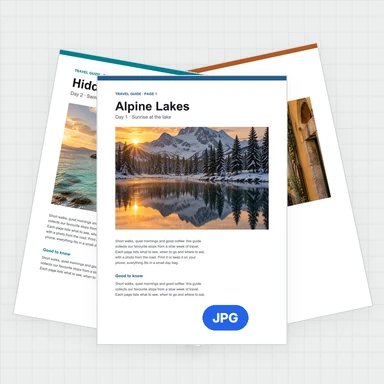 PDF to JPG ConverterConvert PDF to JPG, PNG or WebP free: pick pages, set the DPI up to 300 or more, download one image or a ZIP. Extract pictures too. No upload, no limits, no watermark.
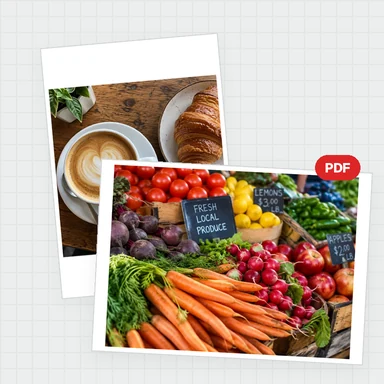 Image to PDF ConverterConvert JPG, PNG and other images to one PDF free: reorder and rotate, choose A4, Letter or image size, margins and several images per page. No upload, no watermark.