
Open your PDF
Drop a PDF onto the page, paste it, or choose it. Password-protected files ask for their password.
Turn a PDF into a Word document you can edit: paragraphs, headings, bullet and numbered lists, tables, pictures, links, headers and footers are rebuilt. Your file is converted on your device and never uploaded.
Open PDF to Word →Drop a PDF onto the page, paste it, or choose it. Password-protected files ask for their password.
Editable gives flowing text that is easy to change; Exact layout keeps every block where it was. Convert all pages or a range.
Preview the result, then download a .docx file that opens in Word and other word processors.
Lines are joined into paragraphs, columns are read in order, and headings, bullet lists and numbered lists become real Word headings and lists.
Tables drawn with lines become Word tables with borders, shading and merged cells. Photos are copied in; charts and drawings come in as pictures.
The PDF is read and converted inside your browser. Nothing is uploaded.
Use Manlin to reflect, plan and take your next step.

Yes. Convert as many PDFs as you like with no account, no daily limit and no watermark.
No. The PDF is read and converted in your browser and never leaves your device.
Editable mode rebuilds the content as flowing text, so the result is easy to edit but can differ a little from the PDF where your computer lacks the PDF’s fonts. Exact layout places every block where it was on the page, so it looks closer but is harder to edit.
Yes. Tables drawn with lines become real Word tables with their borders, shading and merged cells. Tables laid out with spaces only, without lines, come through as text with tabs.
A scanned PDF has pictures of pages instead of text. Run it through OCR first to get text; the converter tells you when pages are scanned.
Yes, if you know the password. Type it when asked; it is used only in your browser.
Yes. Type the pages you want, for example 1-3, 7.
The .docx file is a standard Word document: it opens in Word and in other word processors and online editors that read .docx.
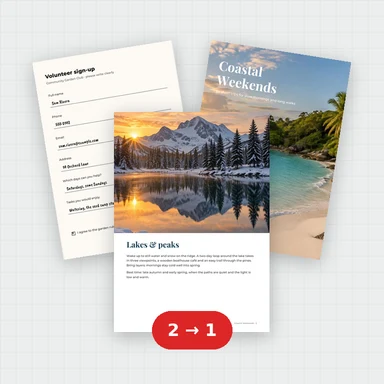 Merge PDFMerge PDF files into one, free: drag to set the order, combine any number of PDFs and download. No upload, no sign-up, no watermark, no file limits.
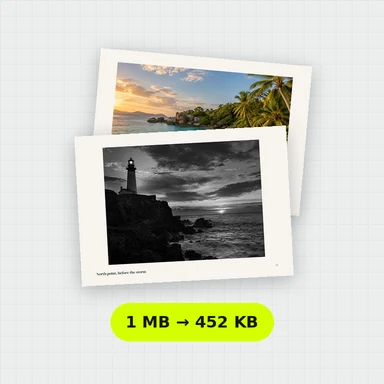 Compress PDFCompress a PDF free: shrink its pictures to reduce the file size while text stays sharp and searchable. Choose the level, see the result. No upload, no sign-up, no watermark.
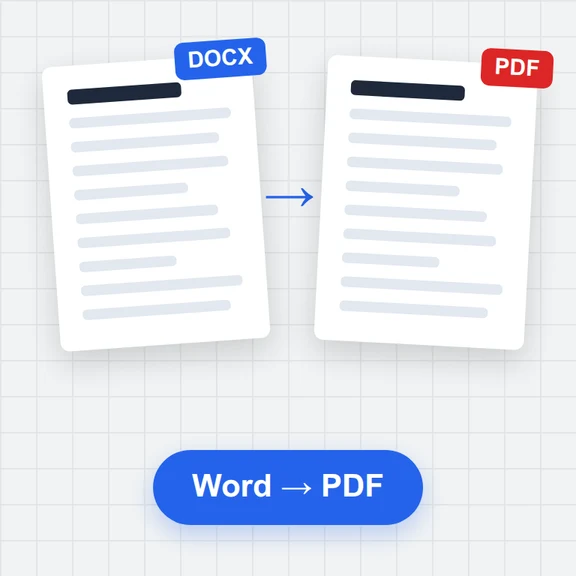 Word to PDFConvert Word documents (.docx) to PDF free. Real, selectable text, tables, pictures, headers and page numbers. Runs in your browser: no upload, no sign-up, no watermark.
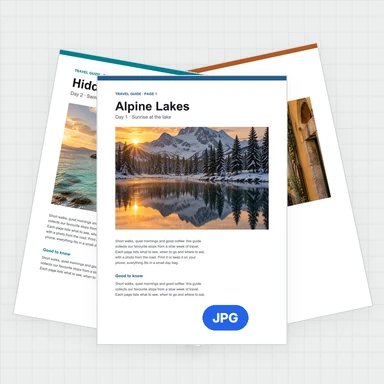 PDF to JPG ConverterConvert PDF to JPG, PNG or WebP free: pick pages, set the DPI up to 300 or more, download one image or a ZIP. Extract pictures too. No upload, no limits, no watermark.
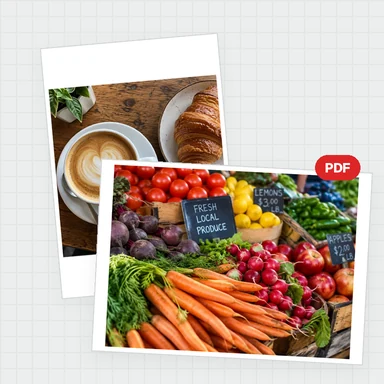 Image to PDF ConverterConvert JPG, PNG and other images to one PDF free: reorder and rotate, choose A4, Letter or image size, margins and several images per page. No upload, no watermark.
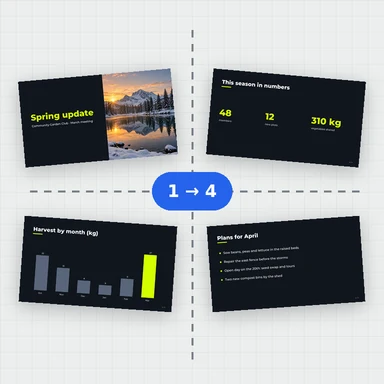 Split PDFSplit a PDF free: by page ranges, into single pages or every few pages, or extract the pages you pick. Download a PDF or a ZIP. No upload, no sign-up, no watermark.