
Open your PDF
Drop a PDF. Its current size and page count appear.
Reduce a PDF’s file size for email and upload forms by shrinking the pictures inside it. Text and drawings stay sharp and searchable. You see the new size before you download.
Open Compress PDF →Drop a PDF. Its current size and page count appear.
Recommended suits most files. Strong is smaller; Light keeps more detail.
See the size before and after, then download, or try another level.
Use Manlin to reflect, plan and take your next step.

Yes. Compress as many PDFs as you like with no account, no daily limit and no watermark.
No. The PDF is compressed in your browser and never leaves your device.
Large pictures are resized and saved as efficient JPEGs. Text, fonts and drawings are left as they are, so they stay sharp and the text stays searchable.
Recommended suits most files, including email and upload forms. Choose Strong when you need the smallest file with selectable text, and Light to keep photos at print quality.
A PDF that is mostly text, or whose pictures are already small, has little to shrink. Scanned documents and PDFs with photos shrink the most. Maximum turns every page into a picture, which can help with complex drawings, but the text is then no longer selectable.
Yes. Transparency masks are kept exactly, and special colour spaces such as CMYK print images are left untouched.
Not directly. Open the file, save a copy without a password, and compress that copy.
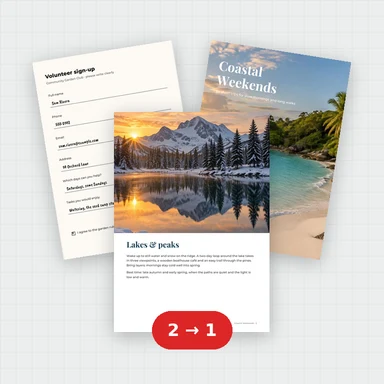 Merge PDFMerge PDF files into one, free: drag to set the order, combine any number of PDFs and download. No upload, no sign-up, no watermark, no file limits.
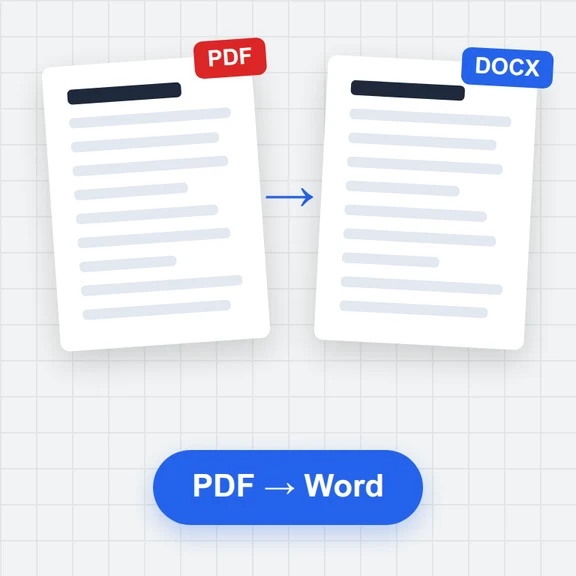 PDF to WordConvert PDF to an editable Word document (.docx) free. Keeps paragraphs, headings, lists, tables, pictures and links. Runs in your browser: no upload, no sign-up, no watermark.
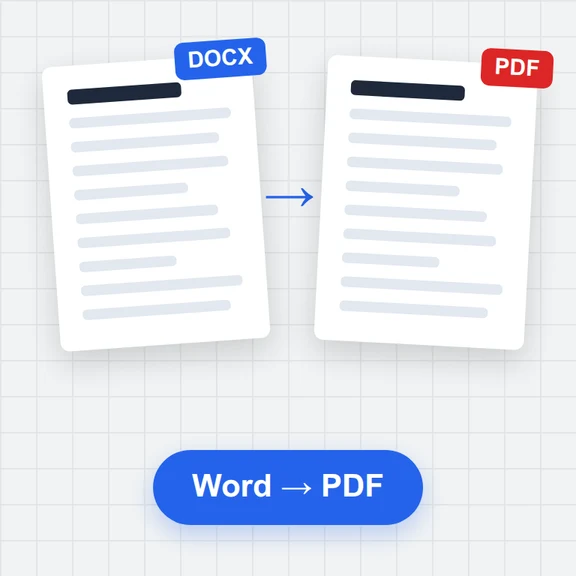 Word to PDFConvert Word documents (.docx) to PDF free. Real, selectable text, tables, pictures, headers and page numbers. Runs in your browser: no upload, no sign-up, no watermark.
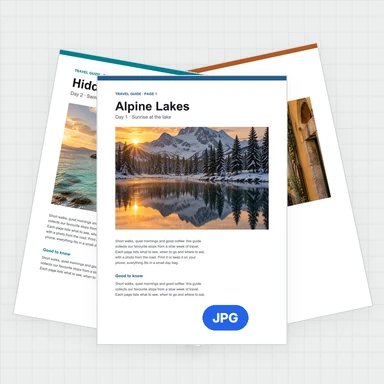 PDF to JPG ConverterConvert PDF to JPG, PNG or WebP free: pick pages, set the DPI up to 300 or more, download one image or a ZIP. Extract pictures too. No upload, no limits, no watermark.
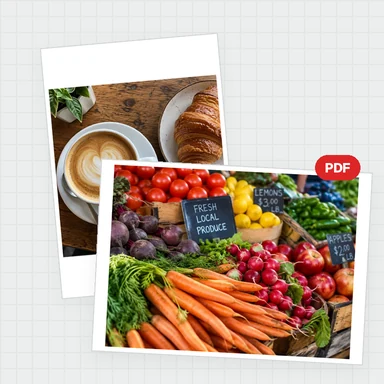 Image to PDF ConverterConvert JPG, PNG and other images to one PDF free: reorder and rotate, choose A4, Letter or image size, margins and several images per page. No upload, no watermark.
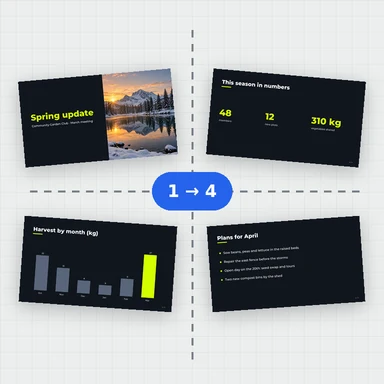 Split PDFSplit a PDF free: by page ranges, into single pages or every few pages, or extract the pages you pick. Download a PDF or a ZIP. No upload, no sign-up, no watermark.