
Open your PDF
Drop the document you need to sign. Its pages appear one below the other.
Draw, type or upload your signature and place it anywhere on your PDF, with today’s date if you need it. No account, and your document never leaves your device.
Open Sign PDF →Drop the document you need to sign. Its pages appear one below the other.
Draw it, type your name in a handwriting style, or upload a photo of your signature.
Drag it into place, resize it, add the date, and download the signed PDF.
Use Manlin to reflect, plan and take your next step.

Yes. Sign as many documents as you like with no account and no watermark.
No. The PDF and your signature stay in your browser and never leave your device.
Draw it with a mouse, finger or stylus; type your name and pick a handwriting style; or upload a photo or scan of your signature on paper. The paper background is removed automatically.
Yes. Scroll to a page and click your saved signature to place it there again. You can place as many signatures and dates as you need.
It adds a visual signature, the same as signing a printed page and scanning it, which many everyday agreements accept. It is not a certificate-based digital signature; check what the recipient requires for formal contracts.
Yes. It’s saved into the page at high resolution with a transparent background, so it prints over lines and text like real ink.
Not directly. Open the file, save a copy without a password, and sign that copy.
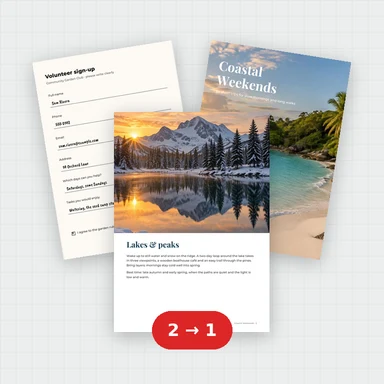 Merge PDFMerge PDF files into one, free: drag to set the order, combine any number of PDFs and download. No upload, no sign-up, no watermark, no file limits.
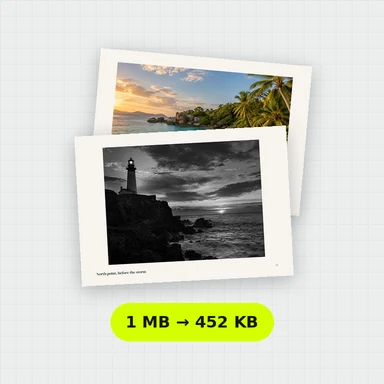 Compress PDFCompress a PDF free: shrink its pictures to reduce the file size while text stays sharp and searchable. Choose the level, see the result. No upload, no sign-up, no watermark.
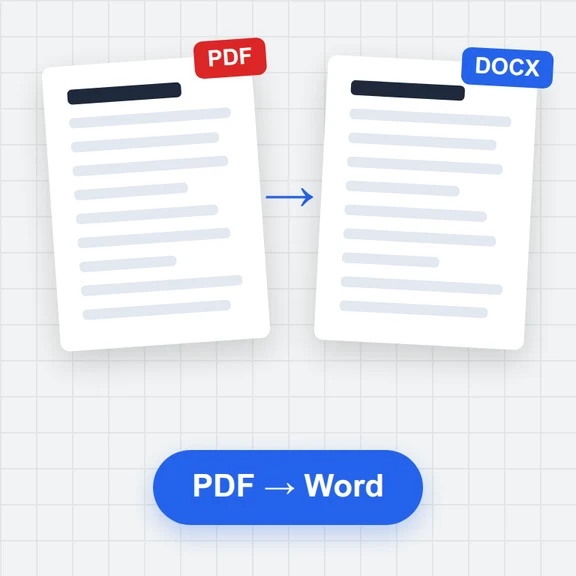 PDF to WordConvert PDF to an editable Word document (.docx) free. Keeps paragraphs, headings, lists, tables, pictures and links. Runs in your browser: no upload, no sign-up, no watermark.
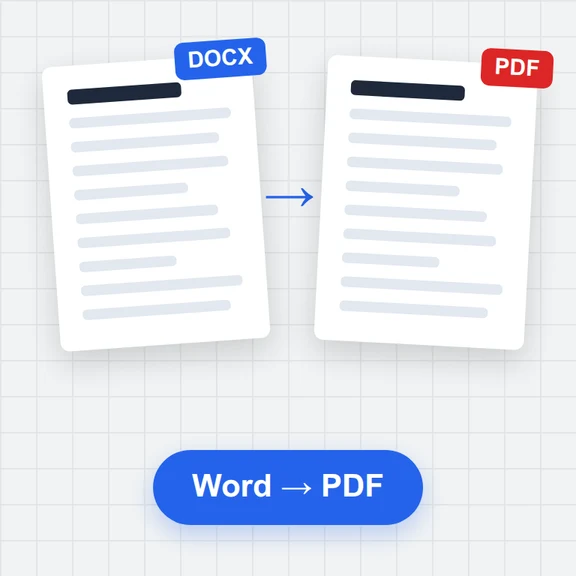 Word to PDFConvert Word documents (.docx) to PDF free. Real, selectable text, tables, pictures, headers and page numbers. Runs in your browser: no upload, no sign-up, no watermark.
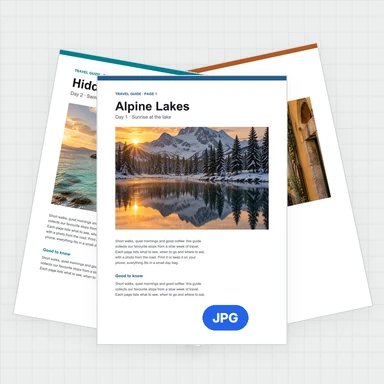 PDF to JPG ConverterConvert PDF to JPG, PNG or WebP free: pick pages, set the DPI up to 300 or more, download one image or a ZIP. Extract pictures too. No upload, no limits, no watermark.
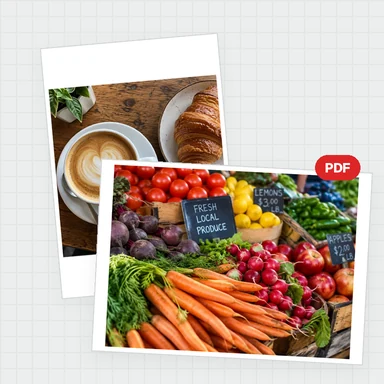 Image to PDF ConverterConvert JPG, PNG and other images to one PDF free: reorder and rotate, choose A4, Letter or image size, margins and several images per page. No upload, no watermark.