
Open your PDF
Drop a PDF onto the page, paste it, or choose it from your device. Type the password if it has one.
Turn every PDF page into a slide: text becomes text boxes you can edit, pictures stay pictures you can move, all where they were on the page. The PDF is converted on your device and never uploaded.
Open PDF to PowerPoint →Drop a PDF onto the page, paste it, or choose it from your device. Type the password if it has one.
Keep “Editable” to get text boxes and pictures, or choose “Pictures only”. Pick the pages, or convert all of them.
Open it in PowerPoint, Keynote or Google Slides and edit the text right on the slides.
Each block of text is a text box with its font, size, colour, bold and italic, placed where it was on the page. Links keep working.
Photos become pictures you can move and resize; shapes, lines and backgrounds look as in the PDF. The slide has the page’s size.
The PDF is read and converted inside your browser. Nothing is uploaded.
Use Manlin to reflect, plan and take your next step.

Yes. Convert as many PDFs as you like with no account, no daily limit and no watermark.
No. The PDF is read and converted in your browser, and the PowerPoint file is made on your device.
Yes. Text becomes text boxes with the PDF’s fonts, sizes and colours. Each line keeps its place, so the slide looks like the page; you can then edit, restyle or move the text.
Photos and other pictures become separate pictures you can move. Shapes, lines, fills and drawn charts make up each slide’s background picture, so the slide looks like the PDF page.
Each page is put on its slide as a single picture. The slides look exactly like the PDF, but the text can’t be edited. Useful for presenting a PDF as it is.
The size of the first page you convert, so a landscape PDF gives widescreen slides and an A4 page gives A4 slides. Pages of other shapes are fitted onto the slides.
Scanned pages have no text, so they are placed on their slides as pictures. Run them through OCR first to get editable text.
Any app that opens .pptx: PowerPoint, Keynote, Google Slides and LibreOffice Impress.
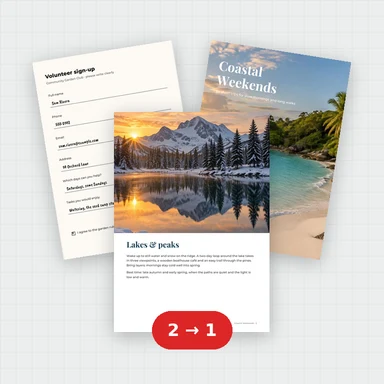 Merge PDFMerge PDF files into one, free: drag to set the order, combine any number of PDFs and download. No upload, no sign-up, no watermark, no file limits.
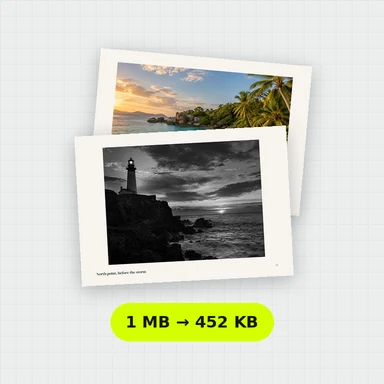 Compress PDFCompress a PDF free: shrink its pictures to reduce the file size while text stays sharp and searchable. Choose the level, see the result. No upload, no sign-up, no watermark.
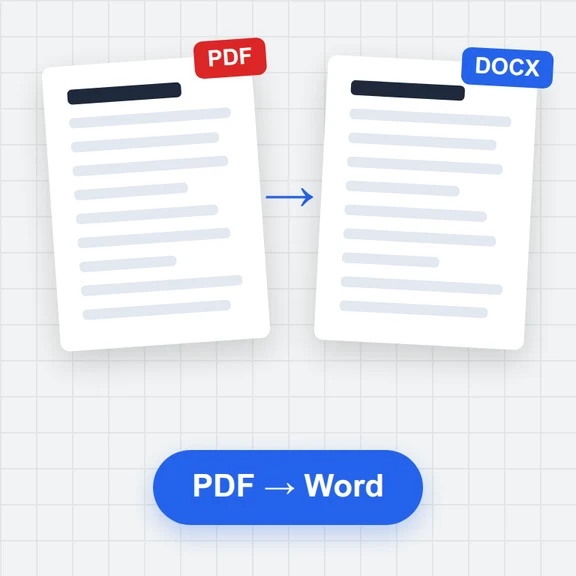 PDF to WordConvert PDF to an editable Word document (.docx) free. Keeps paragraphs, headings, lists, tables, pictures and links. Runs in your browser: no upload, no sign-up, no watermark.
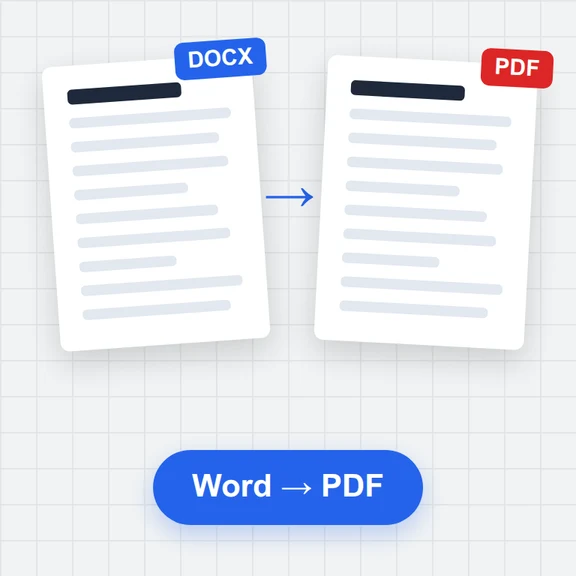 Word to PDFConvert Word documents (.docx) to PDF free. Real, selectable text, tables, pictures, headers and page numbers. Runs in your browser: no upload, no sign-up, no watermark.
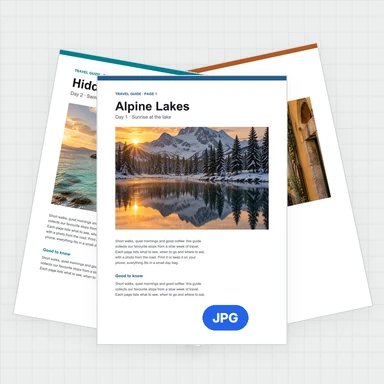 PDF to JPG ConverterConvert PDF to JPG, PNG or WebP free: pick pages, set the DPI up to 300 or more, download one image or a ZIP. Extract pictures too. No upload, no limits, no watermark.
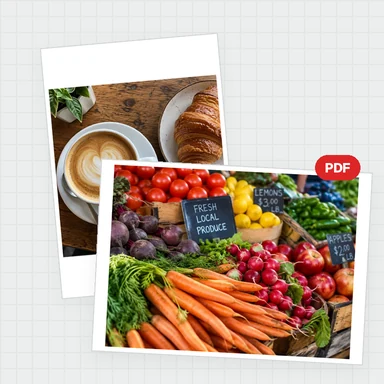 Image to PDF ConverterConvert JPG, PNG and other images to one PDF free: reorder and rotate, choose A4, Letter or image size, margins and several images per page. No upload, no watermark.