
Open your PDF
Drop a PDF with tables. Every page is read and the tables it contains are outlined.
Find the tables in a PDF, with or without borders, even when they continue over several pages. Numbers, currencies, percentages and dates become real values you can calculate with. Check and fix each table, then download an Excel file or CSV.
Open PDF to Excel →Drop a PDF with tables. Every page is read and the tables it contains are outlined.
Edit cells, choose header rows, join or split tables, or draw a box around a table that was missed.
Get an Excel file with one sheet per table, per page or all together, or a CSV.
Use Manlin to reflect, plan and take your next step.

Yes. Convert as many PDFs as you like, with no account, no daily limit and no watermark.
No. The PDF is read in your browser and never leaves your device.
Tables drawn with lines, including merged cells, and tables without borders whose columns line up. A table that continues on the next page is joined into one, and its repeated header is left out. If a table is missed, draw a box around it on the page.
Yes. Thousands separators, currencies, percentages, negative numbers in brackets and common date formats become real numbers and dates with matching formats. Codes with leading zeros, long IDs and phone numbers stay as text.
A scanned PDF is a picture of the page with no text to read. Use the free OCR tool to turn it into a searchable PDF first, then convert that.
Yes. Type the password and the PDF is unlocked in your browser.
Choose one sheet per table, one sheet per page, or all tables on one sheet. Header rows are bold and stay visible when you scroll.
Yes. Edit any cell, delete or add rows and columns, move text into the right column, mark header rows, and split or join tables. Undo and redo work for every change.
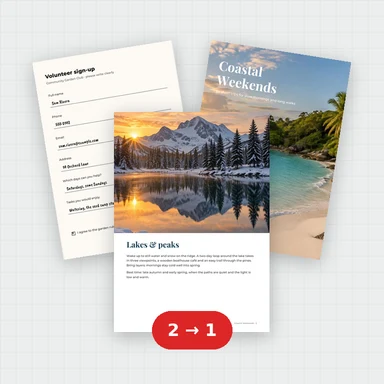 Merge PDFMerge PDF files into one, free: drag to set the order, combine any number of PDFs and download. No upload, no sign-up, no watermark, no file limits.
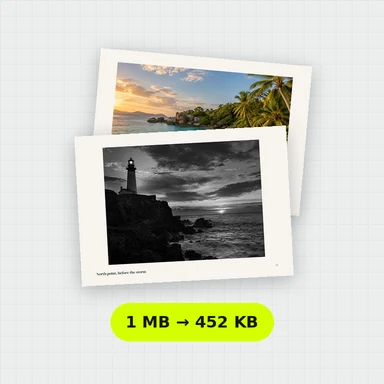 Compress PDFCompress a PDF free: shrink its pictures to reduce the file size while text stays sharp and searchable. Choose the level, see the result. No upload, no sign-up, no watermark.
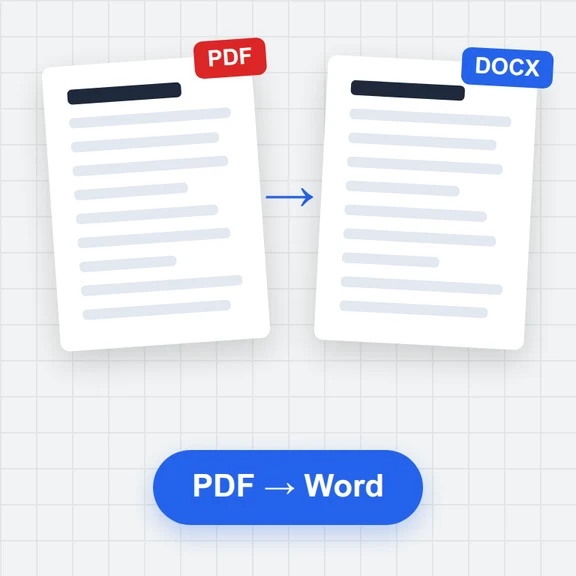 PDF to WordConvert PDF to an editable Word document (.docx) free. Keeps paragraphs, headings, lists, tables, pictures and links. Runs in your browser: no upload, no sign-up, no watermark.
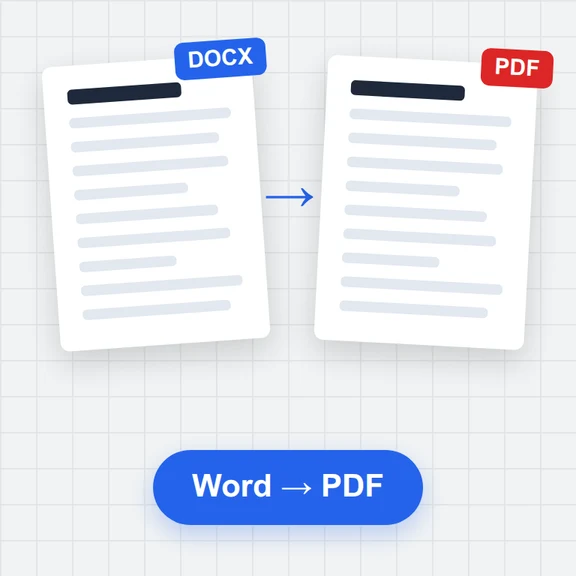 Word to PDFConvert Word documents (.docx) to PDF free. Real, selectable text, tables, pictures, headers and page numbers. Runs in your browser: no upload, no sign-up, no watermark.
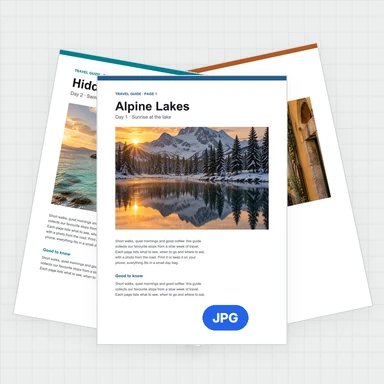 PDF to JPG ConverterConvert PDF to JPG, PNG or WebP free: pick pages, set the DPI up to 300 or more, download one image or a ZIP. Extract pictures too. No upload, no limits, no watermark.
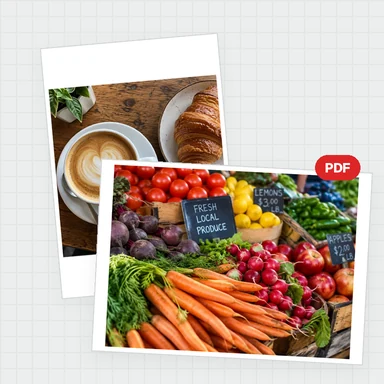 Image to PDF ConverterConvert JPG, PNG and other images to one PDF free: reorder and rotate, choose A4, Letter or image size, margins and several images per page. No upload, no watermark.