
Open your PDF
Drop the file. Every page is checked in your browser; password-protected files open with their password.
Check fonts, image resolution, colours, bleed and page boxes, hairlines, small text, transparency and more, with every problem marked on the page. Pick a profile for offset, digital, book or large-format printing, fix page boxes and bleed, and download a report for your printer.
Open PDF Preflight →Drop the file. Every page is checked in your browser; password-protected files open with their password.
Offset, digital, book, large format or screen. Each sets its own limits for resolution, bleed, ink, hairlines and text; change any of them in Settings.
Click an issue to see it marked on the page, apply the safe fixes, and download the PDF, JSON or CSV report.
Fonts that aren’t embedded, Type 3 fonts, and fonts used only for invisible text, with the pages they appear on.
Pixels per inch at the size each picture is placed, with separate limits for photos and 1-bit line art, plus each image’s colour space.
RGB and Lab objects, spot colours by name, registration colour, rich black small text, white overprint, and total ink of colours and CMYK pictures.
Trim, bleed and art boxes drawn on the page, missing bleed where artwork reaches the edge, empty bleed, and text too close to the cut.
Common print-on-demand trim sizes, bleed on the outside edges only, and an inside margin that grows with the page count.
Hairlines, small text, transparency, mixed page sizes, rotation, comments and form fields, hidden layers, protection, PDF version, output intent and PDF/X.
Use Manlin to reflect, plan and take your next step.

Preflight is the check a print shop runs before printing: are the fonts embedded, are the pictures sharp enough at their size, are the colours right for the press, is there bleed where the artwork reaches the edge, and so on. This tool runs those checks and marks every problem on the page.
No. The PDF is read, checked and fixed in your browser and never leaves your device. Only the PDF report downloads open fonts once, so it can print text in any language.
As effective resolution: an image’s pixels divided by the size it is placed at on the page. A 3000-pixel photo placed 10 inches wide has 300 ppi; the same photo placed 20 inches wide has 150 ppi.
Offset for commercial CMYK printing (strictest), Digital for print-shop and office digital presses, Book printing for book interiors, Large format for posters and banners viewed from a distance, and Web / screen for PDFs that are only read on screens. Every limit can be changed in Settings.
It follows the rules common to print-on-demand services such as Amazon KDP and IngramSpark: a fixed trim size, 0.125 in (3.2 mm) bleed on the top, bottom and outside edges, text at least 0.25 in from the edges, and an inside margin from 0.375 in to 0.875 in depending on the page count. Always check your service’s current requirements.
It adds up the C, M, Y and K values of every colour in the file and of CMYK pictures (averaged over about a square millimetre). It doesn’t simulate overprinting or transparency, which can add more ink where objects overlap, and it doesn’t measure RGB content, which gets its ink only when converted.
It can set trim and bleed boxes, add bleed (blank, or with the artwork mirrored at the edge), resize pages to a trim size, flatten annotations and form fields into the page, and delete hidden layers. It does not convert colours, increase image resolution or embed missing fonts: those need the original design file.
It reads PDF/X and PDF/A claims and output intents and tests the main PDF/X rules (embedded fonts, output intent, trim boxes, no RGB in PDF/X-1a, no transparency in PDF/X-1a and X-3). It is not a certified PDF/X validator.
Yes. No sign-up, no watermark and no page limit. Very large files are limited only by your device’s memory.
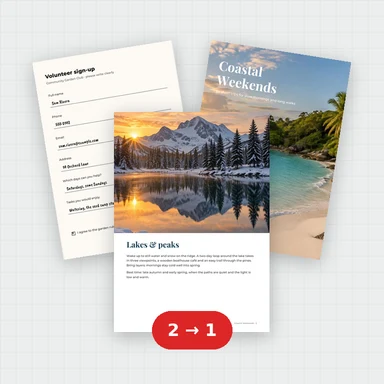 Merge PDFMerge PDF files into one, free: drag to set the order, combine any number of PDFs and download. No upload, no sign-up, no watermark, no file limits.
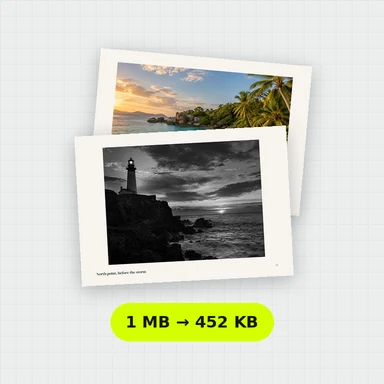 Compress PDFCompress a PDF free: shrink its pictures to reduce the file size while text stays sharp and searchable. Choose the level, see the result. No upload, no sign-up, no watermark.
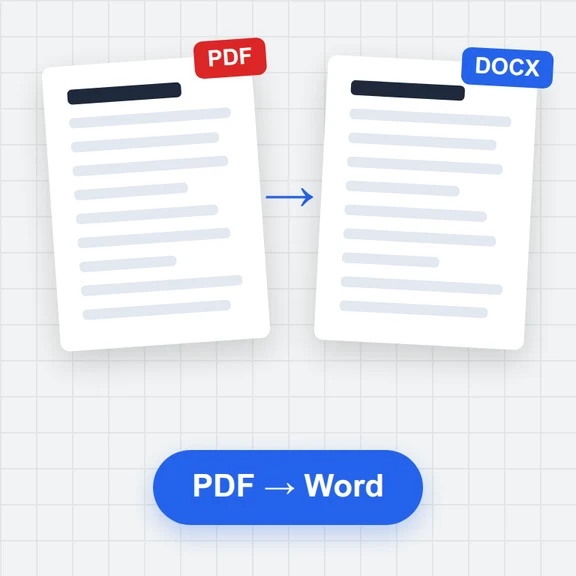 PDF to WordConvert PDF to an editable Word document (.docx) free. Keeps paragraphs, headings, lists, tables, pictures and links. Runs in your browser: no upload, no sign-up, no watermark.
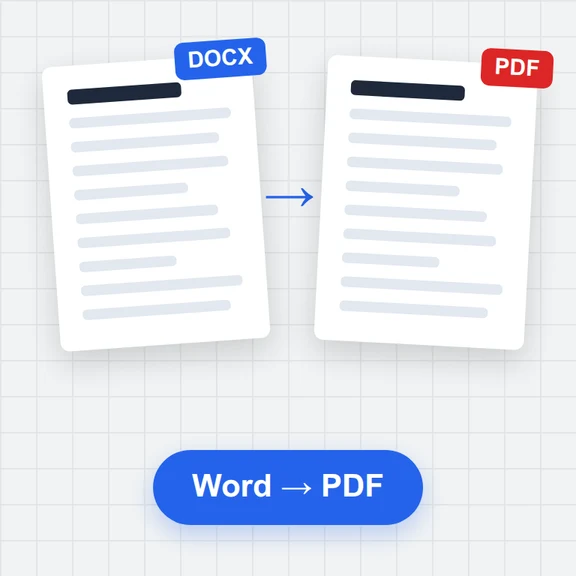 Word to PDFConvert Word documents (.docx) to PDF free. Real, selectable text, tables, pictures, headers and page numbers. Runs in your browser: no upload, no sign-up, no watermark.
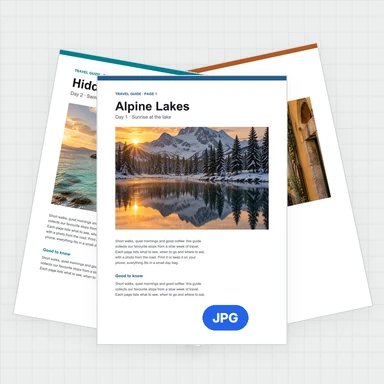 PDF to JPG ConverterConvert PDF to JPG, PNG or WebP free: pick pages, set the DPI up to 300 or more, download one image or a ZIP. Extract pictures too. No upload, no limits, no watermark.
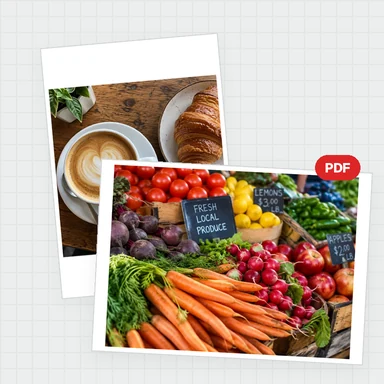 Image to PDF ConverterConvert JPG, PNG and other images to one PDF free: reorder and rotate, choose A4, Letter or image size, margins and several images per page. No upload, no watermark.