
Turn on the sound
Tap the piano or press any key. Choose a sound: grand piano, electric piano, organ and more.
Play with your computer keyboard, mouse, touch screen or a MIDI keyboard, with a sustain pedal and eight sounds from grand piano to organ. Record what you play and download it as WAV or MIDI, or learn songs with falling notes.
Open Online Piano →Tap the piano or press any key. Choose a sound: grand piano, electric piano, organ and more.
Click or touch the keys, slide across them for a glissando, or use your computer keyboard. Hold Space for the sustain pedal.
Record a take and download it as WAV or MIDI, or open Learn and play along with falling notes.
The full range from A0 to C8. Zoom the keys, move along the keyboard with the overview strip, and label them with note names, do re mi or computer keys.
Each note is built from the vibrating string: bright when struck, mellowing as it rings, longer in the bass, softer and darker when you play gently. The pedal lets the other strings ring along.
Grand piano, bright piano, electric piano, organ, vibraphone, marimba, strings and synth lead, with reverb, chorus and a volume control.
Play chords with several fingers, slide for glissandos, play with your computer keyboard, or connect a MIDI keyboard with its sustain pedal.
Record with an optional count-in, play back slower or faster, loop, then download a WAV file or a MIDI file. Takes are kept in this browser.
Fifteen songs and exercises, or any MIDI file. Practise one hand or both; the piece can wait for you at every note, and you get an accuracy score.
Hold Space while you play a chord, then lift and press it again when the chord changes. It joins the notes without blurring them.
With touch strength on, tapping near the top of a key plays softly and near the bottom plays loudly. A MIDI keyboard gives you the full range.
In Learn, start with one hand at 50–70% speed with “Wait for me”, then switch to free run at full speed.
Use Manlin to reflect, plan and take your next step.

Yes. There is no account, no watermark and no limit on how long you play, record or download.
The number row and the Q, A and Z rows are the white keys from C2 to C7; T is middle C. Hold Shift for the black key above, hold Space for the sustain pedal, and use the arrow keys to change octave or transpose.
Yes, in browsers with Web MIDI, such as Chrome and Edge. Open the MIDI tab and click Connect: keys, velocity and the sustain pedal work, and you can send what you play to another MIDI device.
No. The sound is generated in your browser, recordings are saved in this browser and the WAV and MIDI files are made on your device.
It is synthesised in your browser from a model of piano strings, hammer and soundboard, not played from recordings. That is why it loads quickly and every key and touch sounds a little different.
Yes. In the Record tab, press Record, play, then Stop. Play it back, loop it or change its speed, and download it as a WAV audio file or a MIDI file for other music apps.
Choose a song or open a MIDI file. Notes fall towards the keys they belong to: green for the right hand, blue for the left. “Wait for me” stops at each note until you play it; “Free run” keeps time and scores you at the end.
Yes. Keys are bigger on small screens, you can play with several fingers, and the strip above the keys moves along the keyboard. Turn the phone sideways to see more keys.
Browsers start sound only after you tap or press a key, so tap the piano first. Also check the volume, and on iPhone the silent switch.
 Audio ConverterConvert audio to MP3, WAV, M4A, OGG or FLAC for free, pick the quality and cut out the part you need. Works with video too. No upload, no sign-up, no watermark.
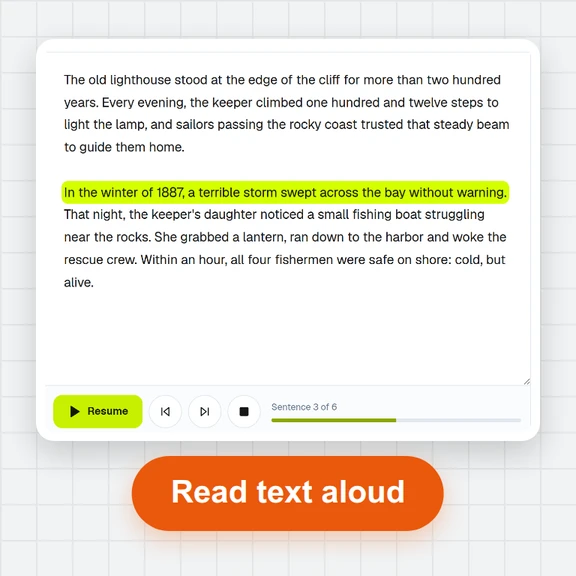 Text to SpeechTurn text into natural-sounding speech for free. 16 English voices, adjustable speed, read along as it plays and download MP3 or WAV. Runs in your browser, no sign-up.
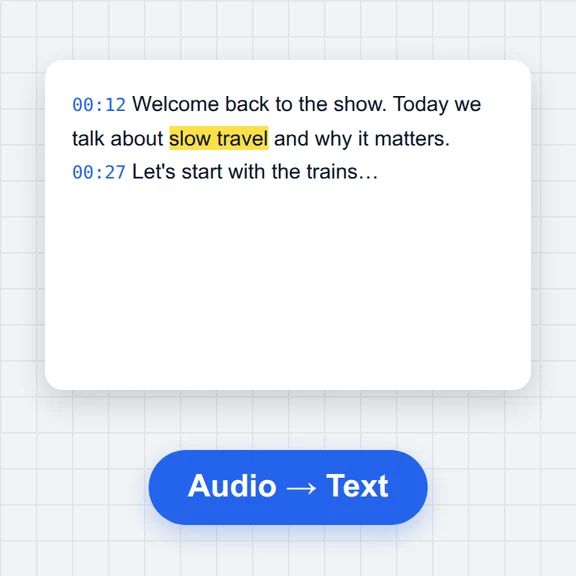 Speech to TextFree speech to text: transcribe audio, video and microphone recordings in about 100 languages. Edit the transcript, then download TXT, Word, SRT, VTT or JSON.
 Voice RecorderRecord your voice online for free: live level meter, pause and resume, playback, then save as MP3, WAV or WebM. Works in your browser. No upload, no sign-up.
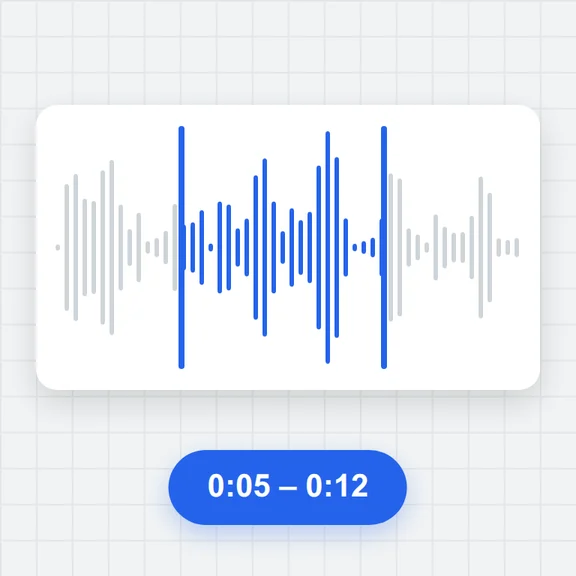 Audio TrimmerTrim MP3, WAV, M4A, OGG and FLAC files free: drag the handles on the waveform, preview the part, add fades and save as MP3 or WAV. No upload, no sign-up, no watermark.
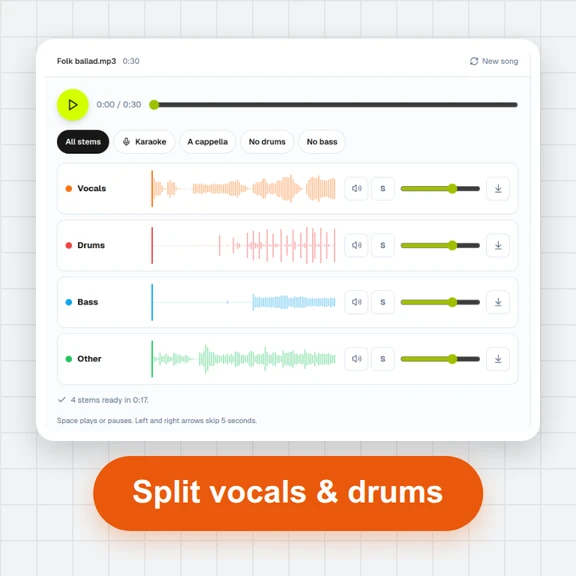 Vocal Remover & Stem SplitterRemove vocals from any song for free, or split it into vocals, drums, bass and other. AI separation runs in your browser: mix the stems, make karaoke tracks and download WAV or MP3. No upload, no sign-up.