
Pick a template or start blank
Choose a genre like hip-hop, house or lo-fi to load drums, bass, chords and tempo, or start from an empty beat.
Program drums on a step sequencer, play melodies on a piano roll, mix with effects and arrange patterns into a full song. Start from 12 genre templates or a blank page, then export WAV, MP3, FLAC, stems or MIDI.
Open Music Maker →Choose a genre like hip-hop, house or lo-fi to load drums, bass, chords and tempo, or start from an empty beat.
Click steps to program drums, draw notes in the piano roll, play pads or keys live and record, then shape the sound in the mixer.
Place patterns on the song timeline, then download the track as WAV, MP3 or FLAC, as stems, or as a MIDI file.
Thirteen pads per kit (kick, snare, clap, hats, toms, cymbals, percussion) in seven synthesised kits. Every step has velocity, chance, nudge and rolls; lanes can loop at their own length.
Draw, move and stretch notes on a grid, lock to a scale, stamp chords, copy, paste, quantise and transpose. Play with your computer keyboard, the on-screen keys or a MIDI keyboard.
Basses, leads, pads, electric pianos, organs, bells, plucks, arpeggiators and effects, each with filter, envelopes and character controls.
Volume, pan, mute and solo per track, reverb and delay sends, filter, drive, bit crusher, chorus, compressor and three-band EQ, plus kick ducking and a master limiter.
Up to eight patterns per track, chained on a timeline into a song of up to five minutes, with a loop region for working on one part.
WAV (16 or 24-bit), MP3 or FLAC of the whole song, a ZIP of stems, a MIDI file for other music apps, and a project file to continue later.
A few strong hits sound bigger than every step filled. Use velocity to make some hats quieter than others.
Hip-hop, lo-fi and funk feel better with 55–62% swing. House and techno usually stay straight.
Turn on “Duck under kick” for the bass and pads so the kick cuts through, the classic pumping dance sound.
Use Manlin to reflect, plan and take your next step.

Yes. There is no account, no watermark and no limit on how many songs you make or export. Songs can be up to five minutes long.
No. The sounds are generated in your browser and your project is saved in this browser’s storage. Exports are made on your device.
No. Every sound is synthesised from oscillators and noise, and the templates, humanise and variation buttons follow simple musical rules.
Yes. The sounds are made by the tool itself, not from sample libraries, so what you export is yours to use, including commercially.
WAV in 16 or 24-bit, MP3 at 192 kbps and FLAC for the mix; a ZIP with one WAV per track (stems); a standard MIDI file with drums on channel 10; and a project file you can open here again.
Yes. The export uses the same engine as playback, just rendered faster than real time, so the timing, effects and mix match.
Yes, in browsers that support Web MIDI (Chrome and Edge). Open the Keys view and click Connect MIDI keyboard. Drum tracks follow the General MIDI drum notes.
Yes. The step sequencer, pads and keys work with touch, several fingers at once. Turn the phone sideways for more room. If you hear nothing, check that the phone isn’t in silent mode.
It is saved automatically in this browser. To keep it safe or move it to another device, use Export and Save project file, then open it here later.
 Audio ConverterConvert audio to MP3, WAV, M4A, OGG or FLAC for free, pick the quality and cut out the part you need. Works with video too. No upload, no sign-up, no watermark.
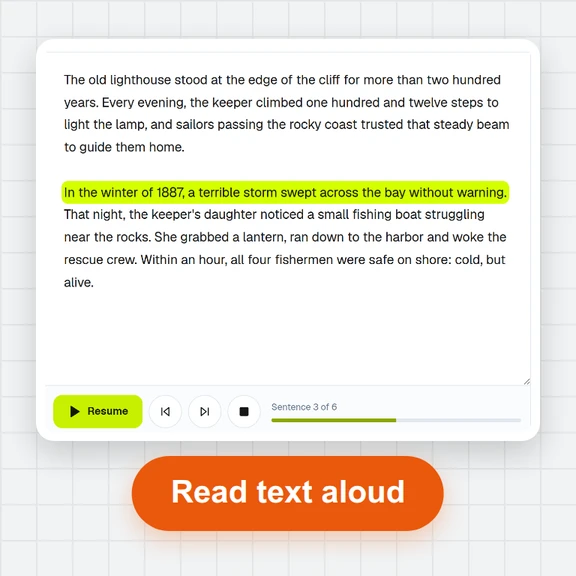 Text to SpeechTurn text into natural-sounding speech for free. 16 English voices, adjustable speed, read along as it plays and download MP3 or WAV. Runs in your browser, no sign-up.
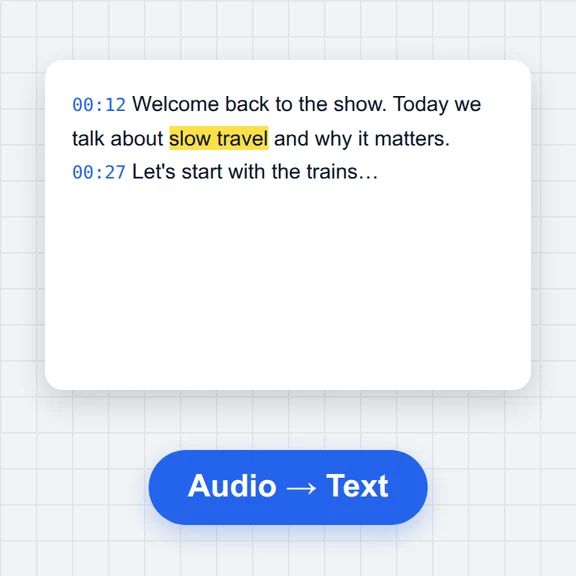 Speech to TextFree speech to text: transcribe audio, video and microphone recordings in about 100 languages. Edit the transcript, then download TXT, Word, SRT, VTT or JSON.
 Voice RecorderRecord your voice online for free: live level meter, pause and resume, playback, then save as MP3, WAV or WebM. Works in your browser. No upload, no sign-up.
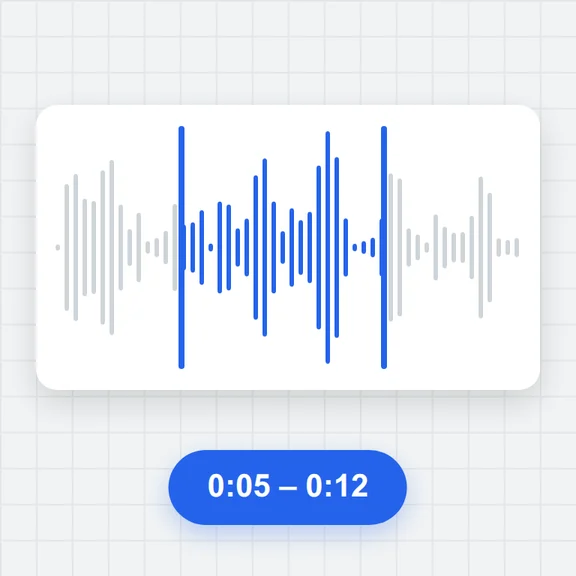 Audio TrimmerTrim MP3, WAV, M4A, OGG and FLAC files free: drag the handles on the waveform, preview the part, add fades and save as MP3 or WAV. No upload, no sign-up, no watermark.
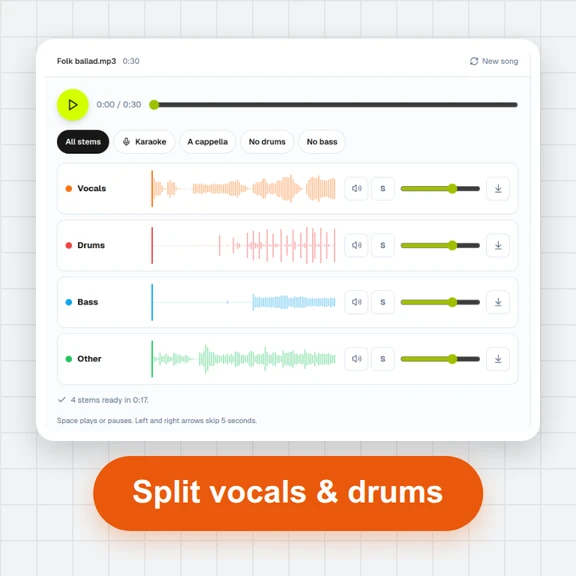 Vocal Remover & Stem SplitterRemove vocals from any song for free, or split it into vocals, drums, bass and other. AI separation runs in your browser: mix the stems, make karaoke tracks and download WAV or MP3. No upload, no sign-up.