
Add your photo
Drop a PNG, JPG or WebP. It turns into a lithophane right away, with a backlit preview.
Turn a photo into a 3D-printable lithophane or relief, as STL or 3MF. Set the size and thickness in millimetres and preview it lit from behind.
Open Image to STL Converter →Drop a PNG, JPG or WebP. It turns into a lithophane right away, with a backlit preview.
Choose the width, the thinnest and thickest points and a frame, or switch to a relief.
Save an STL or 3MF and slice it. Print lithophanes upright in white PLA.
Standing the plate on its edge gives fine vertical detail and no visible layer steps in the picture.
Any gaps inside show up as patterns when the light shines through.
Plain white PLA spreads light evenly. Coloured or translucent filament tints and blurs the photo.
Use Manlin to reflect, plan and take your next step.

Yes. Make and download as many lithophanes and reliefs as you like, with no account or watermark.
A thin plate whose thickness follows a photo: dark areas are thick and let little light through, light areas are thin. Unlit it looks like a white carving; held up to a lamp or window, the photo appears.
Start with 0.8 mm thinnest, 3 mm thickest and a 3 mm frame, in white PLA. Print it standing upright with 100% infill and a 0.1–0.12 mm layer height for the smoothest result.
A lithophane is made to be lit from behind. A relief is a carving to look at directly: bright parts (or, if you choose, dark parts) stand up from the base.
Photos with clear contrast and a simple background: portraits, pets, landscapes and the moon. Very dark or flat photos give a dull lithophane.
No. The plate is made in your browser; the photo never leaves your device.
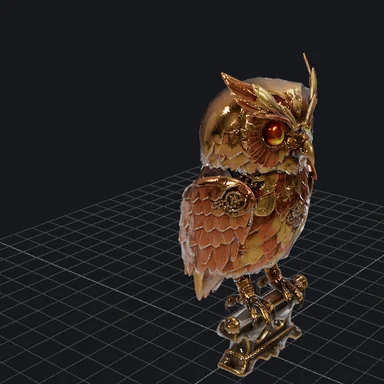 3D Model ViewerView 3D models online free: open GLB, glTF, STL, OBJ, FBX, PLY, 3MF and STEP files in your browser with textures and animations. Check size and triangles, save a screenshot. No upload.
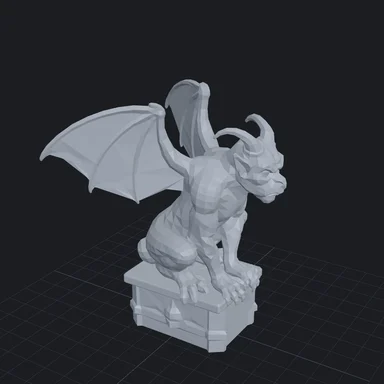 GLB to STL ConverterConvert GLB, glTF, OBJ, FBX, PLY and STEP to STL, 3MF or OBJ for 3D printing. Set the size in millimetres, stand the model on the build plate and close holes. Free, no upload.
 Image to DXF ConverterConvert PNG, JPG and logos to DXF or SVG for laser cutters, CNC routers and plasma tables. Closed outlines at real size in mm or inches. Free, no sign-up, no upload.
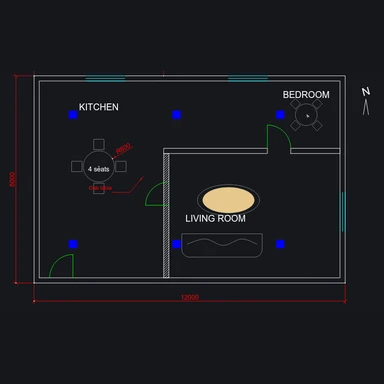 DXF ViewerView DXF files online free: pan and zoom, turn layers on and off, measure distances and convert DXF to SVG, PDF or PNG. Runs in your browser, no upload.
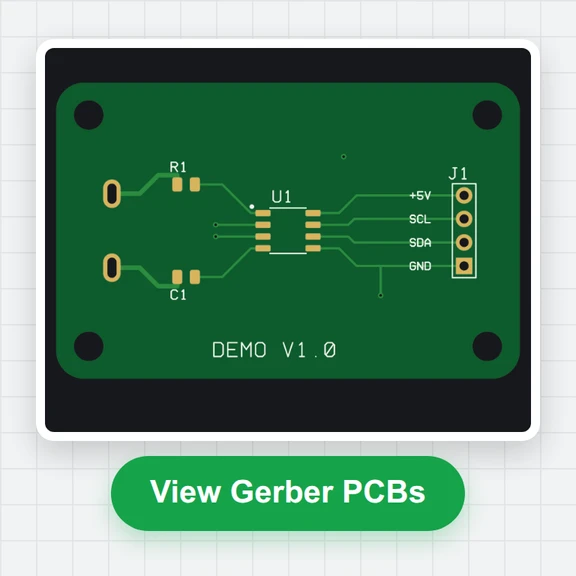 Gerber ViewerCheck Gerber and Excellon drill files before you order PCBs: realistic top and bottom view, layer stack, measuring, drill table and board size. Free, in your browser.