
Open your model
Drop a GLB, glTF, STL, OBJ, FBX, PLY, 3MF or STEP file. It opens with its textures and lighting.
Open GLB, glTF, STL, OBJ, FBX, PLY, 3MF and STEP files in your browser, with their textures, colours and animations. Turn, zoom, check the size and triangle count, and save a screenshot.
Open 3D Model Viewer →Drop a GLB, glTF, STL, OBJ, FBX, PLY, 3MF or STEP file. It opens with its textures and lighting.
Drag to turn, scroll to zoom, right-drag to pan. Switch on wireframe, the grid or a slow spin.
See the size, triangles, materials and textures, and save a screenshot as PNG.
Use Manlin to reflect, plan and take your next step.

Yes. Open as many models as you like, with no account, subscription or file count limit.
GLB and glTF (including Draco and Meshopt compressed), STL, OBJ, FBX, PLY and 3MF, and CAD files in STEP (.step, .stp), IGES (.iges, .igs) and BREP, up to 300 MB. A glTF that points to separate .bin or texture files needs to be a single .glb.
Yes, for GLB, glTF and FBX: materials and textures are shown with realistic lighting, and the first animation plays. STL has no colour; PLY vertex colours are shown; OBJ materials live in a separate .mtl file, so OBJs are shown in grey. STEP and IGES parts are shown in the colours set in the CAD program.
In the file’s own units. glTF and GLB are in metres; STEP, IGES and BREP are shown in millimetres, even if the file was saved in inches; STL, OBJ and PLY have no units, and most 3D printing files use millimetres.
Yes: check the size and triangle count here, then open the free GLB to STL converter to size it in millimetres, close holes and download an STL or 3MF.
No. The model is opened in your browser and never leaves your device.
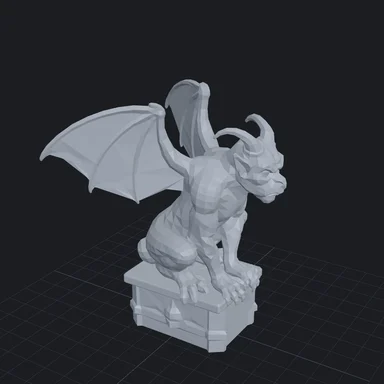 GLB to STL ConverterConvert GLB, glTF, OBJ, FBX, PLY and STEP to STL, 3MF or OBJ for 3D printing. Set the size in millimetres, stand the model on the build plate and close holes. Free, no upload.
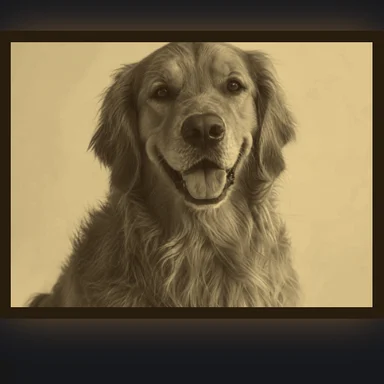 Image to STL ConverterConvert a photo to STL free: make a 3D-printable lithophane or relief, set width and thickness in mm, preview it backlit, download STL or 3MF. No sign-up, no upload.
 Image to DXF ConverterConvert PNG, JPG and logos to DXF or SVG for laser cutters, CNC routers and plasma tables. Closed outlines at real size in mm or inches. Free, no sign-up, no upload.
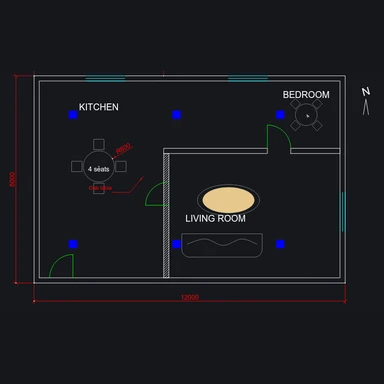 DXF ViewerView DXF files online free: pan and zoom, turn layers on and off, measure distances and convert DXF to SVG, PDF or PNG. Runs in your browser, no upload.
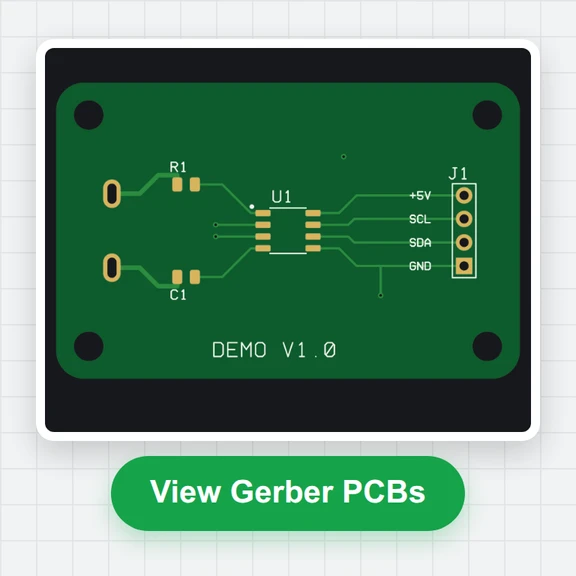 Gerber ViewerCheck Gerber and Excellon drill files before you order PCBs: realistic top and bottom view, layer stack, measuring, drill table and board size. Free, in your browser.