
Add your image
Drop a PNG, JPG, WebP or SVG. Its outlines are traced right away and shown in red.
Turn a PNG, JPG or logo into clean, closed DXF outlines for laser cutters, CNC routers and plasma tables. Set the real size, check the cut path, download DXF or SVG.
Open Image to DXF Converter →Drop a PNG, JPG, WebP or SVG. Its outlines are traced right away and shown in red.
Enter the width in mm or inches, then adjust the threshold and smoothing until the cut path looks right.
Save a DXF or SVG and open it in your laser, CNC or plasma software.
Use Manlin to reflect, plan and take your next step.

Yes. Convert and download as many DXF and SVG files as you like, with no account, subscription or watermark.
High-contrast pictures with clear shapes: logos, silhouettes, icons, stencils and line art. For a photo, the converter traces the dark (or light) areas, so simplify it to two tones first, or make a silhouette with an AI image generator.
The file is AutoCAD R12 DXF, the version nearly every program reads: LightBurn, LaserGRBL, RDWorks, AutoCAD, Fusion, SolidWorks, Inkscape, VCarve, SheetCam and more. Each shape is a closed polyline on a layer called CUT.
Enter the width in millimetres or inches; the height follows the image’s proportions. The width is measured across the traced shapes, not the empty margin around them, so a 100 mm logo cuts at 100 mm.
Yes. The middle of an O or the eye of a fox becomes its own closed outline, so it is cut out too. Tick Outer outline only to get just the silhouette, for example for a sticker or a backing piece.
It is the total length of every outline at the size you set. Laser cutting services often price by cut length, and it tells you roughly how long a job will take.
DXF for CAD, CNC and most laser software. SVG for Glowforge, xTool, Cricut and Silhouette: choose Cut lines for hairline red outlines, or Filled for solid shapes to engrave or cut on a cutting machine.
No. The outlines follow the image exactly. Set the kerf offset in your laser or CAM software, where it matches your machine and material.
No. The image is traced in your browser and never leaves your device.
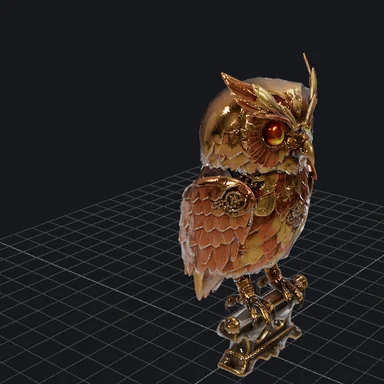 3D Model ViewerView 3D models online free: open GLB, glTF, STL, OBJ, FBX, PLY, 3MF and STEP files in your browser with textures and animations. Check size and triangles, save a screenshot. No upload.
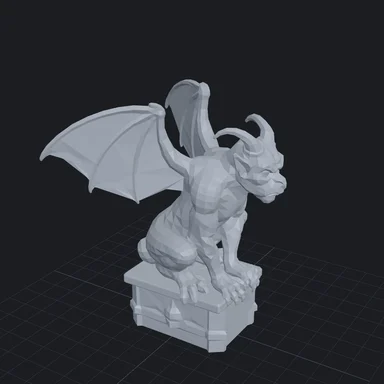 GLB to STL ConverterConvert GLB, glTF, OBJ, FBX, PLY and STEP to STL, 3MF or OBJ for 3D printing. Set the size in millimetres, stand the model on the build plate and close holes. Free, no upload.
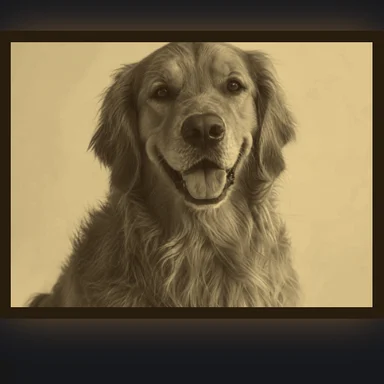 Image to STL ConverterConvert a photo to STL free: make a 3D-printable lithophane or relief, set width and thickness in mm, preview it backlit, download STL or 3MF. No sign-up, no upload.
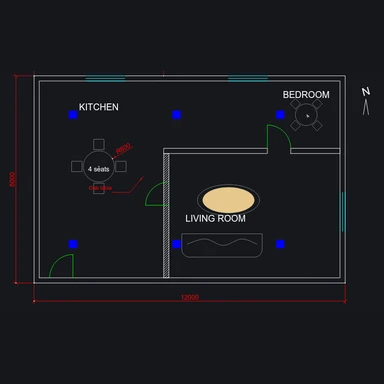 DXF ViewerView DXF files online free: pan and zoom, turn layers on and off, measure distances and convert DXF to SVG, PDF or PNG. Runs in your browser, no upload.
 Gerber ViewerCheck Gerber and Excellon drill files before you order PCBs: realistic top and bottom view, layer stack, measuring, drill table and board size. Free, in your browser.