
Add your model
Drop a GLB, glTF, OBJ, FBX, PLY, STL, 3MF or STEP file. It opens in a 3D preview on the build plate.
Convert GLB, glTF, OBJ, FBX, PLY and STEP models to STL, 3MF, OBJ or GLB for 3D printing. Scaled in millimetres, standing upright on the build plate, with holes closed.
Open GLB to STL Converter →Drop a GLB, glTF, OBJ, FBX, PLY, STL, 3MF or STEP file. It opens in a 3D preview on the build plate.
Choose the height or longest side in millimetres and check it stands the right way up.
Save an STL or 3MF, open it in your slicer and print. Holes are closed for you.
Use Manlin to reflect, plan and take your next step.

Yes. Convert and download as many models as you like, with no account, subscription or file count limit.
GLB and glTF (including Draco and Meshopt compressed), OBJ, FBX, PLY, STL and 3MF, and CAD files in STEP (.step, .stp), IGES (.iges, .igs) and BREP, up to 300 MB. A glTF that points to separate .bin or texture files needs to be exported as a single .glb first.
STL works with every slicer and printer. 3MF is the format PrusaSlicer, Bambu Studio, OrcaSlicer and Cura save projects in; it records millimetres, so the size can’t be misread. OBJ and GLB are for other 3D programs, game engines and the web.
Yes. Export STEP (or IGES) from SolidWorks, Fusion, Onshape, FreeCAD or any other CAD program and drop it here. The part keeps its real size in millimetres, even if the file was saved in inches, and every part of an assembly is included. Choose Standard, Fine or Extra fine detail: finer detail makes rounder holes and curves, and a bigger file.
You choose. Set the height or the longest side in millimetres and the preview shows the width, depth and height on a 10 mm grid. GLB files have no real-world scale, so they start at 100 mm tall; STL, 3MF and STEP files keep their size.
GLB and OBJ models point their top along the Y axis, while printers build along Z. The converter turns the model upright and stands it on the build plate. If a model was made the other way round, switch the up axis or turn it 90° until it stands correctly.
Holes (edges that belong to only one face), edges shared by three or more faces, and faces turned inside out. A model needs to be closed, or watertight, for a slicer to know what is inside it.
It closes each hole with new faces across its rim and turns an inside-out model the right way. That fixes the small gaps AI-generated and scanned models often have. A large missing part still needs a 3D editor.
No. STL holds only the shape, and the converter writes shape only in every format. To print in colour, paint the model in your slicer.
No. Models are read and converted in your browser and never leave your device.
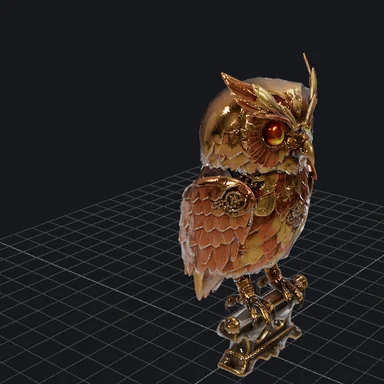 3D Model ViewerView 3D models online free: open GLB, glTF, STL, OBJ, FBX, PLY, 3MF and STEP files in your browser with textures and animations. Check size and triangles, save a screenshot. No upload.
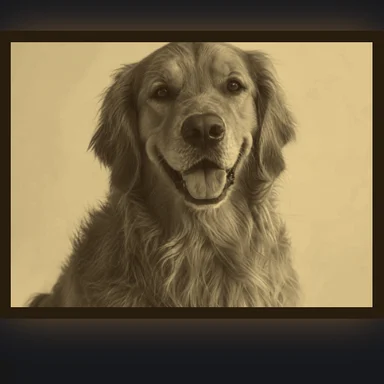 Image to STL ConverterConvert a photo to STL free: make a 3D-printable lithophane or relief, set width and thickness in mm, preview it backlit, download STL or 3MF. No sign-up, no upload.
 Image to DXF ConverterConvert PNG, JPG and logos to DXF or SVG for laser cutters, CNC routers and plasma tables. Closed outlines at real size in mm or inches. Free, no sign-up, no upload.
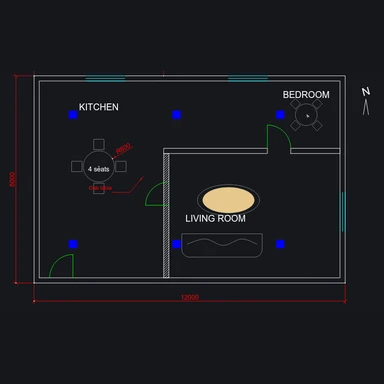 DXF ViewerView DXF files online free: pan and zoom, turn layers on and off, measure distances and convert DXF to SVG, PDF or PNG. Runs in your browser, no upload.
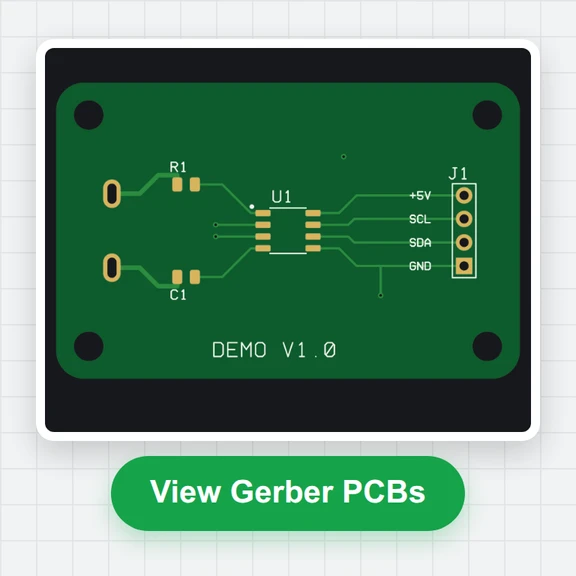 Gerber ViewerCheck Gerber and Excellon drill files before you order PCBs: realistic top and bottom view, layer stack, measuring, drill table and board size. Free, in your browser.