
Open both versions
Drop the original on the left and the revised version on the right: PDF, Word (.docx) or text. You can also paste text.
Open two versions of a contract, report or manuscript (PDF, Word or plain text, in any mix) and see what was added, removed, changed and moved, word by word. Step through the changes, then download a redline PDF report or a Word file with tracked changes.
Open Compare Documents →Drop the original on the left and the revised version on the right: PDF, Word (.docx) or text. You can also paste text.
Insertions, deletions, changed words and moved paragraphs are highlighted side by side. Press N and P to step through them.
Save a PDF comparison report, a Word redline, or a Word file with tracked changes to review and accept.
Use Manlin to reflect, plan and take your next step.

Yes. Compare as many documents as you like, of any length, with no account, no daily limit and no watermark on the reports.
No. Both files are read and compared in your browser and never leave your device. Only the open fonts for the PDF report are downloaded.
PDF, Word (.docx) and plain text, in any combination: PDF against PDF, Word against Word, a PDF against the Word file it came from, or pasted text. Old .doc files need to be saved as .docx first.
Side by side, removed text is red on the original and added text blue on the revision; moved paragraphs are green on both sides. The redline view merges both into one text: added words underlined, removed words struck through. For PDFs, the Pages view highlights the changes on the original pages.
Yes. A paragraph that moved, even with a few words edited, is shown as one move instead of a deletion and an insertion, and its heading moves with it.
They leave out differences that do not matter to you: upper and lower case, spacing, punctuation, list and section numbers (useful when clauses were renumbered), and running headers, footers and page numbers in PDFs.
Yes: a PDF report with the redline and a list of changes, a Word redline, or a Word file with tracked changes. Accepting all changes in Word gives the revised text; rejecting all gives the original words.
Yes. The comparison runs in the background, so a 150-page contract is compared in a few seconds without freezing the page.
It compares the text, not the formatting: changes in fonts, bold, colours, pictures or layout are not reported, and tables are compared cell by cell as text. Scanned PDFs have no text inside: make them searchable with the free OCR tool first.
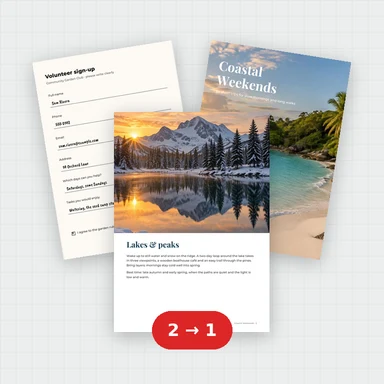 Merge PDFMerge PDF files into one, free: drag to set the order, combine any number of PDFs and download. No upload, no sign-up, no watermark, no file limits.
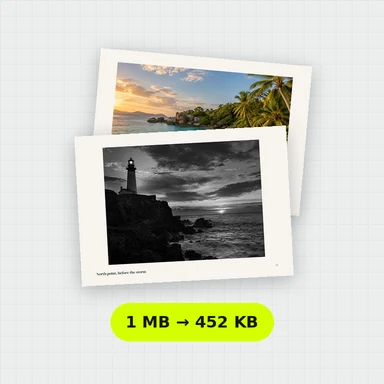 Compress PDFCompress a PDF free: shrink its pictures to reduce the file size while text stays sharp and searchable. Choose the level, see the result. No upload, no sign-up, no watermark.
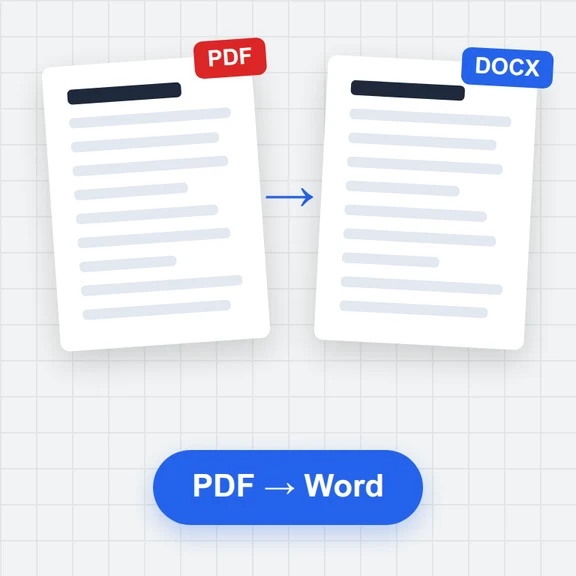 PDF to WordConvert PDF to an editable Word document (.docx) free. Keeps paragraphs, headings, lists, tables, pictures and links. Runs in your browser: no upload, no sign-up, no watermark.
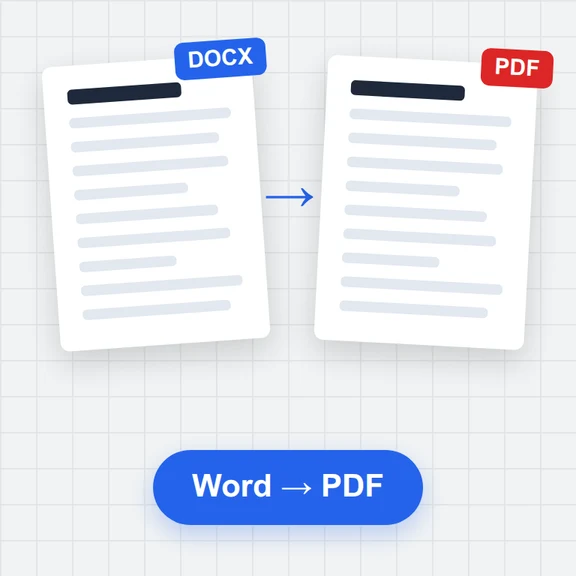 Word to PDFConvert Word documents (.docx) to PDF free. Real, selectable text, tables, pictures, headers and page numbers. Runs in your browser: no upload, no sign-up, no watermark.
 PDF to JPG ConverterConvert PDF to JPG, PNG or WebP free: pick pages, set the DPI up to 300 or more, download one image or a ZIP. Extract pictures too. No upload, no limits, no watermark.
 Image to PDF ConverterConvert JPG, PNG and other images to one PDF free: reorder and rotate, choose A4, Letter or image size, margins and several images per page. No upload, no watermark.