
Open your video
Drop, paste or choose an MP4, MOV, WebM or MKV clip, including portrait phone videos. It opens right in your browser.
A free video keyframe extractor that runs in your browser: step through any clip frame by frame and save the exact frame you need as PNG, JPG or WebP. Grab the last frame to start your next image-to-video shot, find every shot change automatically, or pull frames every few seconds and download them as one ZIP.
Open Video Keyframe Extractor →Drop, paste or choose an MP4, MOV, WebM or MKV clip, including portrait phone videos. It opens right in your browser.
Scrub the slider, step with the arrow keys, or press Last frame. To take many at once, pick every N seconds, N frames, given times, evenly spaced frames or shot changes.
Tick the frames you want in the grid and download one image or a single ZIP, as PNG, JPG or WebP at the original size or a ready AI video size.
Use Manlin to reflect, plan and take your next step.

Yes. Extract as many frames from as many videos as you like, with no account and no watermark on the images.
Open the clip and press Last frame. It jumps to the final frame stored in the file and adds it to the grid, ready to download as PNG at the original resolution.
Image-to-video models start a clip from the image you give them. Starting the next shot from the previous shot's last frame keeps the character, outfit, set and lighting the same, so a short drama plays as one continuous scene.
In most browsers it is: the tool reads the list of frames stored in the video, so each step is exactly one real frame, also in phone videos with a variable frame rate. When a browser cannot read a file frame by frame, steps are estimated from the frame rate and can land one frame off; the Frame accuracy button tells you which applies.
Any frame you choose: the first frame of each shot (found by comparing colours from frame to frame, with a sensitivity you set), the first and last frame, or frames at regular steps. You are not limited to the compression key frames inside the file.
Frames keep the original resolution by default. Save PNG for lossless images, or JPG and WebP with a quality slider. You can also resize to 1080×1920, 720×1280, 1920×1080, 1280×720, 1024×1024 or 480p, cropping the middle to fill the size or fitting the whole frame inside it.
No. Rotation saved by the phone is applied, so portrait clips give upright portrait frames.
No. The video is read and the frames are made in your browser, so nothing leaves your device.
Up to 500 frames in the grid, downloaded as one ZIP with numbered file names that sort in clip order.
 Video Compressor & EditorCompress video to a smaller size or to fit 10 MB or 25 MB, trim, crop, change speed, convert MP4 to MP3 and remove audio. Free in your browser: no upload, no watermark.
 Video ConverterConvert videos to MP4, WebM, MOV or MKV for free. Pick the quality and resolution, preview the result and download. Runs in your browser: no upload, no sign-up, no watermark.
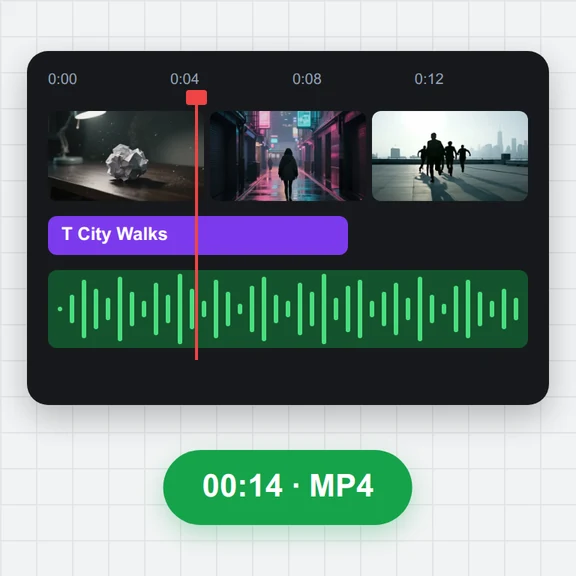 Video EditorEdit videos free in your browser: multi-track timeline, split and trim, transitions, titles, subtitles, music, speed and colour, then export MP4, WebM, GIF or MP3. No upload, no sign-up, no watermark.
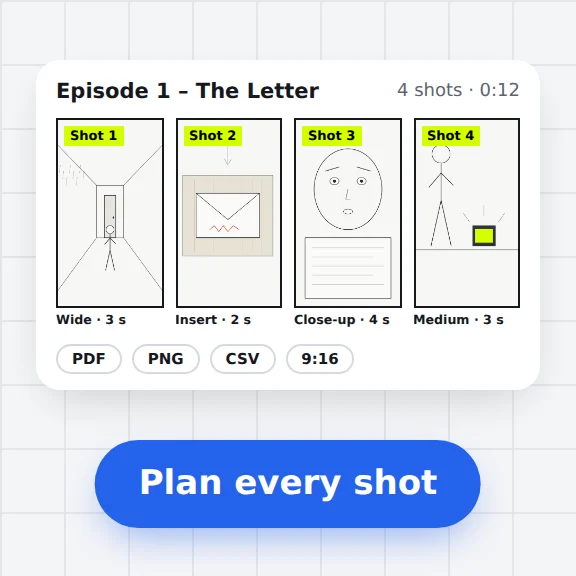 Storyboard MakerStoryboard maker for short dramas and vertical video. Add panels with pictures or sketches, shot types, camera moves, timing and dialogue, then export PDF, PNG or CSV. Free, no upload.
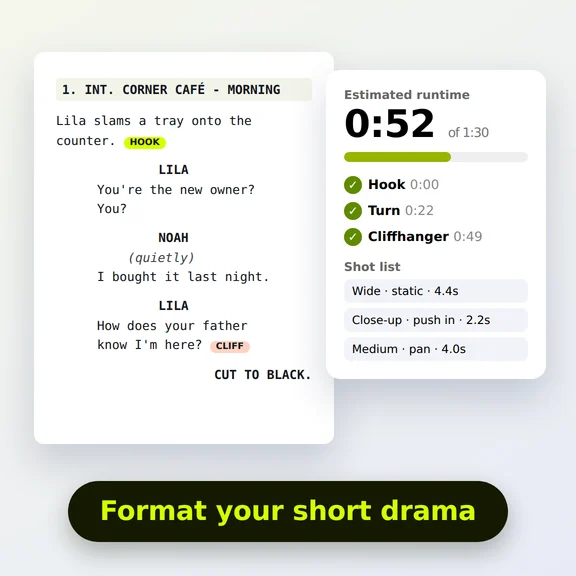 Short Drama Script FormatterShort drama script format made easy: paste an episode, get clean scene headings and dialogue, a runtime estimate, hook and cliffhanger checks and a shot list. Free.
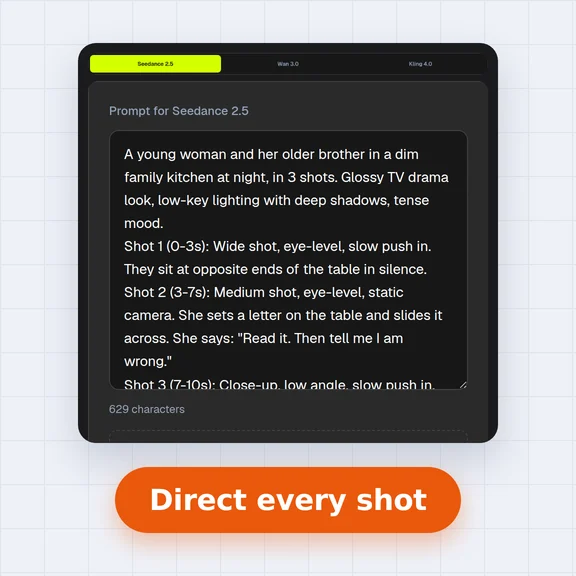 AI Video Prompt GeneratorAI video prompt generator for short dramas, free. Pick shot size, angle, camera move, lighting, mood and dialogue, build multi-shot sequences and copy the prompt.