
Paste or write your episode
Type in the editor, open a text file, or start from a sample. Write scene headings with INT. or EXT., names in capitals, or simply NAME: line.
Get your short drama script format right as you type: scene headings, action, character names, dialogue and parentheticals laid out cleanly, with a live preview. See the runtime against a 60, 90 or 120 second target, check the hook, turn and cliffhanger, and split the episode into an editable shot list.
Open Short Drama Script Formatter →Type in the editor, open a text file, or start from a sample. Write scene headings with INT. or EXT., names in capitals, or simply NAME: line.
Pick your target length and speaking rate. The panel shows the runtime, scene lengths, characters, and whether the hook, turn and cliffhanger land.
Download a PDF, text or Markdown script, then split it into shots, adjust them and export a CSV or a storyboard file.
Open in the middle of conflict: a slap, an accusation, a shocking question. Save the setup for later.
Around the middle, flip what the viewer believes: a reveal, a surprise arrival or a secret coming out.
Cut away just before the answer. A question, a reveal or an interrupted line works better than a neat ending.
In a vertical frame faces fill the screen. Short exchanges and reaction shots read better than long speeches.
Action lines should be visible moments: a hand on a contract, a phone lighting up. Each one can become a shot.
If the rules miss your hook or twist, tag the line with [[hook]], [[turn]] or [[cliffhanger]] so the shot list carries it.
Use Manlin to reflect, plan and take your next step.

Short dramas use a simplified screenplay format: a scene heading (INT. or EXT., place, time), action lines describing what we see, the character's name in capitals above each line of dialogue, and short parentheticals for how a line is said. Episodes are usually one to three minutes long and written for a vertical 9:16 screen.
Dialogue is timed by its word count at your speaking rate, which you can adjust. Each action line adds time by its length, with a minimum per line, and written pauses and transitions add a little more. It is an estimate to plan with, not a measurement of the finished video.
With simple rules: questions, exclamations and conflict words in the first 3 seconds count as a hook; reversal words in the middle as a turn; an open question, an unfinished line or a reveal at the end as a cliffhanger. You can always mark a beat yourself with [[hook]], [[turn]] or [[cliffhanger]].
Yes. NAME: line pairs, classic screenplay blocks and Chinese or Japanese name:line scripts are all recognised. Press Clean up to rewrite the script in one consistent screenplay style.
It proposes one shot per action line and per spoken line, with a suggested shot type, camera move and length that add up to the runtime. Long lines are cut at sentences. Everything is editable before you export it as CSV or as a file for the storyboard maker.
No. Formatting, analysis, the shot list and every export happen in your browser. Your script is saved on this device so it is still there when you come back.
Yes, it is free with no sign-up and no watermark on your exports.
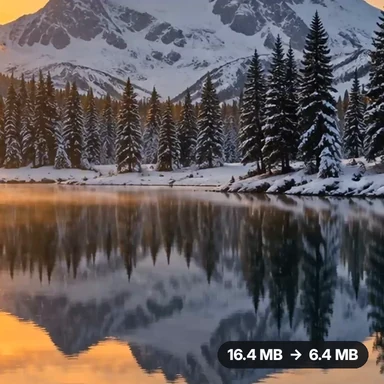 Video Compressor & EditorCompress video to a smaller size or to fit 10 MB or 25 MB, trim, crop, change speed, convert MP4 to MP3 and remove audio. Free in your browser: no upload, no watermark.
 Video ConverterConvert videos to MP4, WebM, MOV or MKV for free. Pick the quality and resolution, preview the result and download. Runs in your browser: no upload, no sign-up, no watermark.
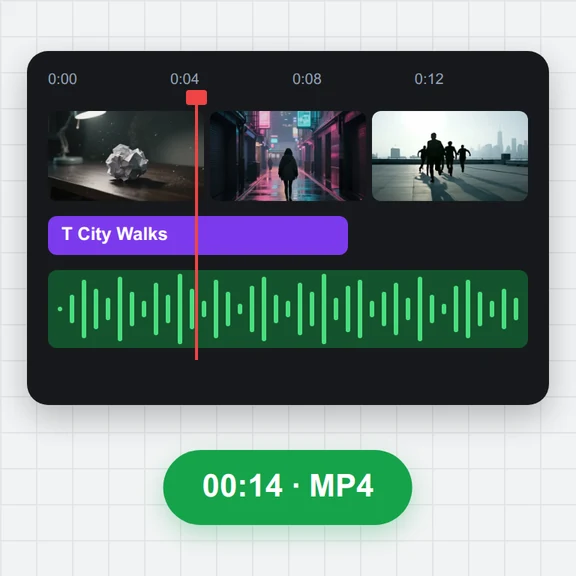 Video EditorEdit videos free in your browser: multi-track timeline, split and trim, transitions, titles, subtitles, music, speed and colour, then export MP4, WebM, GIF or MP3. No upload, no sign-up, no watermark.
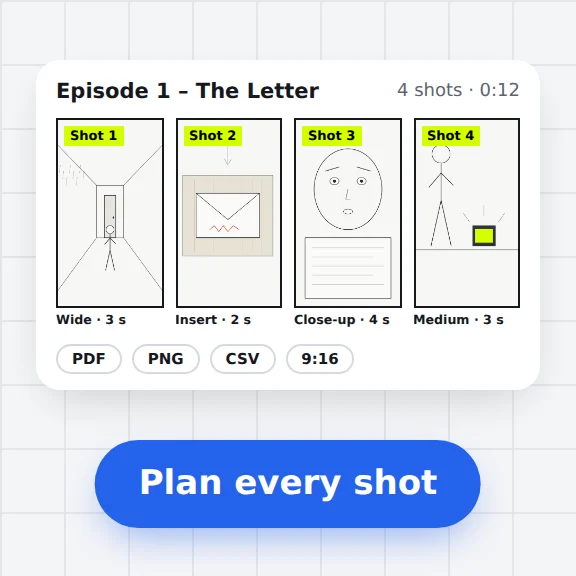 Storyboard MakerStoryboard maker for short dramas and vertical video. Add panels with pictures or sketches, shot types, camera moves, timing and dialogue, then export PDF, PNG or CSV. Free, no upload.
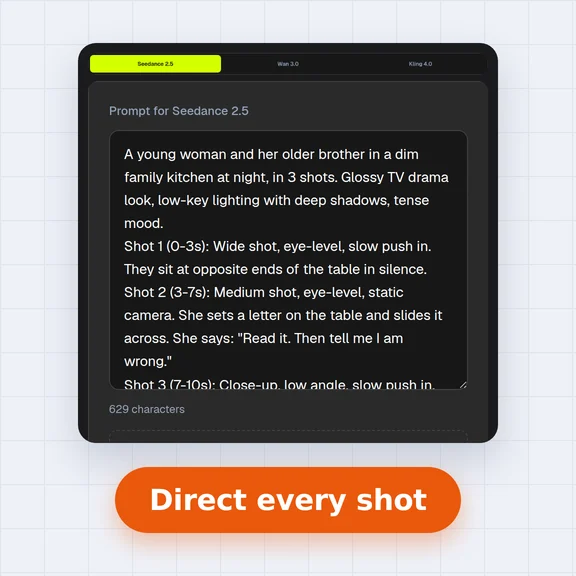 AI Video Prompt GeneratorAI video prompt generator for short dramas, free. Pick shot size, angle, camera move, lighting, mood and dialogue, build multi-shot sequences and copy the prompt.
 Video to GIF ConverterConvert video to GIF free in your browser: trim MP4, MOV or WebM clips, choose the size and frame rate, and download a looping GIF. No sign-up, no upload, no watermark.