
Add your video
Drop, paste or choose an MP4, MOV or WebM clip. It plays right in the page.
Turn MP4, MOV and WebM clips into looping GIFs in your browser. Pick the part you want, set the size and frame rate, download free.
Open Video to GIF Converter →Drop, paste or choose an MP4, MOV or WebM clip. It plays right in the page.
Set the start and end, then choose the width and frame rate. The frame count updates as you go.
Make the GIF, preview it, and save it. It loops forever and has no watermark.
Use Manlin to reflect, plan and take your next step.

Yes. Make and download as many GIFs as you like, with no account, subscription or watermark.
Any video your browser can play: MP4 (H.264), MOV, WebM and M4V, up to 500 MB. Audio is dropped, since GIFs have no sound.
Up to 300 frames, for example 25 seconds at 12 fps or 12 seconds at 25 fps. Longer GIFs grow to tens of megabytes; for longer clips, a short MP4 is usually better.
Lower the width and the frame rate, and keep the clip short. 480 px at 10–12 fps works well for chat and social posts.
Yes. GIFs made here loop forever, like they do in chats, docs and on the web.
No. Frames are read and encoded in your browser; the video never leaves your device.
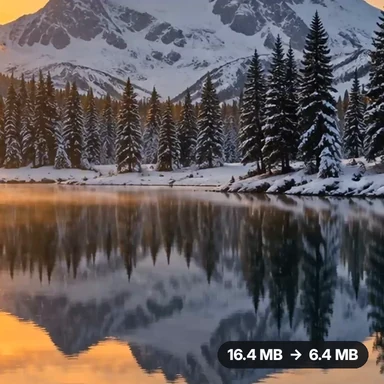 Video Compressor & EditorCompress video to a smaller size or to fit 10 MB or 25 MB, trim, crop, change speed, convert MP4 to MP3 and remove audio. Free in your browser: no upload, no watermark.
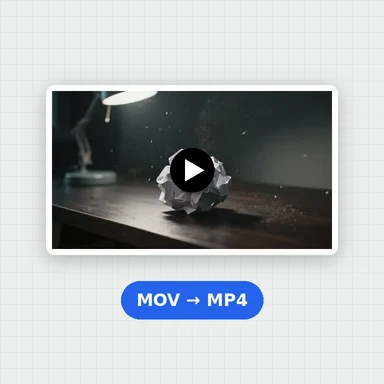 Video ConverterConvert videos to MP4, WebM, MOV or MKV for free. Pick the quality and resolution, preview the result and download. Runs in your browser: no upload, no sign-up, no watermark.
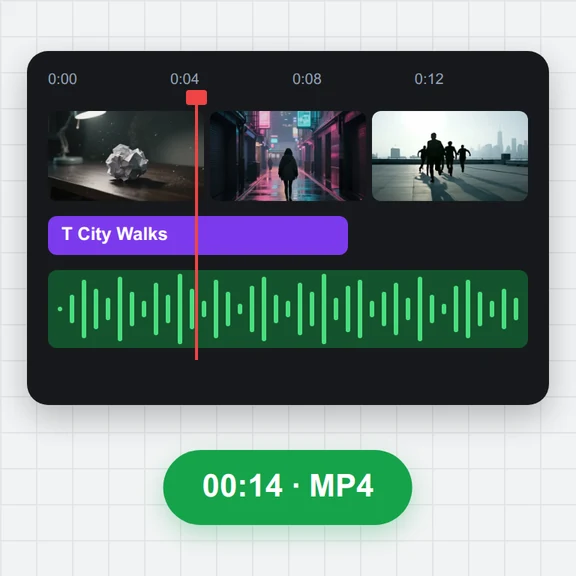 Video EditorEdit videos free in your browser: multi-track timeline, split and trim, transitions, titles, subtitles, music, speed and colour, then export MP4, WebM, GIF or MP3. No upload, no sign-up, no watermark.
 GIF MakerMake an animated GIF from photos or images free in your browser: reorder frames, set the speed, loop, size, crossfade and text, then download a GIF or MP4. No sign-up, no upload.
 Subtitle GeneratorGenerate subtitles from speech automatically, free. Edit captions, style them, download SRT, VTT or TXT, or burn them into your MP4. No upload, no watermark.
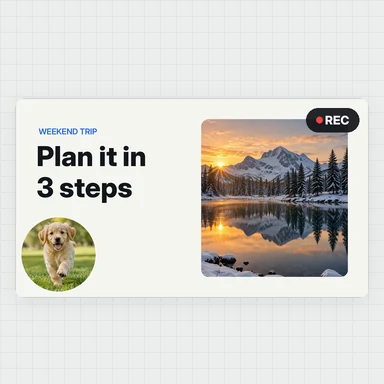 Screen RecorderRecord your screen, a window or a tab with your webcam and microphone, right in the browser. No install, no sign-up, no watermark, no time limit. Save MP4 or WebM.