
Add your shots
Add a panel for each shot. Upload, paste or drop a picture, or sketch the frame with the brush and shapes.
A storyboard maker for vertical short dramas: add a panel for each shot, give it a picture or a quick sketch, and set the shot type, camera move, duration and dialogue. The episode runtime adds up as you go, the shot list stays in sync, and one click turns any shot into a prompt for a video model.
Open Storyboard Maker →Add a panel for each shot. Upload, paste or drop a picture, or sketch the frame with the brush and shapes.
Choose the shot type and camera move, set the duration and write the action and dialogue. The episode runtime updates as you type.
Download a print-ready PDF, a PNG board or a CSV shot list, or copy a shot as a prompt and paste it into a video model.
Use Manlin to reflect, plan and take your next step.

Yes. Every feature is free, with no account, no watermark and no limit on how many boards you make.
No. Pictures, sketches and text stay in your browser. The board is saved on this device as you work, and exports are made on your device too.
Yes. Vertical 9:16 is the default, made for short dramas and phone video. Switch to 16:9 or 1:1 at any time; the frames and the exports follow.
It is the sum of the durations of all shots. Shots without a duration count as zero, and the board tells you how many of them there are.
It writes the shot as a plain text prompt: the shot type, the camera move, the frame shape, the action, the dialogue and the duration. Paste it into a text-to-video or image-to-video model. Notes are for your team and are left out.
The PDF is a print layout with several panels per page in A4 or US Letter. The PNG is the whole board in one picture. The CSV is the shot list for a spreadsheet, with the total runtime.
Use Export JSON. The file holds the whole board with its pictures. Open the tool on the other computer and use Import JSON.
Yes. Panels stack in one column, you can sketch with your finger, and the arrow buttons reorder shots where dragging is not practical.
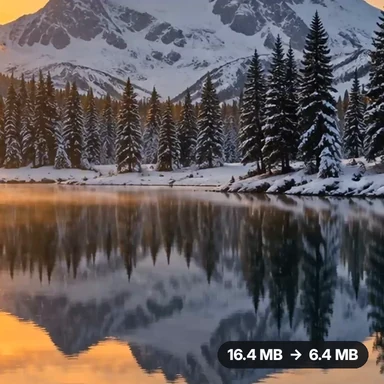 Video Compressor & EditorCompress video to a smaller size or to fit 10 MB or 25 MB, trim, crop, change speed, convert MP4 to MP3 and remove audio. Free in your browser: no upload, no watermark.
 Video ConverterConvert videos to MP4, WebM, MOV or MKV for free. Pick the quality and resolution, preview the result and download. Runs in your browser: no upload, no sign-up, no watermark.
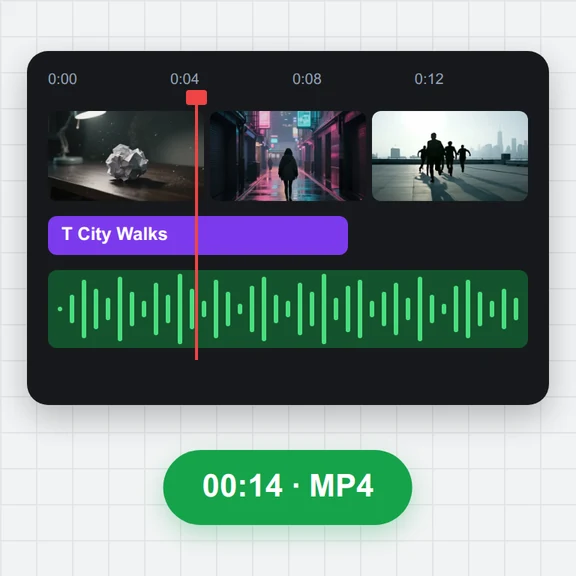 Video EditorEdit videos free in your browser: multi-track timeline, split and trim, transitions, titles, subtitles, music, speed and colour, then export MP4, WebM, GIF or MP3. No upload, no sign-up, no watermark.
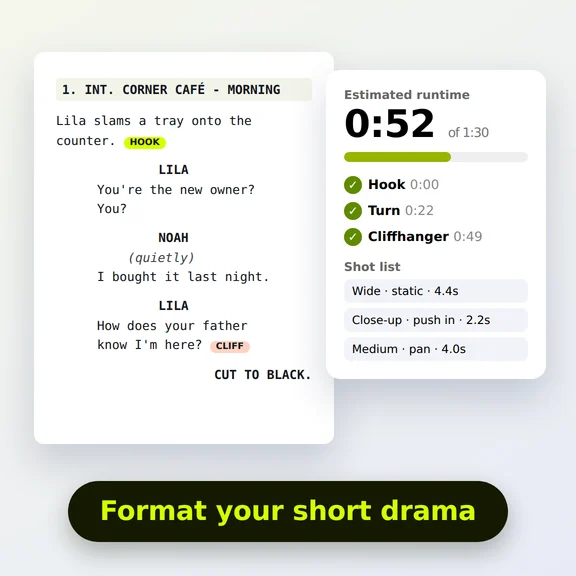 Short Drama Script FormatterShort drama script format made easy: paste an episode, get clean scene headings and dialogue, a runtime estimate, hook and cliffhanger checks and a shot list. Free.
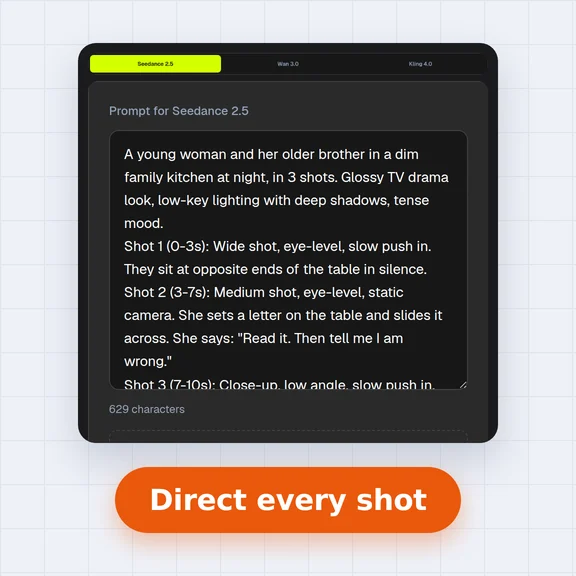 AI Video Prompt GeneratorAI video prompt generator for short dramas, free. Pick shot size, angle, camera move, lighting, mood and dialogue, build multi-shot sequences and copy the prompt.
 Video to GIF ConverterConvert video to GIF free in your browser: trim MP4, MOV or WebM clips, choose the size and frame rate, and download a looping GIF. No sign-up, no upload, no watermark.