
Pick a template
Choose one of 14 looks, from noir and palace drama to campus romance, and a card type: episode title, series title, next episode or to be continued.
This title card maker makes episode title cards, series titles, “Next episode” and “To be continued” cards for vertical short dramas. Pick a template, type your series and episode, then download a PNG, a short animated MP4, or a whole season as a ZIP.
Open Title Card Maker →Choose one of 14 looks, from noir and palace drama to campus romance, and a card type: episode title, series title, next episode or to be continued.
Enter the series name, the episode number and title, and a small line. Change fonts, colours and the background, or use a frame from your own video.
Save a PNG or a 1 to 5 second animated MP4 in 9:16, 1:1 or 16:9, or paste a list of episodes and download every card as one ZIP.
Turn on the safe area guide: app buttons and captions sit on the right and bottom of vertical videos, so keep the title in the dashed frame.
Use the same template, fonts and colours for every episode. Batch mode makes a whole season in one go, so the cards always match.
An opening card of 2 to 3 seconds is long enough to read and short enough to keep people watching.
A darkened still from the scene behind the title ties the card to the story. Pick it straight from your video.
Condensed display fonts like Anton or Bebas Neue stay readable on small screens and in thumbnails.
A small line such as “Will she sign?” on the end card gives viewers a reason to open the next episode.
Use Manlin to reflect, plan and take your next step.

Yes. No account, no watermark and no limit on how many cards you make. It runs in your browser with nothing to install.
A title card is a short screen with text that opens or closes part of a film or series: the show’s name, the episode number and title, or an end line such as “To be continued”.
A PNG at 1080 × 1920 (or 720 × 1280) for 9:16, and the matching square and wide sizes, or an MP4 (H.264) or WebM video of 1 to 5 seconds at 1080p, 720p or 540p and 30 or 60 frames per second.
Yes. Choose a picture, or open a video, move to the frame you want (the first and last frame are one click away) and use it. Darken it so the text stays readable.
Open the Batch tab and write one episode per line, like “3 | The Contract”. Pick the cards you need for each episode and download them all as one ZIP of PNG files, named in episode order.
Some apps and video editors expect every clip to have sound and can stumble when you join clips with and without it. The silent track avoids that; leave it off if you don’t need it.
Yes. The templates are original and the bundled fonts are open-licence fonts that allow their use in pictures and videos, so the cards you make are yours to use. With device fonts, the licence of the font on your computer applies.
No. Pictures and videos are read by your browser, the cards are drawn on your device and the files go straight to your downloads. Your texts and settings are kept only in this browser for your next visit.
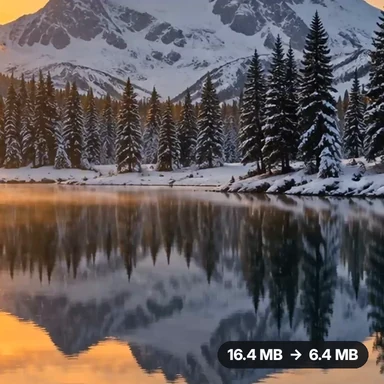 Video Compressor & EditorCompress video to a smaller size or to fit 10 MB or 25 MB, trim, crop, change speed, convert MP4 to MP3 and remove audio. Free in your browser: no upload, no watermark.
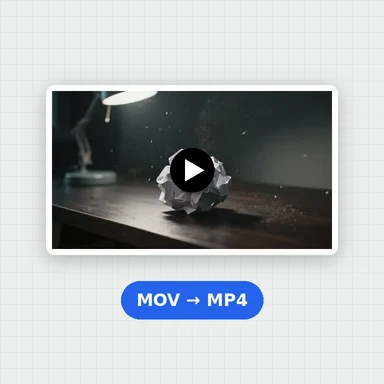 Video ConverterConvert videos to MP4, WebM, MOV or MKV for free. Pick the quality and resolution, preview the result and download. Runs in your browser: no upload, no sign-up, no watermark.
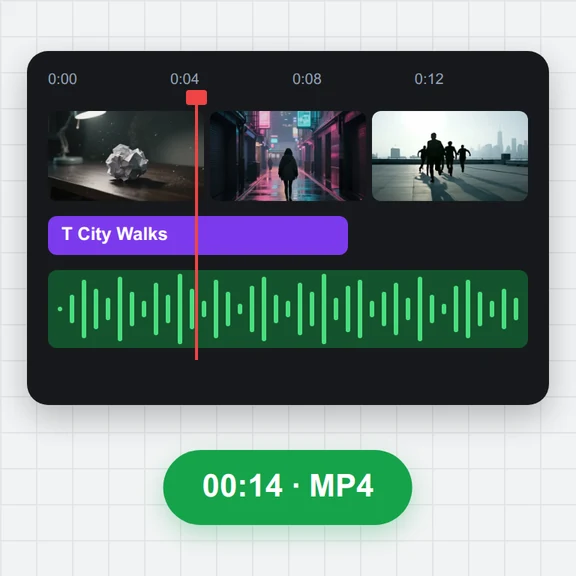 Video EditorEdit videos free in your browser: multi-track timeline, split and trim, transitions, titles, subtitles, music, speed and colour, then export MP4, WebM, GIF or MP3. No upload, no sign-up, no watermark.
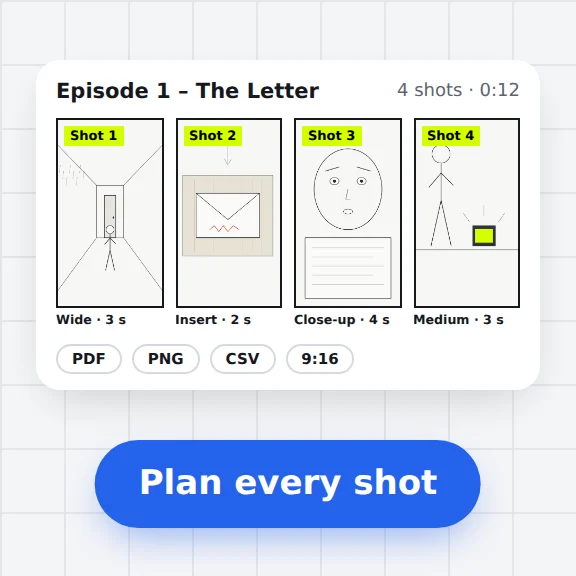 Storyboard MakerStoryboard maker for short dramas and vertical video. Add panels with pictures or sketches, shot types, camera moves, timing and dialogue, then export PDF, PNG or CSV. Free, no upload.
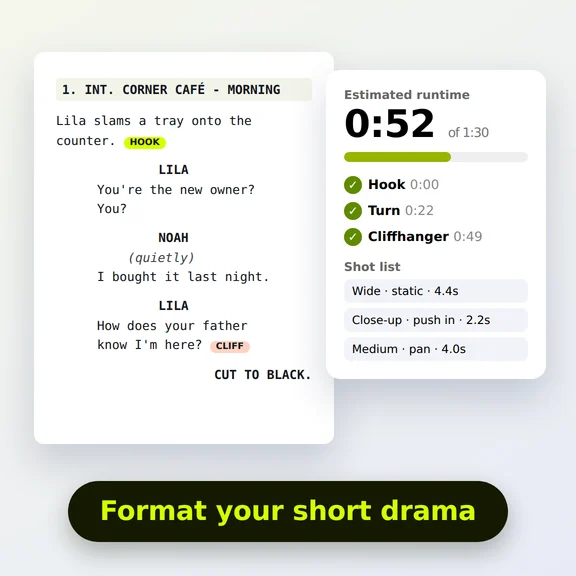 Short Drama Script FormatterShort drama script format made easy: paste an episode, get clean scene headings and dialogue, a runtime estimate, hook and cliffhanger checks and a shot list. Free.
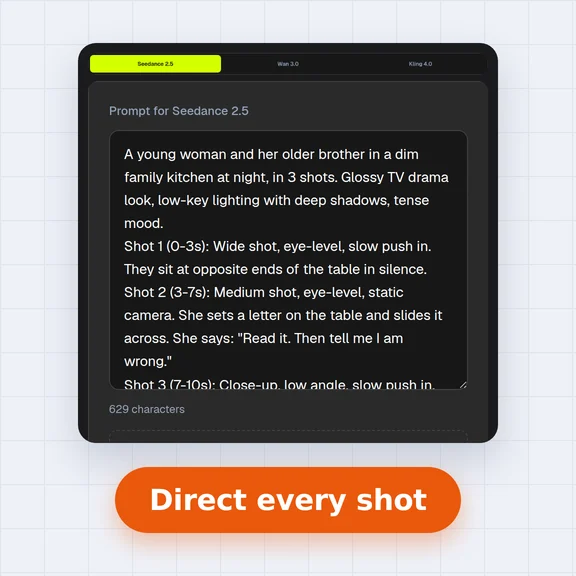 AI Video Prompt GeneratorAI video prompt generator for short dramas, free. Pick shot size, angle, camera move, lighting, mood and dialogue, build multi-shot sequences and copy the prompt.