
Add your video
Drop, paste or choose an MP4, MOV, WebM or MKV file up to 4 GB. It opens in your browser; nothing is uploaded.
Cut a recording into a number of equal parts, into clips no longer than you choose, into files that each fit an upload limit, or exactly where you set markers. Parts are numbered in order and download one by one or as a ZIP. Your video is processed on your device and never uploaded.
Open Split Video →Drop, paste or choose an MP4, MOV, WebM or MKV file up to 4 GB. It opens in your browser; nothing is uploaded.
Pick a number of parts, a longest length, a largest file size or your own markers. The timeline and the list show every part with its start, end, length and size.
Press Split. Download each part as it is ready, or all of them in one ZIP, numbered in order so they post and upload in the right sequence.
Use Manlin to reflect, plan and take your next step.

Yes. Split as many videos into as many parts as you like, with no account and no watermark on the parts.
No. The video is read and cut in your browser, and the parts are saved in your browser’s own storage until you download them. Nothing is sent to a server, so private recordings stay on your device.
Lossless parts are copied from your file without re-encoding, so they keep the original quality and are ready in seconds. A copied part can only begin on a key frame (a full picture the video stores every few seconds), so each cut moves to the nearest key frame and the list shows the real start, end and length of every part. Choose Exact cuts to cut at the exact moment; the parts are then re-encoded, which takes longer.
Choose Max file size and pick or type the limit. Parts are planned to stay a few percent under it, and in Lossless mode from the bytes actually stored in your file, so each part is sized from its own content. A megabyte here is 1,000,000 bytes, slightly less than the binary megabyte some sites count in, so the parts fit either way. Check the limit on the site you post to; they change.
You can open MP4, MOV, M4V, WebM and MKV videos. Lossless parts keep the original video stream: H.264, HEVC or AV1 video comes out as MP4, VP8 or VP9 as WebM. Exact cuts are re-encoded to MP4 (H.264 with AAC sound), which plays almost everywhere. Every part keeps its sound, and the parts follow on from each other without a gap or an overlap.
Lossless splitting takes seconds even for long videos because nothing is re-encoded. Exact cuts take about as long as compressing the video, depending on your device. Files up to 4 GB work; the parts are written to your browser’s storage instead of memory, so you need free disk space about the size of the video.
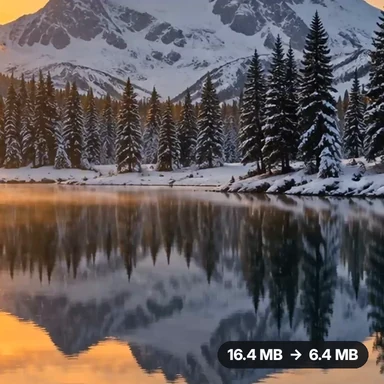 Video Compressor & EditorCompress video to a smaller size or to fit 10 MB or 25 MB, trim, crop, change speed, convert MP4 to MP3 and remove audio. Free in your browser: no upload, no watermark.
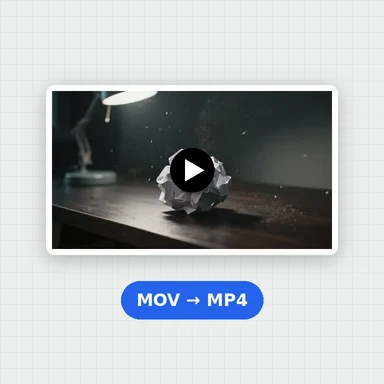 Video ConverterConvert videos to MP4, WebM, MOV or MKV for free. Pick the quality and resolution, preview the result and download. Runs in your browser: no upload, no sign-up, no watermark.
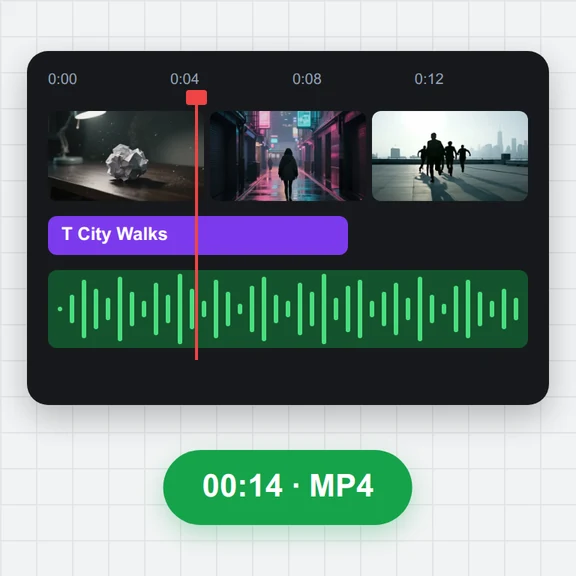 Video EditorEdit videos free in your browser: multi-track timeline, split and trim, transitions, titles, subtitles, music, speed and colour, then export MP4, WebM, GIF or MP3. No upload, no sign-up, no watermark.
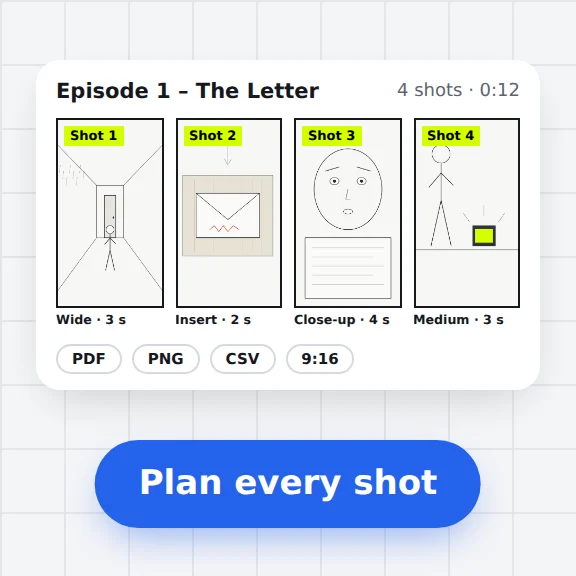 Storyboard MakerStoryboard maker for short dramas and vertical video. Add panels with pictures or sketches, shot types, camera moves, timing and dialogue, then export PDF, PNG or CSV. Free, no upload.
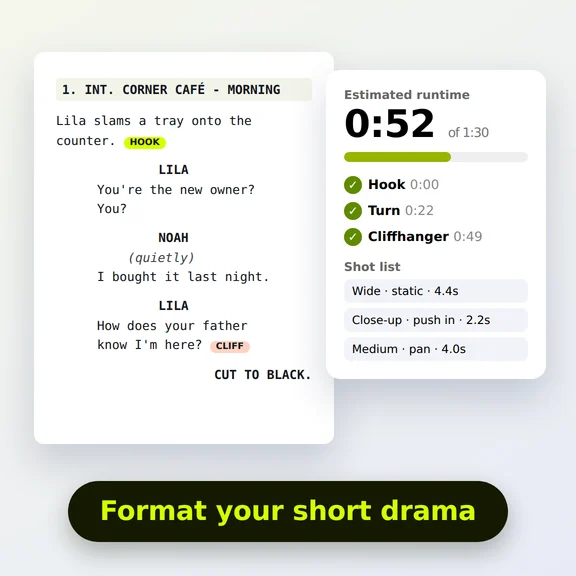 Short Drama Script FormatterShort drama script format made easy: paste an episode, get clean scene headings and dialogue, a runtime estimate, hook and cliffhanger checks and a shot list. Free.
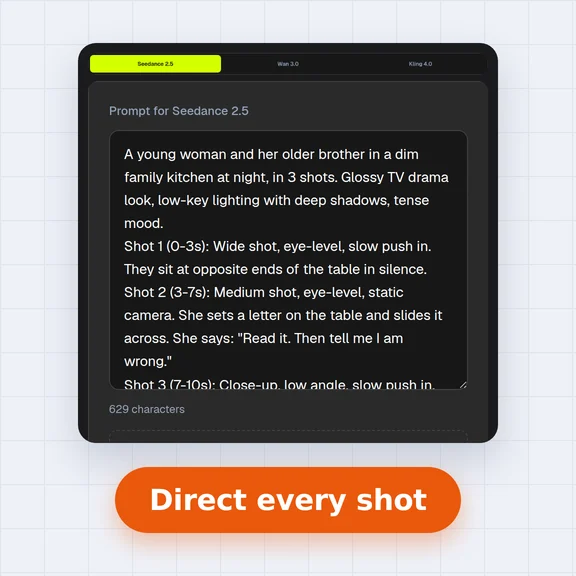 AI Video Prompt GeneratorAI video prompt generator for short dramas, free. Pick shot size, angle, camera move, lighting, mood and dialogue, build multi-shot sequences and copy the prompt.