
Add your videos
Drop, paste or choose one or more MP4, MOV, M4V, WebM or MKV files. Each one shows what it contains.
See what a clip reveals: where and when it was recorded, the device, the software and more. Remove it in one click without re-encoding, check the cleaned file, then download one video or a ZIP.
Open Video Metadata Remover →Drop, paste or choose one or more MP4, MOV, M4V, WebM or MKV files. Each one shows what it contains.
Select a video to see its location, device, dates, titles and other details. Videos with a location are marked.
Remove the metadata and download the clean video, or a ZIP when there are several. The cleaned file is read again so you can see what is left.
Use Manlin to reflect, plan and take your next step.

Phones and cameras often save where and when a clip was recorded, the device maker and model, and the app or software used. Editors add titles, comments, encoder names and cover images, and some devices record GPS or motion readings in a separate data track.
No. The video is not re-encoded. The picture and sound data are copied byte for byte; only the hidden information around them is removed, so quality, resolution and length stay the same.
No. Everything happens in your browser on your device. The files are read locally and the cleaned copies are saved straight to your downloads.
MP4, MOV, M4V and 3GP files, plus WebM and MKV. For other formats, convert the video to MP4 first with the Video Converter.
In WebM, MKV and streaming-ready MP4 files the removed data is overwritten with zeros in place, which keeps the file valid without moving anything. The information is gone even though the size does not change.
Yes. This tool cleans the file itself. What is in the picture or sound, such as a street sign or a voice, is not changed, and a platform can add its own details once the video is posted.
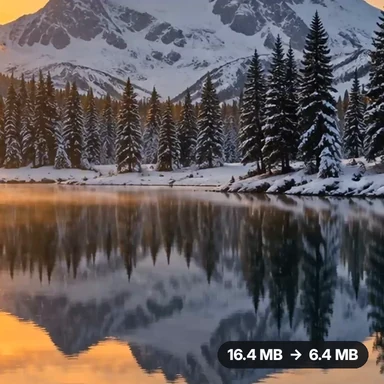 Video Compressor & EditorCompress video to a smaller size or to fit 10 MB or 25 MB, trim, crop, change speed, convert MP4 to MP3 and remove audio. Free in your browser: no upload, no watermark.
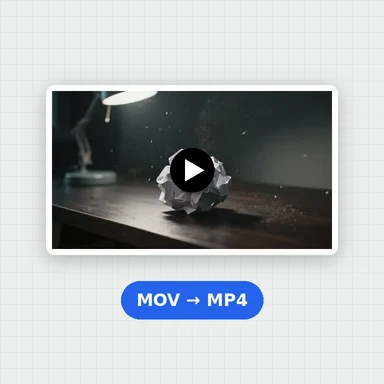 Video ConverterConvert videos to MP4, WebM, MOV or MKV for free. Pick the quality and resolution, preview the result and download. Runs in your browser: no upload, no sign-up, no watermark.
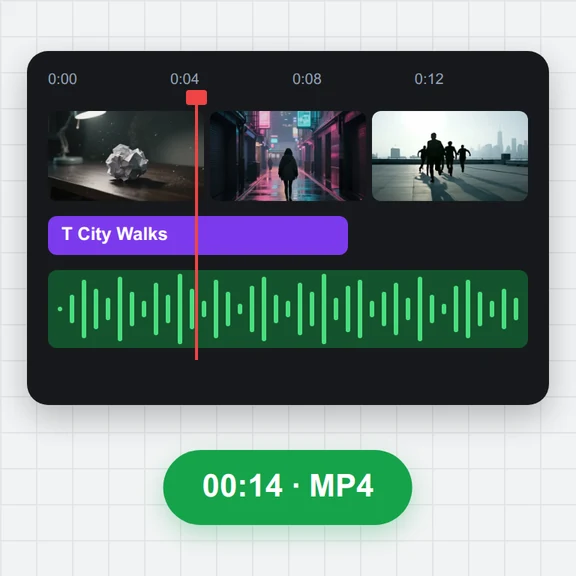 Video EditorEdit videos free in your browser: multi-track timeline, split and trim, transitions, titles, subtitles, music, speed and colour, then export MP4, WebM, GIF or MP3. No upload, no sign-up, no watermark.
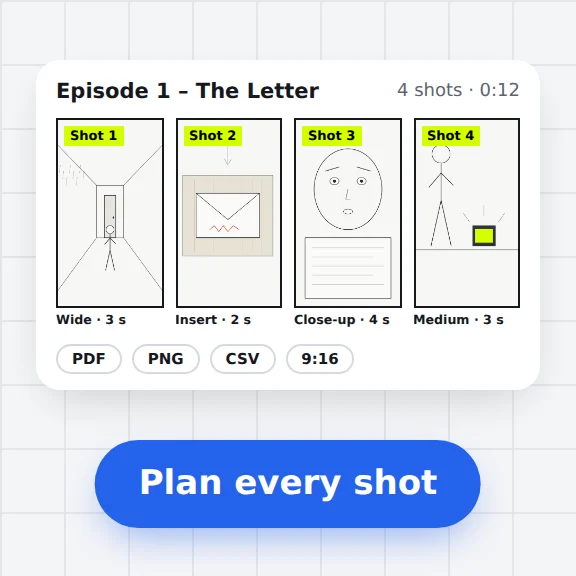 Storyboard MakerStoryboard maker for short dramas and vertical video. Add panels with pictures or sketches, shot types, camera moves, timing and dialogue, then export PDF, PNG or CSV. Free, no upload.
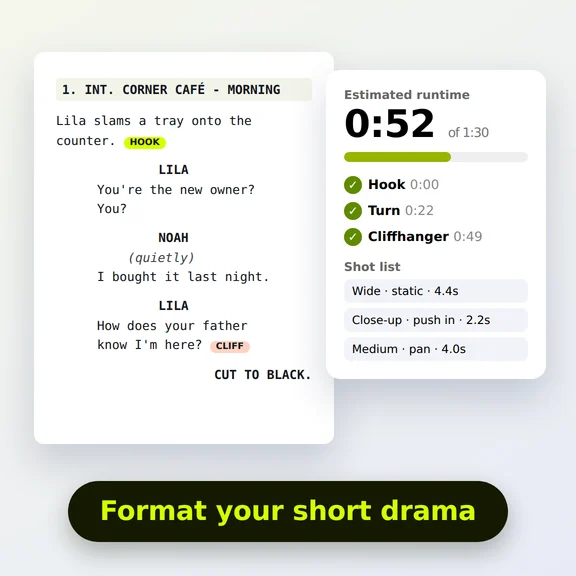 Short Drama Script FormatterShort drama script format made easy: paste an episode, get clean scene headings and dialogue, a runtime estimate, hook and cliffhanger checks and a shot list. Free.
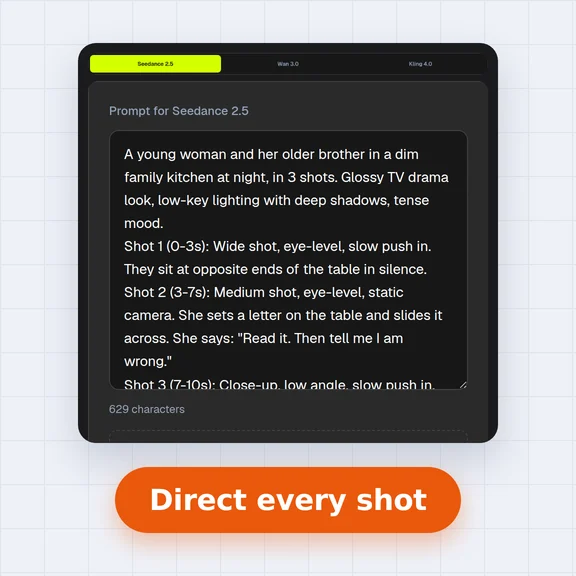 AI Video Prompt GeneratorAI video prompt generator for short dramas, free. Pick shot size, angle, camera move, lighting, mood and dialogue, build multi-shot sequences and copy the prompt.