
Add a photo
Choose, drop or paste a photo (JPG, PNG, WebP) of one person looking toward the camera. A clear, front-facing face works best.
Pick a photo of a person, choose how the face should move and get a short video: the head turns, the eyes blink, the person smiles or laughs. It works best on a portrait looking toward the camera, from a selfie to a faded family print. Everything runs on your device.
Open Animate Photo →Choose, drop or paste a photo (JPG, PNG, WebP) of one person looking toward the camera. A clear, front-facing face works best.
Pick how the face should move, from a gentle blink and a soft smile to a laugh, a wink or a surprised look, or use your own video.
Press Animate and wait while the video is made on your device, then watch it and save the MP4.
Use Manlin to reflect, plan and take your next step.

Yes. Animate as many photos as you like with no account and no watermark.
No. The photo, and any video you choose, is processed in your browser and never leaves your device. The first time, your browser downloads the face models (about 290 MB) and keeps them for next time.
The tool finds the face, works out its pose and expression and then redraws it for every frame of a recorded motion such as a head turn, a blink or a smile. The redrawn face is blended back into the photo; the background and the body stay as they are.
A single person looking roughly toward the camera, with the whole face visible and not too small. Old, faded, black-and-white and sepia photos work; heavy damage, hands over the face, sunglasses and very small faces give worse results. Photos with several people animate the largest face only.
The tool does not know who is in a photo and treats every face the same. If you animate a photo of someone else, make sure they, or their family, would be comfortable with it, and do not use the result to mislead anyone.
Redrawing a face for every frame is heavy. It runs on your graphics card through the browser; a computer without it would take far too long, so the Animate button is disabled there. Try a recent Chrome or Edge on a computer.
A few minutes for a short video, longer on a slower computer. Keep the tab open until it is done; you can cancel at any time.
The ready-made motions are silent: add music or a voice in a video editor, or use the talking photo tool to make a photo speak. If you move the photo with your own video, its sound is kept.
Yes. Choose Your video and pick a short clip (up to 8 seconds) of a face looking at the camera. The photo copies the expressions and head movements of the clip, frame by frame, and the result keeps the clip's sound. Start the clip with a calm, front-facing face.
Two to five seconds depending on the motion. The photo is used at up to 720 pixels wide; the video is an MP4 (or WebM where MP4 is not available).
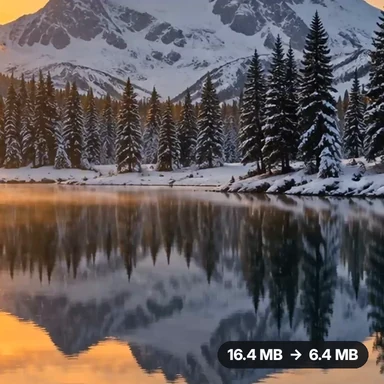 Video Compressor & EditorCompress video to a smaller size or to fit 10 MB or 25 MB, trim, crop, change speed, convert MP4 to MP3 and remove audio. Free in your browser: no upload, no watermark.
 Video ConverterConvert videos to MP4, WebM, MOV or MKV for free. Pick the quality and resolution, preview the result and download. Runs in your browser: no upload, no sign-up, no watermark.
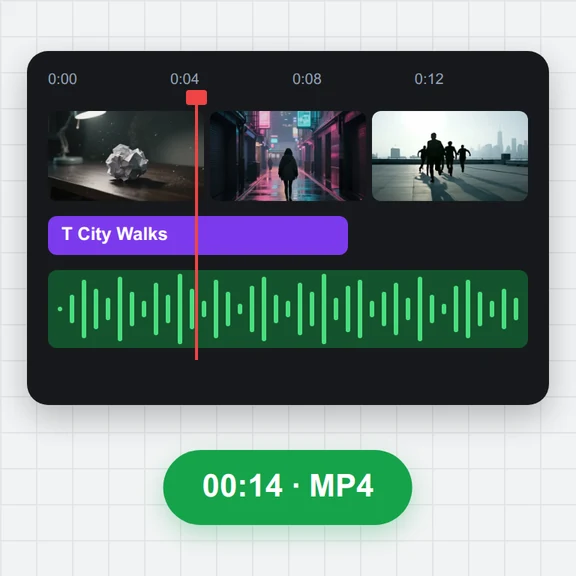 Video EditorEdit videos free in your browser: multi-track timeline, split and trim, transitions, titles, subtitles, music, speed and colour, then export MP4, WebM, GIF or MP3. No upload, no sign-up, no watermark.
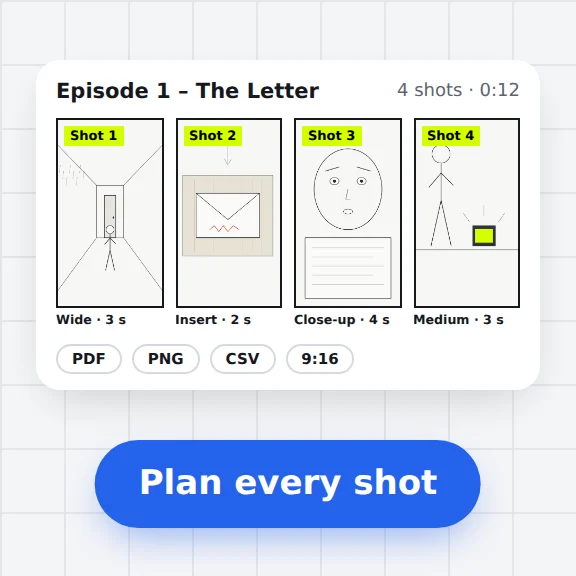 Storyboard MakerStoryboard maker for short dramas and vertical video. Add panels with pictures or sketches, shot types, camera moves, timing and dialogue, then export PDF, PNG or CSV. Free, no upload.
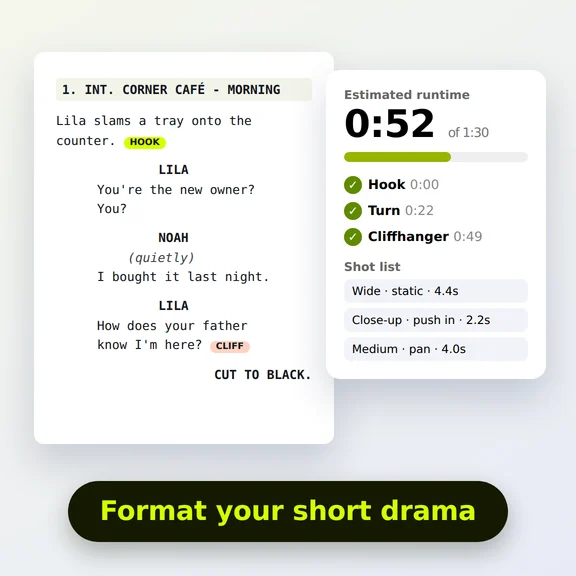 Short Drama Script FormatterShort drama script format made easy: paste an episode, get clean scene headings and dialogue, a runtime estimate, hook and cliffhanger checks and a shot list. Free.
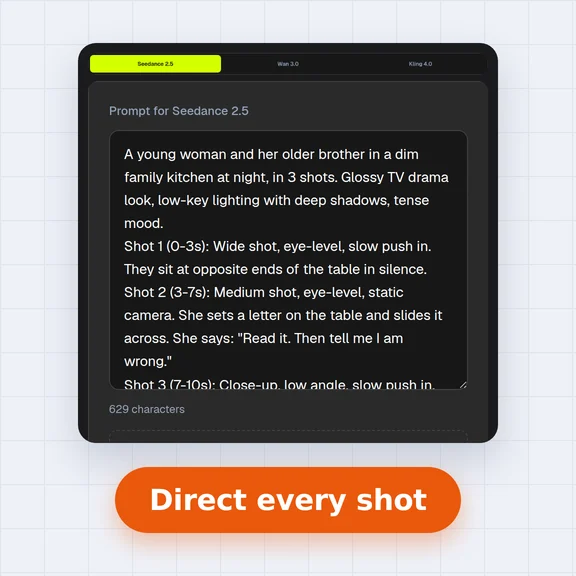 AI Video Prompt GeneratorAI video prompt generator for short dramas, free. Pick shot size, angle, camera move, lighting, mood and dialogue, build multi-shot sequences and copy the prompt.