
Open your video
Drop, paste or choose an MP4, MOV, WebM or MKV file. It opens in your browser; nothing is uploaded.
Put your @handle or logo on a clip before you post it: in a corner, tiled across the frame, or moving to a new spot every few seconds so it can’t be cropped out. The video never leaves your device. You get an MP4 at the same resolution, with the sound kept.
Open Add Watermark to Video →Drop, paste or choose an MP4, MOV, WebM or MKV file. It opens in your browser; nothing is uploaded.
Type your name or @handle, add a logo if you have one, and pick one spot, Tiled or Moving. Set size, opacity and angle while the preview plays.
Press Add watermark, wait for the progress bar and download the MP4. It keeps the resolution and the sound of your video.
Use Manlin to reflect, plan and take your next step.

It is free with no account, and the video is not uploaded. It is decoded, marked and encoded in your browser, so it never leaves your device. The result carries only your watermark, none of ours.
A single mark in a corner is the easiest to crop off. A tiled pattern covers the whole frame, and the moving mark jumps to the opposite side of the picture every few seconds, so cutting one area away never removes it. A partly see-through mark (around 30–60% opacity) stays visible without hiding your content.
Yes. Add a PNG, JPG, WebP or SVG logo up to 5 MB, on its own or above your text. A PNG with a transparent background looks best. Your last watermark and logo are remembered in this browser for the next video.
No. The video keeps its resolution and frame rate and is encoded at a bitrate matched to the original, and the sound track is kept. Every frame has to be encoded again to carry the mark, so the file size can differ a little from the original.
You can open MP4, MOV, M4V, WebM and MKV videos up to 2 GB and 60 minutes long. The result is an MP4 (H.264 video, AAC sound) that plays almost everywhere; a browser that can’t make MP4 files saves a WebM instead. The file keeps its name with “-watermarked” added.
A short clip is ready in seconds. Long HD videos take minutes: on a laptop roughly as long as the video plays, longer on a phone. The progress bar shows the time left, and you can cancel at any moment.
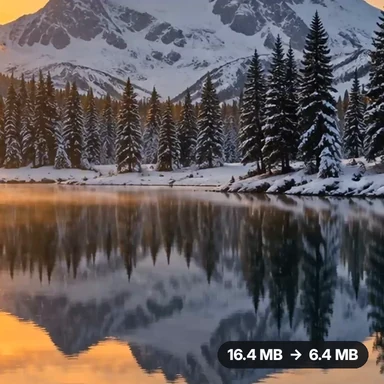 Video Compressor & EditorCompress video to a smaller size or to fit 10 MB or 25 MB, trim, crop, change speed, convert MP4 to MP3 and remove audio. Free in your browser: no upload, no watermark.
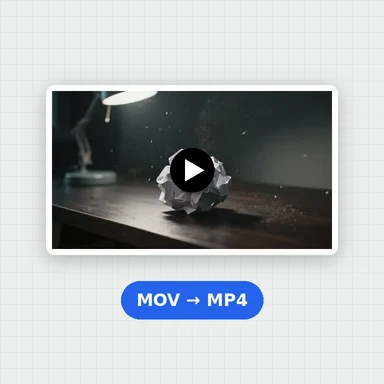 Video ConverterConvert videos to MP4, WebM, MOV or MKV for free. Pick the quality and resolution, preview the result and download. Runs in your browser: no upload, no sign-up, no watermark.
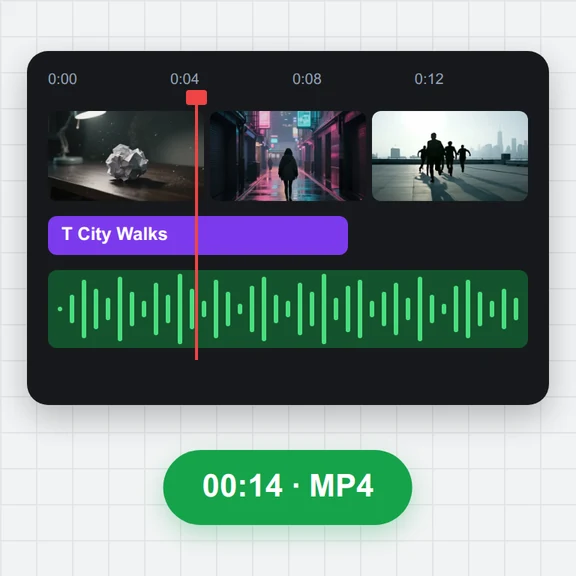 Video EditorEdit videos free in your browser: multi-track timeline, split and trim, transitions, titles, subtitles, music, speed and colour, then export MP4, WebM, GIF or MP3. No upload, no sign-up, no watermark.
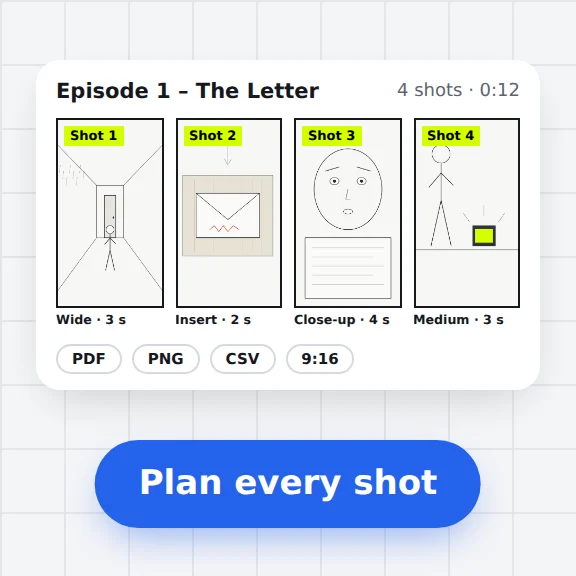 Storyboard MakerStoryboard maker for short dramas and vertical video. Add panels with pictures or sketches, shot types, camera moves, timing and dialogue, then export PDF, PNG or CSV. Free, no upload.
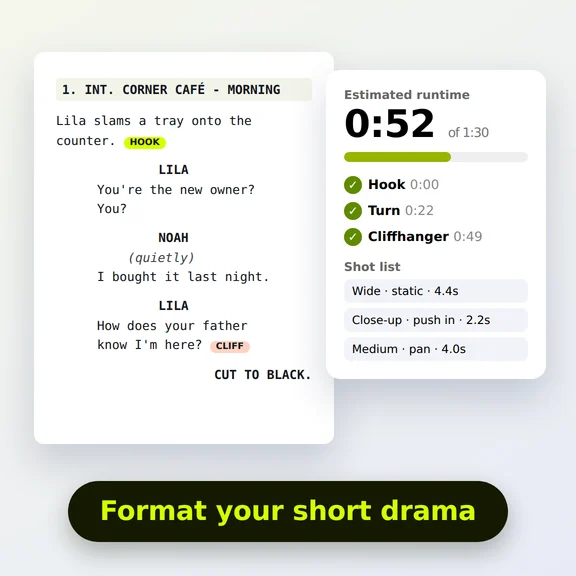 Short Drama Script FormatterShort drama script format made easy: paste an episode, get clean scene headings and dialogue, a runtime estimate, hook and cliffhanger checks and a shot list. Free.
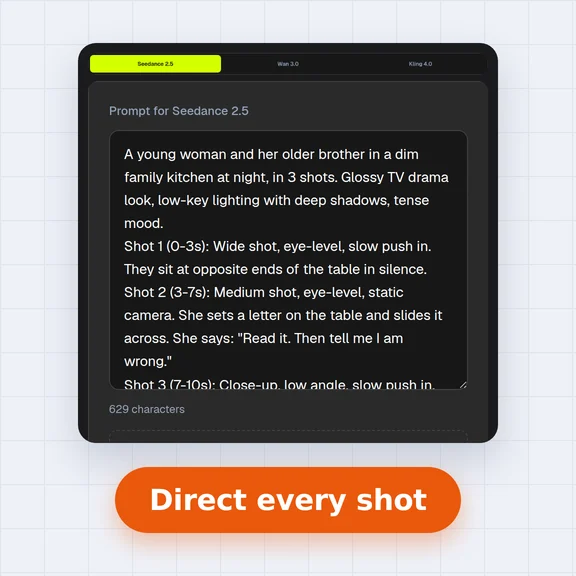 AI Video Prompt GeneratorAI video prompt generator for short dramas, free. Pick shot size, angle, camera move, lighting, mood and dialogue, build multi-shot sequences and copy the prompt.