
Pick an experiment
Start with the double slit, two sources, a grating, a lens, a moving source or a vibrating string, or begin with an empty tank.
This free wave simulator is a ripple tank in your browser: drop ripples, add sources and watch waves interfere, spread, bend and reflect. Try the double slit, a lens or a moving source, switch to a vibrating string for standing waves, and save a picture or a video.
Open Wave Simulator →Start with the double slit, two sources, a grating, a lens, a moving source or a vibrating string, or begin with an empty tank.
Tap to drop ripples, add or move sources, draw walls and paint slower regions. Set frequency, phase, wave speed and edges.
Pause or step through the motion, read the bands on the screen, then save a PNG or make a video clip.
When two waves meet, their heights add. Crest on crest makes a bigger wave, crest on trough cancels out. That is where the bright and dark bands come from.
A wave passing a gap or an edge spreads into the space behind it. Gaps about as wide as the wavelength spread it the most.
Walls send waves back. A flat wall acts like a mirror, a curved one can gather a wave into a single focus.
Waves slow down in a slower medium, so their wavelength shrinks and they bend where they cross the boundary at an angle. A lens uses this to focus.
Waves running back and forth on a string add up to a pattern that seems to stand still, with nodes that never move. It only builds up at the string’s harmonics.
A moving source squeezes its waves in front and stretches them behind. Faster than the waves themselves, it leaves a V-shaped shock wave.
Use Manlin to reflect, plan and take your next step.

It is a ripple tank and a vibrating string that run in your browser. You can make waves, change how they are made and what they meet, and watch interference, diffraction, reflection, refraction and standing waves as they happen.
Yes. It is free with no sign-up and no watermark, and nothing to install.
A straight wave arrives at a wall with two narrow gaps. Each gap sends out its own circular ripple, and where the ripples overlap they add up or cancel. The screen at the far side shows the average brightness: bright and dark bands, symmetric about the middle. Move the gaps apart and the bands get closer together.
Yes. Use the tools to drop ripples, add point or line sources, draw walls, paint slower regions and erase them again. Every source has its own frequency, amplitude, phase and moving speed.
Absorb lets waves fade out at the border as if the tank went on forever. Reflect turns the border into a wall, so waves bounce back and can build up patterns inside the tank.
Open the String tab, pick a harmonic and press Shake at this harmonic. The swings grow into a steady pattern with nodes and antinodes. You can also start the string in a harmonic’s shape or pluck it.
Yes. Save a PNG of the current moment, or make an MP4 (or WebM) video clip in 16:9, 1:1 or 9:16 that carries on from what is on screen.
Yes. Tap to drop ripples and drag to draw. The settings slide up from the bottom, and on a tall screen the waves travel from top to bottom to use the space.
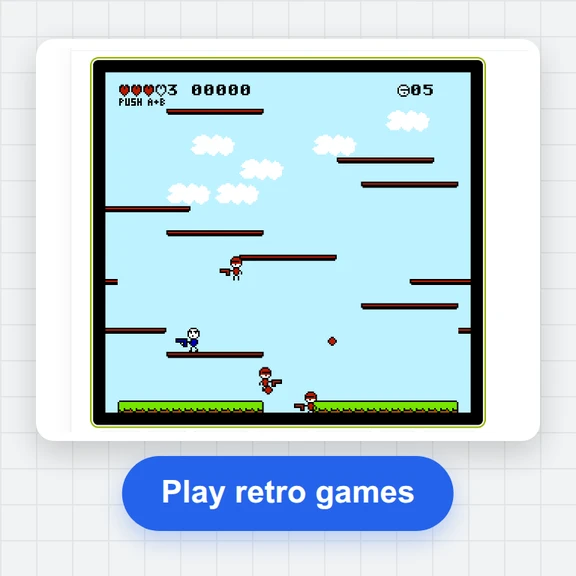 FC / NES Console EmulatorPlay FC/NES (Famicom) games in your browser with local .nes ROM import, keyboard, gamepad and touch controls, save states and fullscreen. Includes 11 freely licensed homebrew games; local files stay on your device.
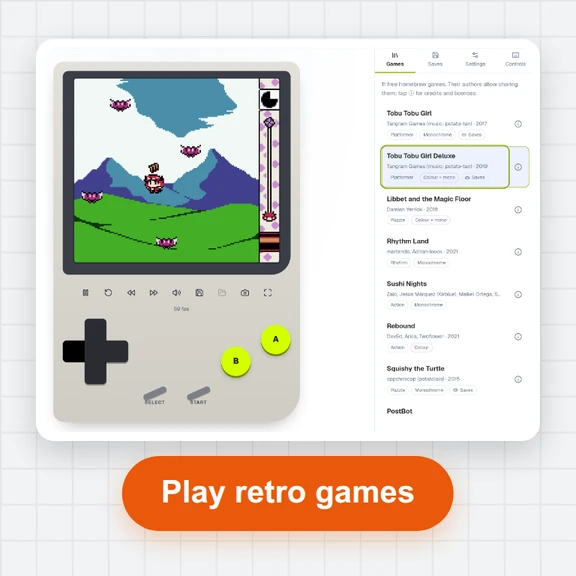 GB / GBC Handheld EmulatorPlay Game Boy (GB) and Game Boy Color (GBC) games in your browser. Import local .gb/.gbc files and use touch, keyboard or gamepad controls, save states, rewind and fullscreen. GBA is not supported.
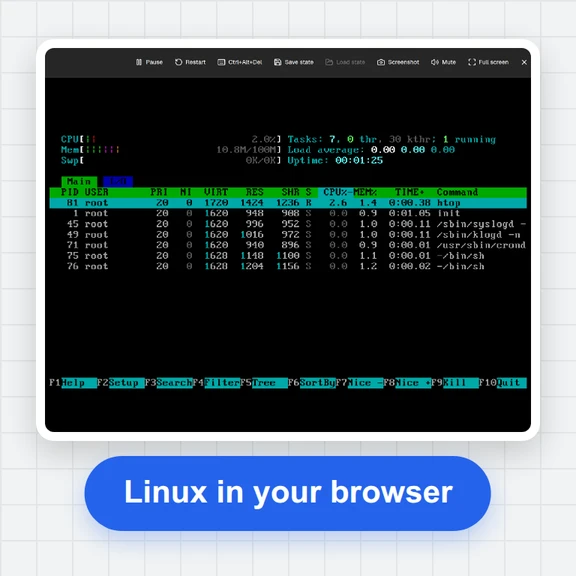 PC EmulatorBoot a real x86 PC in your browser: a Linux shell, FreeDOS with games, or the KolibriOS desktop. Copy files in and out, paste text, save the state. Free, nothing to install.
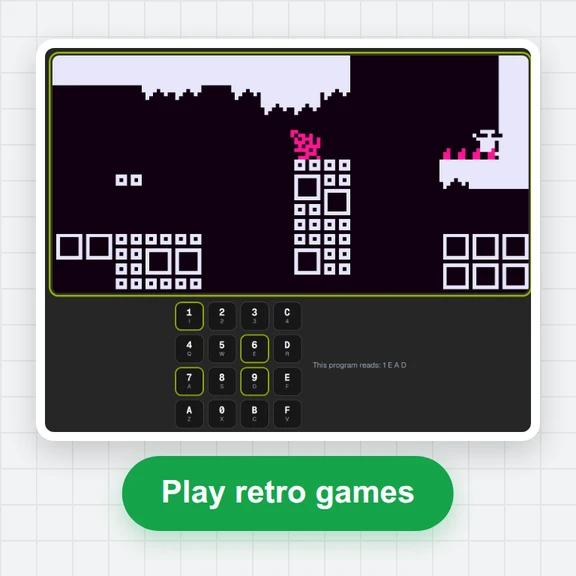 CHIP-8 EmulatorRun CHIP-8, SUPER-CHIP and XO-CHIP programs in your browser: 33 public-domain games, your own .ch8 files, quirk switches, sound, save states and a debugger.
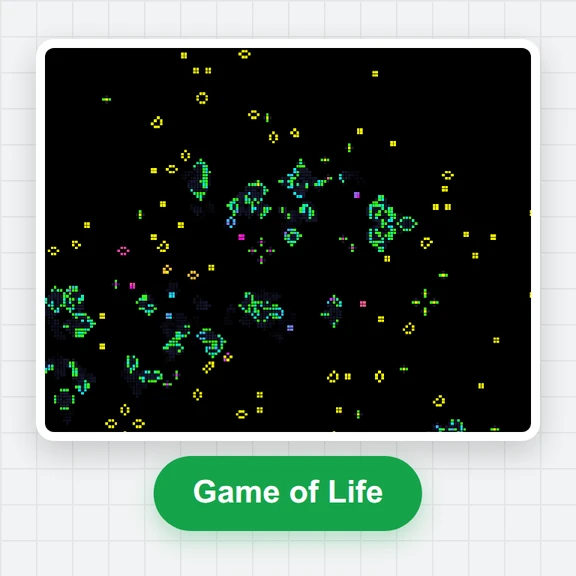 Game of LifePlay the Game of Life free online: draw cells, drop gliders, guns and spaceships, try HighLife and other rules, import RLE patterns and save a video clip.
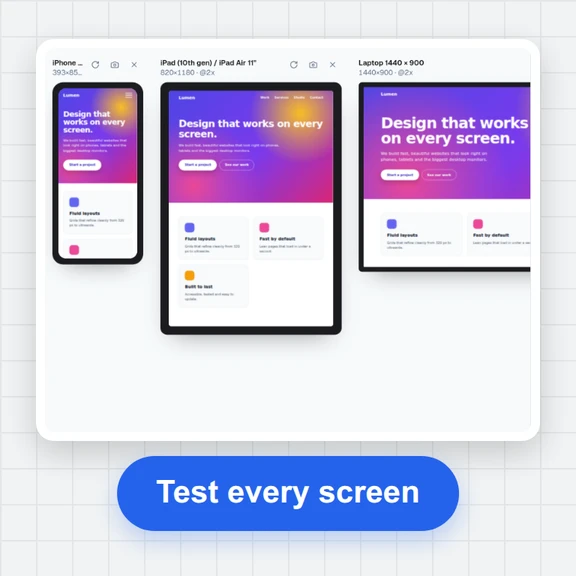 Responsive TesterFree responsive tester: see a website or your HTML at dozens of phone, tablet and laptop screen sizes side by side. Resize, rotate, find overflow, save screenshots.