
Pick a system
Choose Linux, FreeDOS or KolibriOS. The first start downloads it once (2 to 10 MB); after that it starts straight from your browser.
A complete x86 PC runs inside this page: pick a system and it starts in seconds, with keyboard, mouse, screen and sound. Try Linux commands, write a DOS batch file, play classic-style DOS games or explore a tiny graphical OS — and copy files in and out.
Open PC Emulator →Choose Linux, FreeDOS or KolibriOS. The first start downloads it once (2 to 10 MB); after that it starts straight from your browser.
Your keys go to the emulated PC while its screen has focus. Use the key row for Esc, arrows and function keys on a phone.
Add files to the PC, download what it writes, paste text in, and save the machine to pick up where you left off.
Use Manlin to reflect, plan and take your next step.

Yes. It is free with no account, no time limit and no watermark on screenshots, and every system it runs is free software.
Yes. Pick Linux, FreeDOS or KolibriOS and it boots on an emulated PC right in this tab in a few seconds, with nothing to install.
Linux comes with the BusyBox tools, nano, htop, Lua and MicroPython; FreeDOS has EDIT, DEBUG, batch files and nine free games; KolibriOS has a full desktop with a file manager, editor, image viewer and games. You can also add your own programs, documents and scripts through the Files panel.
In Linux, files you add appear in /mnt/shared; copy files there to download them. In FreeDOS, your files are on drive B: (a 1.44 MB floppy); programs can save to B: and you download the changed files from the Files panel.
Yes. The PC runs entirely in this tab: files you add are copied into it on your device and are not sent anywhere. The emulator and the system you pick are downloaded once and kept in your browser's cache.
It translates the PC's code to WebAssembly as it runs, so DOS programs and the Linux shell feel responsive on a recent laptop. The speed in millions of instructions per second is shown next to the system name.
Save state stores the whole machine — memory, screen and disks — in your browser. Next time, choose Resume on the system's card to carry on where you left off.
Use the Ctrl+Alt+Del button in the toolbar. Most other keys, including Esc, Tab and the function keys, go straight to the PC while its screen has focus.
Linux was built for this page from Buildroot, the FreeDOS disk was assembled from the official FreeDOS 1.4 packages, and KolibriOS is the project's own floppy image. About this system lists every program with its licence and source code.
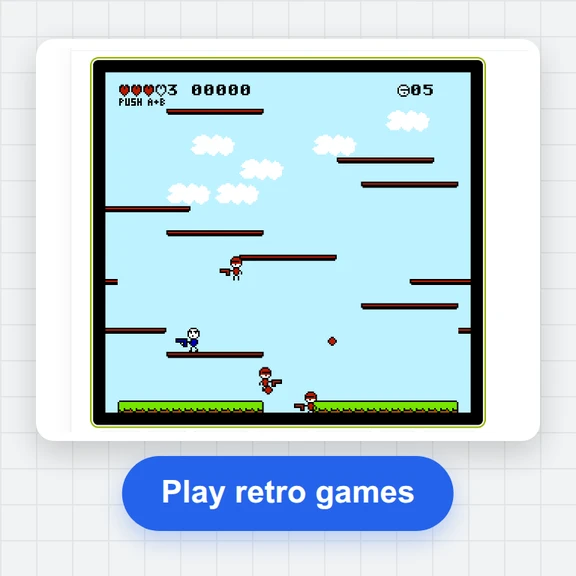 FC / NES Console EmulatorPlay FC/NES (Famicom) games in your browser with local .nes ROM import, keyboard, gamepad and touch controls, save states and fullscreen. Includes 11 freely licensed homebrew games; local files stay on your device.
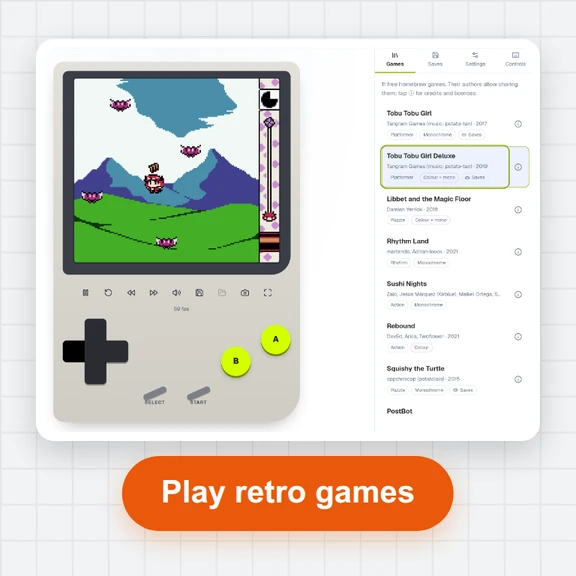 GB / GBC Handheld EmulatorPlay Game Boy (GB) and Game Boy Color (GBC) games in your browser. Import local .gb/.gbc files and use touch, keyboard or gamepad controls, save states, rewind and fullscreen. GBA is not supported.
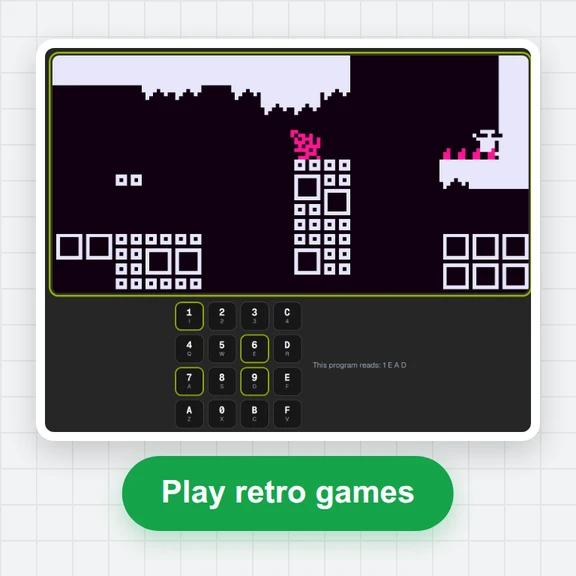 CHIP-8 EmulatorRun CHIP-8, SUPER-CHIP and XO-CHIP programs in your browser: 33 public-domain games, your own .ch8 files, quirk switches, sound, save states and a debugger.
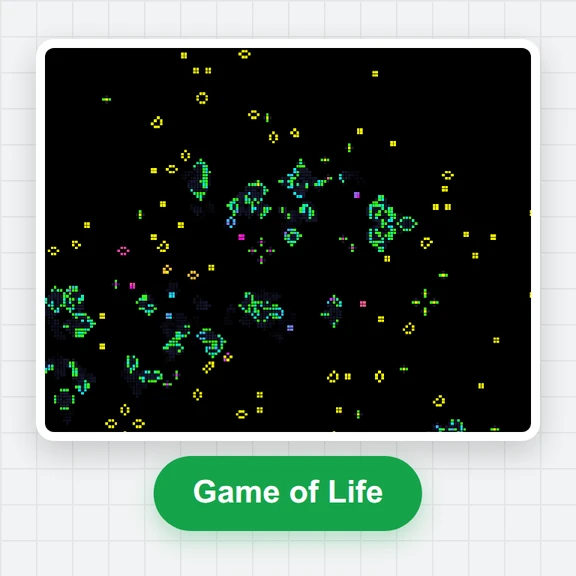 Game of LifePlay the Game of Life free online: draw cells, drop gliders, guns and spaceships, try HighLife and other rules, import RLE patterns and save a video clip.
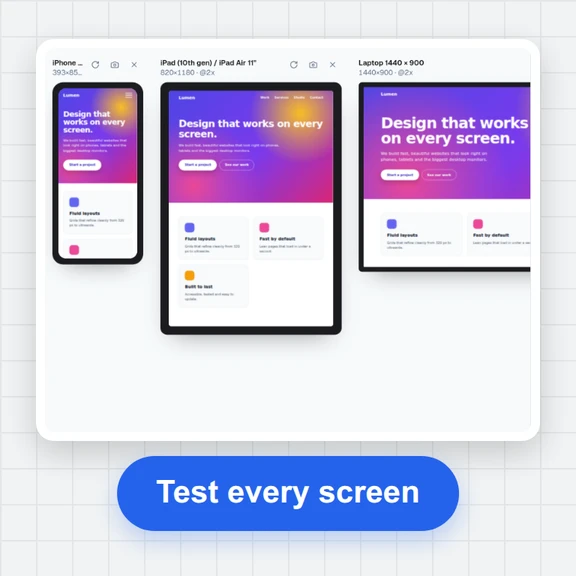 Responsive TesterFree responsive tester: see a website or your HTML at dozens of phone, tablet and laptop screen sizes side by side. Resize, rotate, find overflow, save screenshots.
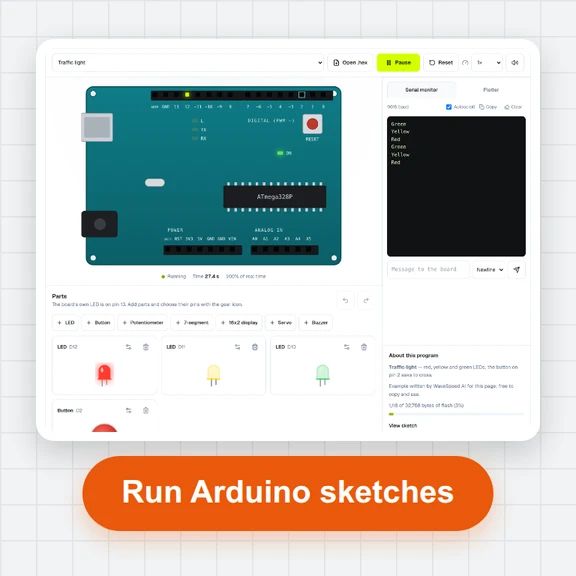 Arduino SimulatorRun compiled Arduino Uno programs in your browser: LEDs, buttons, potentiometer, 7-segment, 16x2 display, servo, buzzer and a serial monitor. Free, no sign-up.