
Pick an example or open your .hex
Start with Blink, Serial, a button, a fade, a display or a servo, or open the compiled file your IDE exports.
Run a compiled sketch (.hex) or one of ten examples on a simulated ATmega328P, in real time. Wire LEDs, buttons, a knob, a 7-segment digit, a 16x2 display, a servo or a buzzer to its pins and watch the serial monitor.
Open Arduino Simulator →Start with Blink, Serial, a button, a fade, a display or a servo, or open the compiled file your IDE exports.
Add LEDs, buttons, a potentiometer, a 7-segment digit, a 16x2 display, a servo or a buzzer and choose the pins they connect to.
Press buttons, turn the knob, type into the serial monitor and watch the board react in real time.
Use Manlin to reflect, plan and take your next step.

Yes. It's a free online Arduino simulator: run as many programs as you like, with no account, no watermark, no time limit and nothing to install.
Pick one of ten example sketches or open your compiled .hex, wire LEDs, buttons and other parts to the Uno's pins, and press Run. The board runs in your browser in real time, with a serial monitor and plotter.
Open the compiled file of your sketch. In the Arduino IDE choose Sketch > Export Compiled Binary and open the .hex it saves; with arduino-cli use “compile --output-dir”, with PlatformIO open .pio/build/uno/firmware.hex. ELF files and raw .bin images work too.
An Uno-style board with an ATmega328P at 16 MHz: pins D0–D13 and A0–A5, timers 0, 1 and 2 with PWM, the serial port, analog inputs, EEPROM, the watchdog and pin interrupts.
Every instruction takes the number of clock cycles the real chip takes, so delay(), millis(), PWM frequencies, tone pitches, servo pulses and serial timing match a real Uno. The status line shows the simulation speed.
LEDs, push buttons, a potentiometer, a 7-segment digit, a 16x2 character display, a servo and a buzzer you can hear, plus a serial monitor and plotter for your program's output.
Add it, then open its wiring (the gear icon) and choose the pins. LEDs connect from the pin to GND, buttons connect the pin to GND (use INPUT_PULLUP) or to 5V, the potentiometer gives 0–5 V on an analog pin, and the 16x2 display uses the usual RS, E and D4–D7 hookup.
No. The file is read and run in your browser and never leaves your device. Your wiring and last program are kept in this browser for next time.
Yes. Ten examples written in standard Arduino style, from Blink and Serial to a button, a fade, a display and a servo. Open “View sketch” to read the code and copy it into your own IDE.
No. Arduino is a trademark of Arduino SA; this simulator is made by Manlin and is not affiliated with or endorsed by Arduino.
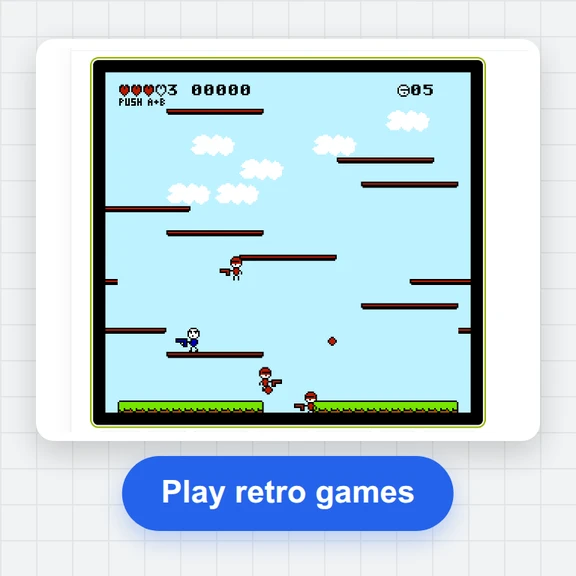 FC / NES Console EmulatorPlay FC/NES (Famicom) games in your browser with local .nes ROM import, keyboard, gamepad and touch controls, save states and fullscreen. Includes 11 freely licensed homebrew games; local files stay on your device.
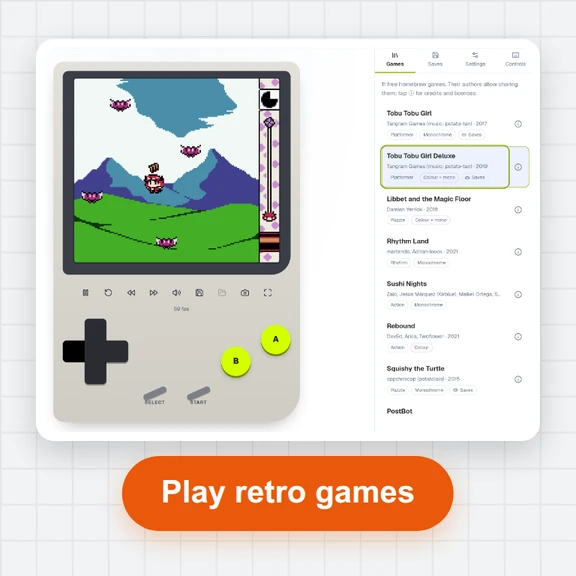 GB / GBC Handheld EmulatorPlay Game Boy (GB) and Game Boy Color (GBC) games in your browser. Import local .gb/.gbc files and use touch, keyboard or gamepad controls, save states, rewind and fullscreen. GBA is not supported.
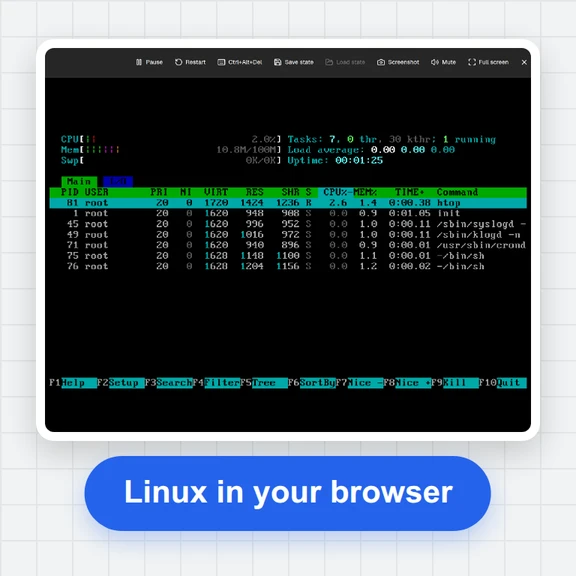 PC EmulatorBoot a real x86 PC in your browser: a Linux shell, FreeDOS with games, or the KolibriOS desktop. Copy files in and out, paste text, save the state. Free, nothing to install.
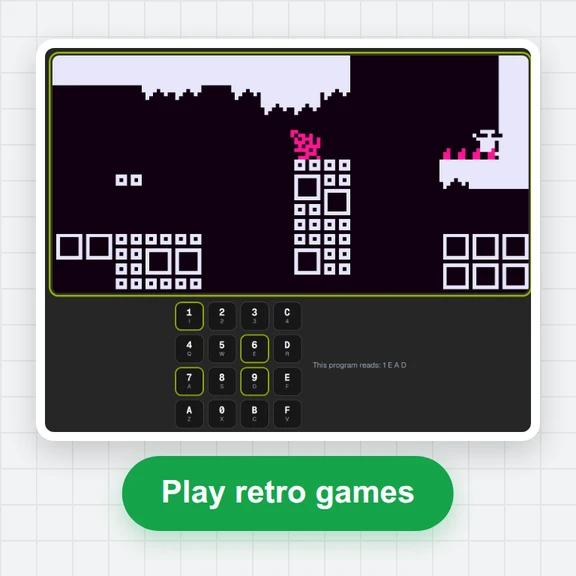 CHIP-8 EmulatorRun CHIP-8, SUPER-CHIP and XO-CHIP programs in your browser: 33 public-domain games, your own .ch8 files, quirk switches, sound, save states and a debugger.
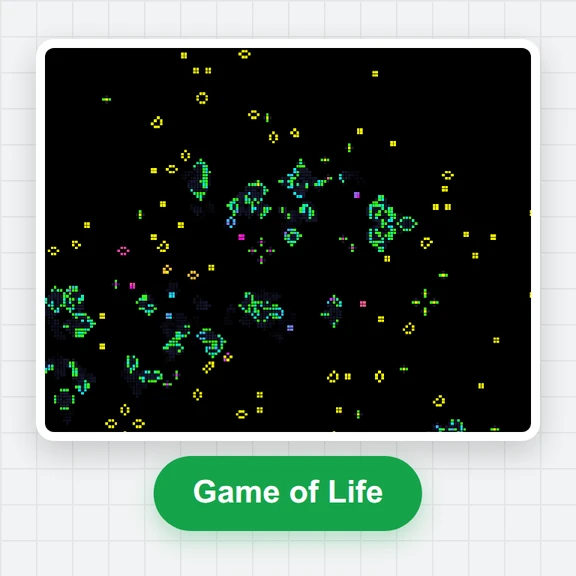 Game of LifePlay the Game of Life free online: draw cells, drop gliders, guns and spaceships, try HighLife and other rules, import RLE patterns and save a video clip.
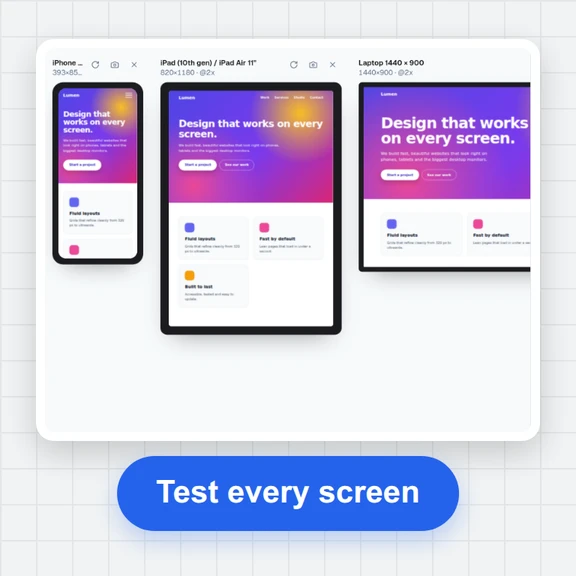 Responsive TesterFree responsive tester: see a website or your HTML at dozens of phone, tablet and laptop screen sizes side by side. Resize, rotate, find overflow, save screenshots.