
Pick a game
Choose a built-in GB/GBC homebrew game or import a local .gb/.gbc ROM. The file is read only in this browser.
This tool supports Game Boy (GB) and Game Boy Color (GBC), including local .gb/.gbc ROM import. Use touch, keyboard or gamepad controls. Files stay in this browser and are never uploaded. Game Boy Advance (GBA) is not supported.
Open GB / GBC Handheld Emulator →Choose a built-in GB/GBC homebrew game or import a local .gb/.gbc ROM. The file is read only in this browser.
Use the arrow keys with X and Z, a gamepad, or the on-screen D-pad and buttons on a phone or tablet.
Save to one of three slots, hold R to rewind a mistake, and pick up where you left off next time.
The open-source emulation core passes standard CPU, timing and picture tests for this hardware, so games run as they would on the real thing.
Freeze the game in one of three slots, load it back any time, or hold rewind to step back a few seconds after a mistake.
Games that save their own progress keep it in this browser, and the player offers to continue where you stopped.
Large on-screen buttons with diagonal D-pad, full keyboard control and standard gamepads, including shoulder buttons for rewind and fast-forward.
Give monochrome games a classic green, pocket grey, amber and more, play at half or double speed, or fast-forward through slow parts.
Save a sharp 640 × 576 PNG of the screen, or go full screen with the controls laid out for your phone.
Use Manlin to reflect, plan and take your next step.

Yes. Play every game online for free, as long as you like, with no sign-up, no ads and nothing to install. The games themselves are free, openly licensed homebrew.
Yes. Pick a game from the library and it starts in seconds right in your browser, with sound, on a computer, tablet or phone. No downloads, plug-ins or emulator setup needed.
A hand-picked library of 11 free, openly licensed homebrew games by indie developers: puzzles, platformers, a rhythm collection, action games and a role-playing adventure, in monochrome and full colour. Each game shows its authors and licence, so it is free to play and share.
Yes. The on-screen D-pad and buttons are sized for thumbs and support diagonals and two buttons at once. Turn your phone sideways and go full screen for a bigger picture with the controls on both sides.
Arrow keys or WASD for the D-pad, X or K for A, Z or J for B, Enter for Start and Shift or Backspace for Select. P pauses, hold Space to fast-forward, hold R to rewind, F6 and F9 save and load, F goes full screen and M mutes. Gamepads work too: the right face button is A, the bottom one B, and the shoulder buttons rewind and fast-forward.
Save anywhere to one of three save-state slots per game (F6 saves, F9 loads), and games with built-in saves keep their progress automatically. Your saves stay in this browser, and next time the player offers to continue right where you stopped.
Yes. Hold R or a shoulder button to rewind a few seconds after a mistake, and hold Space to fast-forward through slow parts. You can also play at half or double speed and give monochrome games one of eight classic screen palettes.
Yes. Each game's chiptune music and sound effects play in your browser, starting with your first click or key press. Set the volume in Settings or press M to mute.
Independent developers from the homebrew community. Open a game's info button to see the authors, the licence and links to the source code and the authors' pages.
Import .gb files for Game Boy (GB) and .gbc files for Game Boy Color (GBC), up to 8 MB. Files stay in the browser and are never uploaded. GBA is not supported.
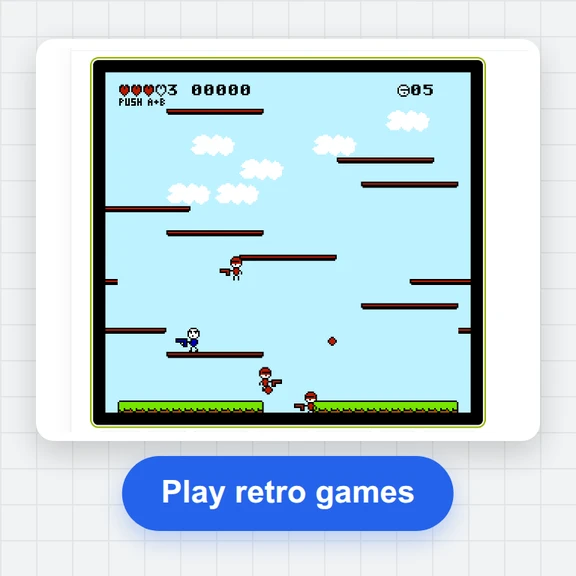 FC / NES Console EmulatorPlay FC/NES (Famicom) games in your browser with local .nes ROM import, keyboard, gamepad and touch controls, save states and fullscreen. Includes 11 freely licensed homebrew games; local files stay on your device.
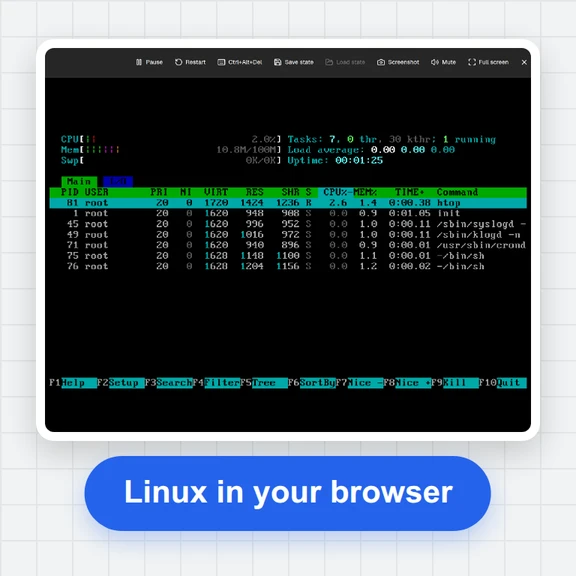 PC EmulatorBoot a real x86 PC in your browser: a Linux shell, FreeDOS with games, or the KolibriOS desktop. Copy files in and out, paste text, save the state. Free, nothing to install.
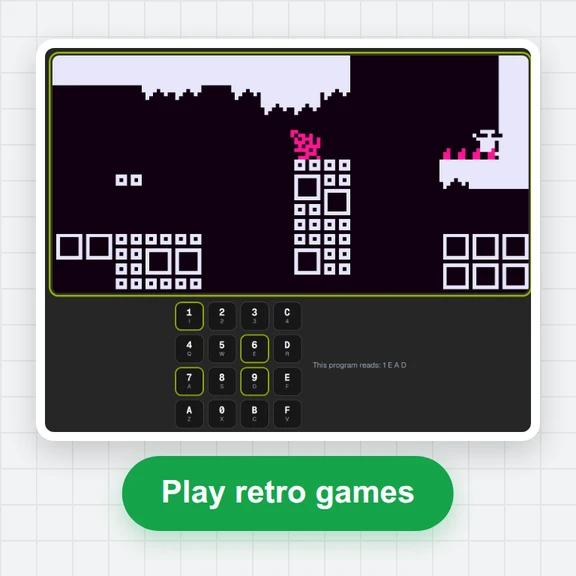 CHIP-8 EmulatorRun CHIP-8, SUPER-CHIP and XO-CHIP programs in your browser: 33 public-domain games, your own .ch8 files, quirk switches, sound, save states and a debugger.
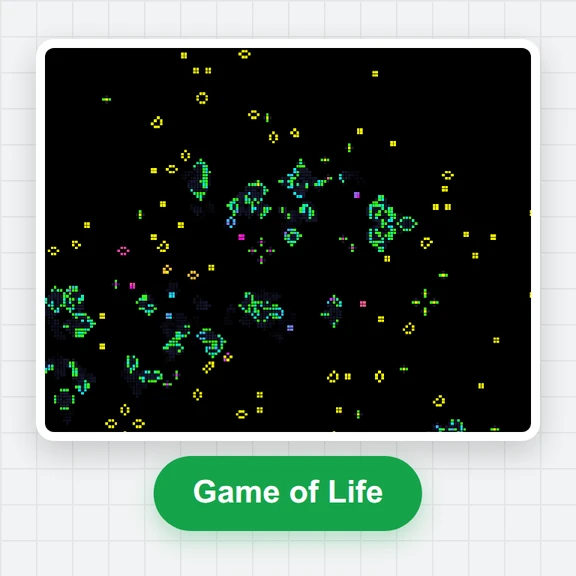 Game of LifePlay the Game of Life free online: draw cells, drop gliders, guns and spaceships, try HighLife and other rules, import RLE patterns and save a video clip.
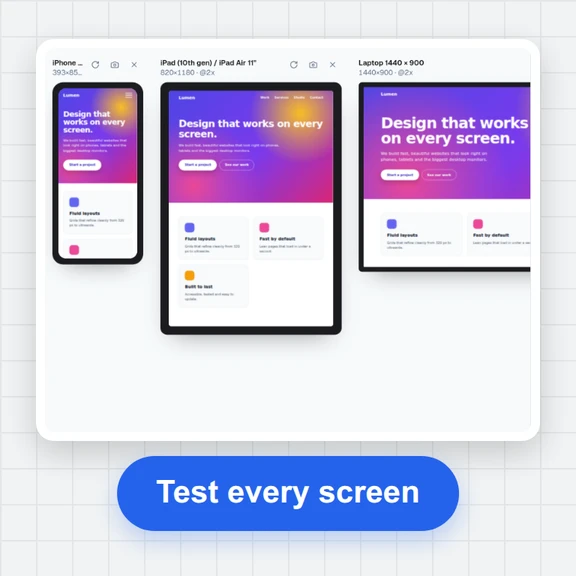 Responsive TesterFree responsive tester: see a website or your HTML at dozens of phone, tablet and laptop screen sizes side by side. Resize, rotate, find overflow, save screenshots.
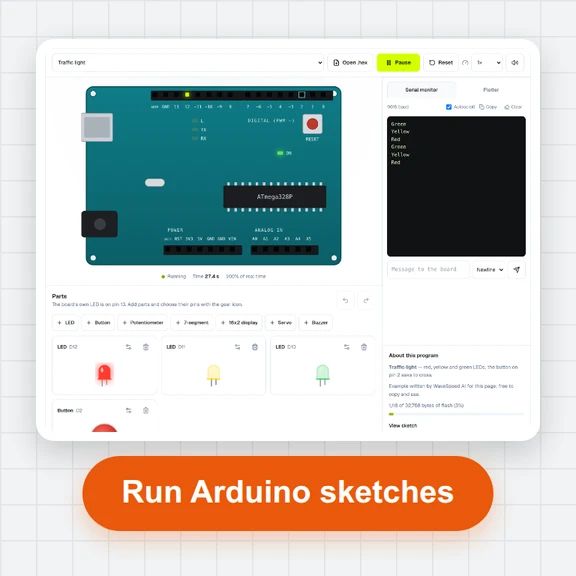 Arduino SimulatorRun compiled Arduino Uno programs in your browser: LEDs, buttons, potentiometer, 7-segment, 16x2 display, servo, buzzer and a serial monitor. Free, no sign-up.