
Add a portrait
Drop, choose or paste a clear photo of one face looking at the camera.
Add a portrait and a voice clip, and AI moves the mouth in sync with the speech: photo lip sync online, free. Download the result as an MP4 with your audio. Your photo and voice never leave your device.
Open Talking Photo →Drop, choose or paste a clear photo of one face looking at the camera.
Choose an audio file or a video with speech, up to 30 seconds. No recording? Make one with Text to Speech.
Pick Fast or Detailed, make the video, play it back and download the MP4.
Use Manlin to reflect, plan and take your next step.

Yes. Make as many talking photos as you like with no account, no watermark and no daily limit.
No. The AI runs in your browser, and your photo and audio never leave your device. The first time, your browser downloads the AI models once and keeps them for next time; Detailed mode adds a larger one.
A clear photo of one face looking at the camera, with the mouth visible. If there are several faces, the largest one talks. If no face is found, the tool tells you.
No. Only the mouth and jaw area follow the speech. The head, eyes and expression stay as they are in the photo, and the rest of the picture stays still. It is a fun, creative effect, not a realistic video of the person.
Up to 30 seconds. For a longer file you can use its first 30 seconds. The video is as long as the audio.
MP3, WAV, M4A, AAC, OGG, FLAC and other common formats, or a video file, whose sound is used. Clear speech works best; music and singing give less exact mouth movement.
The mouth area is redrawn at a low resolution, so in Fast mode it can look softer than the rest of the photo. Detailed mode sharpens it afterwards; it needs a graphics card your browser can use and takes longer. Fast works on any device.
The first run downloads the AI models once, which takes a while. Making the video is fastest when your browser can use the graphics card; without it, each second of video can take several seconds.
Only use photos you have the right to use, and ask people before you make their photo talk. Don’t use talking photos to mislead anyone.
 Video Compressor & EditorCompress video to a smaller size or to fit 10 MB or 25 MB, trim, crop, change speed, convert MP4 to MP3 and remove audio. Free in your browser: no upload, no watermark.
 Video ConverterConvert videos to MP4, WebM, MOV or MKV for free. Pick the quality and resolution, preview the result and download. Runs in your browser: no upload, no sign-up, no watermark.
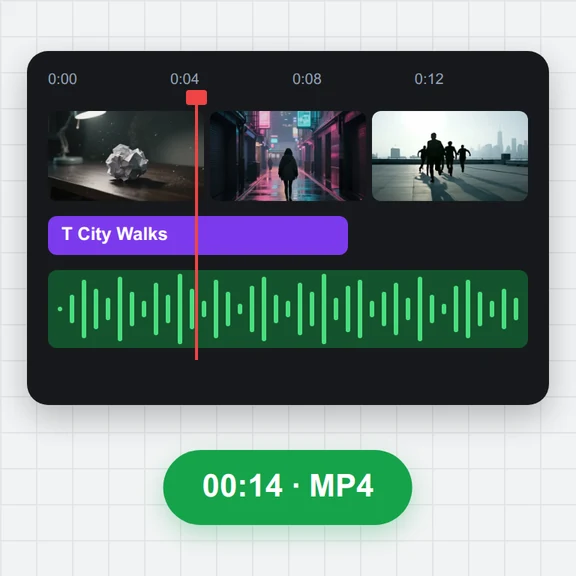 Video EditorEdit videos free in your browser: multi-track timeline, split and trim, transitions, titles, subtitles, music, speed and colour, then export MP4, WebM, GIF or MP3. No upload, no sign-up, no watermark.
 Video to GIF ConverterConvert video to GIF free in your browser: trim MP4, MOV or WebM clips, choose the size and frame rate, and download a looping GIF. No sign-up, no upload, no watermark.
 GIF MakerMake an animated GIF from photos or images free in your browser: reorder frames, set the speed, loop, size, crossfade and text, then download a GIF or MP4. No sign-up, no upload.
 Subtitle GeneratorGenerate subtitles from speech automatically, free. Edit captions, style them, download SRT, VTT or TXT, or burn them into your MP4. No upload, no watermark.