
Add your design
Drop a transparent PNG, or any image on white. The border and the cut line appear right away.
Add a white border and a cut line around any design, for Cricut, Silhouette and other cutting machines. Download a print-ready PNG at 300 DPI and the cut line as SVG or DXF.
Open Sticker Maker →Drop a transparent PNG, or any image on white. The border and the cut line appear right away.
Choose the sticker width in mm or inches, the border width and its colour.
Download the 300 DPI PNG and the cut line, print on sticker paper and cut with your machine.
Use Manlin to reflect, plan and take your next step.

Yes. Make and download as many stickers and cut files as you like, with no account or watermark.
Upload the Sticker PNG to Cricut Design Space as a Print Then Cut image and set it to the width you chose here. Or upload the Print + cut SVG, which has the image and the cut line together. Print on sticker paper and let the machine cut.
Sticker PNG is the image to print, with its border, at 300 DPI and the real size. Cut SVG and Cut DXF are only the cut line, for cutters and laser software. Print + cut SVG holds both, lined up.
2–4 mm (about 1/8 inch) is typical. A border hides small misalignments between printing and cutting; the colour also reaches half a millimetre past the cut line so no paper shows at the edge.
Yes. White around the design is removed automatically, while white inside it (like the white of an eye) stays. A PNG with a transparent background gives the cleanest result.
No. The sticker is made in your browser; your design never leaves your device.
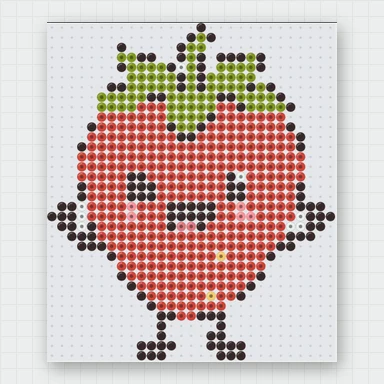 Perler Bead Pattern MakerTurn any picture into a Perler, Hama or Artkal bead pattern free. Real bead colours, pegboard count, printable PDF chart and a shopping list. No sign-up, no upload.
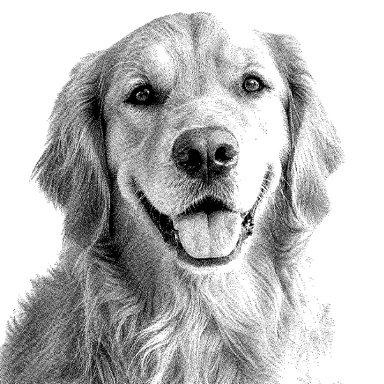 Photo to Laser EngravingPrepare photos for laser engraving free: material presets for wood, slate and leather, 8 dithering methods, exact size and DPI, PNG for LightBurn. No sign-up, no upload.