
Add your photo
Drop a PNG, JPG or WebP. It is dithered right away with settings for wood.
Turn a photo into a dithered image for laser engraving on wood, slate, leather and more. Set the size and DPI, pick a dithering method, download a PNG for LightBurn or any laser software.
Open Photo to Laser Engraving →Drop a PNG, JPG or WebP. It is dithered right away with settings for wood.
Pick the material, the dithering method, the size and DPI, and adjust brightness, contrast and midtones.
Save the PNG and import it into LightBurn or your laser software in pass-through mode.
Use Manlin to reflect, plan and take your next step.

Yes. Prepare and download as many images as you like, with no account or watermark.
Most lasers either burn a dot or don’t. Dithering turns the greys of a photo into patterns of black dots, denser in the shadows, so the photo reads from a normal viewing distance.
Jarvis or Stucki for photos on wood, Floyd–Steinberg as a classic all-rounder, Atkinson for a lighter, crisper look, ordered (Bayer) for a regular pattern, threshold for logos and text, and grayscale if your laser varies power per pixel.
Match your laser’s line interval: 254 DPI is 0.1 mm, 318 DPI is about 0.08 mm. Diode lasers usually do well at 254–318 DPI; finer is rarely better because the dots start to merge.
Import the PNG: it comes in at the width you set because the file carries its DPI. Set the image mode to Pass-Through so LightBurn doesn’t dither it a second time.
No. The image is prepared in your browser and never leaves your device.
 Sticker MakerMake die-cut stickers free: add a white border and a cut line around any design, download a 300 DPI PNG and the cut line as SVG or DXF for Cricut and Silhouette. No upload.
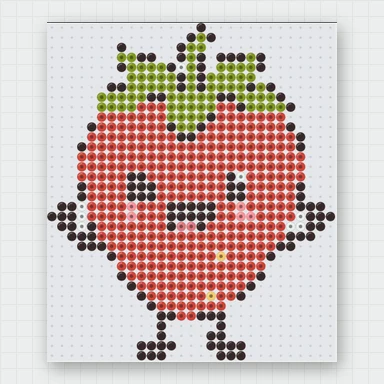 Perler Bead Pattern MakerTurn any picture into a Perler, Hama or Artkal bead pattern free. Real bead colours, pegboard count, printable PDF chart and a shopping list. No sign-up, no upload.