
Pick a scene
Start from a flag, curtain, hammock, net, ropes, jelly or tear scene, choose the stage shape and a fabric.
Flags in the wind, curtains, hammocks, nets, swinging chains and wobbly jelly — all real-time physics you can touch. Drag, slice and pin anything, draw balls and boxes in the way, then export the moment as a vertical, square or wide video.
Open Rope & Cloth Simulator →Start from a flag, curtain, hammock, net, ropes, jelly or tear scene, choose the stage shape and a fabric.
Grab and throw cloth, swipe to cut, pin points, draw balls and boxes, and change wind, gravity and tearing on the Physics tab.
Press Record, perform your moves, then export the take — or just the next few seconds — as an MP4 with sound.
The 9:16 stage exports at 1080×1920, ready for vertical video feeds. Pick the shape before you record.
Raise tear resistance a little and pull slowly: the rip spreads across the sheet instead of snapping at once.
A flag with gusts around 70% ripples naturally. Turn the direction to make it stream up or down.
Everything you do while recording is replayed at a fixed time step, so the video matches what you saw — at any frame rate.
Press T to colour each edge by how stretched it is and see where cloth is about to tear.
Scenes use a seed for gust patterns and jelly sizes. Share the seed and settings and anyone gets the same run.
Use Manlin to reflect, plan and take your next step.

A free, real-time 2D physics playground for fabric, rope, chains, nets and soft jelly bodies. Cloth is a grid of points joined by springy links, solved many times per frame, so it folds, flutters, stretches and tears.
Yes. No sign-up, no watermark and no limits. It runs in your browser, with nothing to install.
Choose Cut and swipe across the cloth or rope. To tear it, keep Tearing on in Physics and pull hard with Grab, or play the Tear scene. Lower the tear resistance to make it rip sooner.
Yes. Open the Video tab, record a take or choose the next few seconds, and export MP4 (H.264 with AAC sound) or WebM in 9:16, 1:1 or 16:9 at 30 or 60 fps. Frames are rendered one by one, so the clip is smooth even on a slow computer.
Original synthesized sound: rips when cloth tears, snips when you cut, soft thuds on impacts and an optional wind bed that follows the wind. You can also export without sound.
Silk, cotton, canvas, rubber and paper. They differ in weight, how much the wind catches them, stiffness, stretch and how easily they tear.
Yes. Touch works like a mouse: drag to grab, swipe to cut, tap to pin. The stage and controls fit small screens.
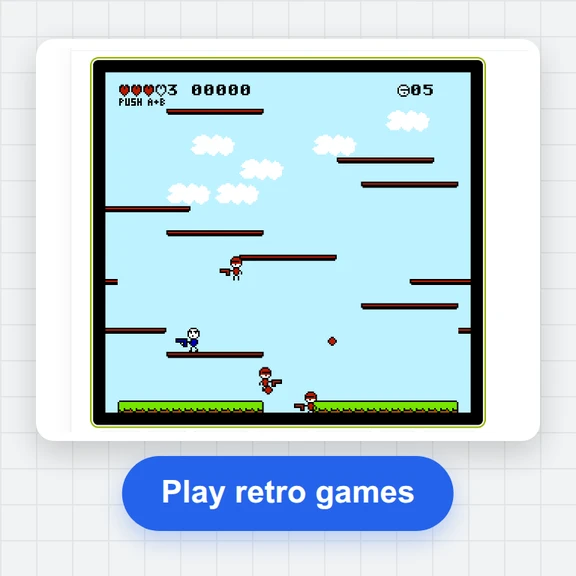 FC / NES Console EmulatorPlay FC/NES (Famicom) games in your browser with local .nes ROM import, keyboard, gamepad and touch controls, save states and fullscreen. Includes 11 freely licensed homebrew games; local files stay on your device.
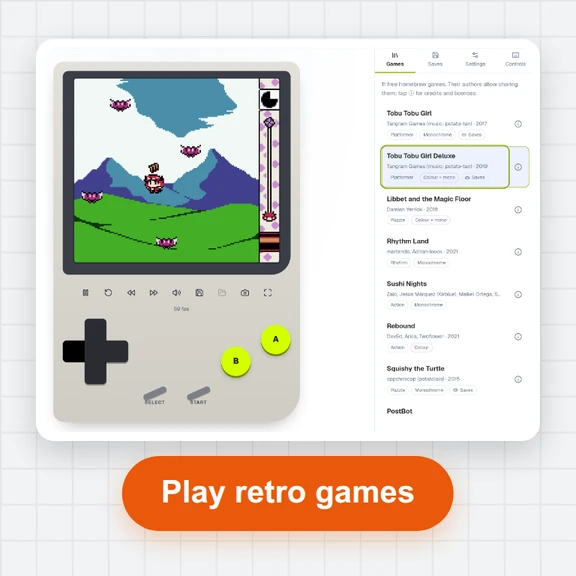 GB / GBC Handheld EmulatorPlay Game Boy (GB) and Game Boy Color (GBC) games in your browser. Import local .gb/.gbc files and use touch, keyboard or gamepad controls, save states, rewind and fullscreen. GBA is not supported.
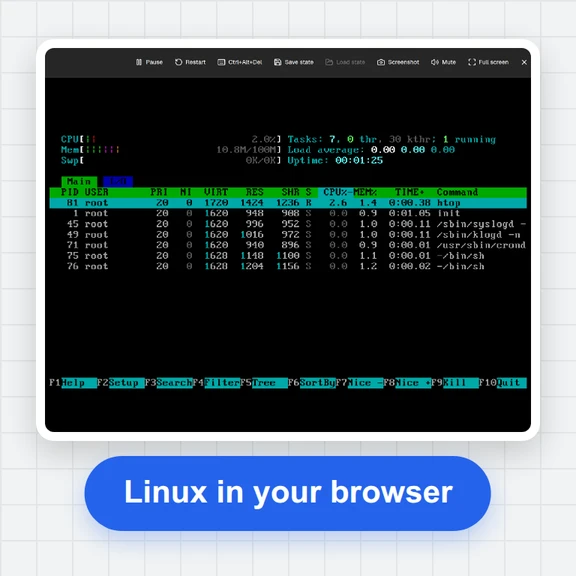 PC EmulatorBoot a real x86 PC in your browser: a Linux shell, FreeDOS with games, or the KolibriOS desktop. Copy files in and out, paste text, save the state. Free, nothing to install.
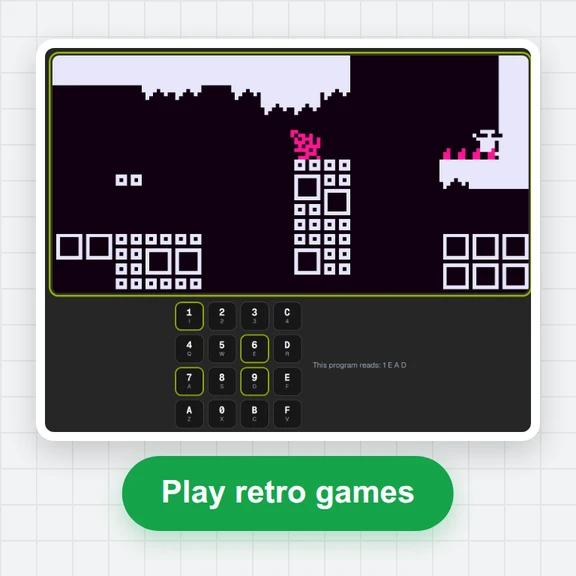 CHIP-8 EmulatorRun CHIP-8, SUPER-CHIP and XO-CHIP programs in your browser: 33 public-domain games, your own .ch8 files, quirk switches, sound, save states and a debugger.
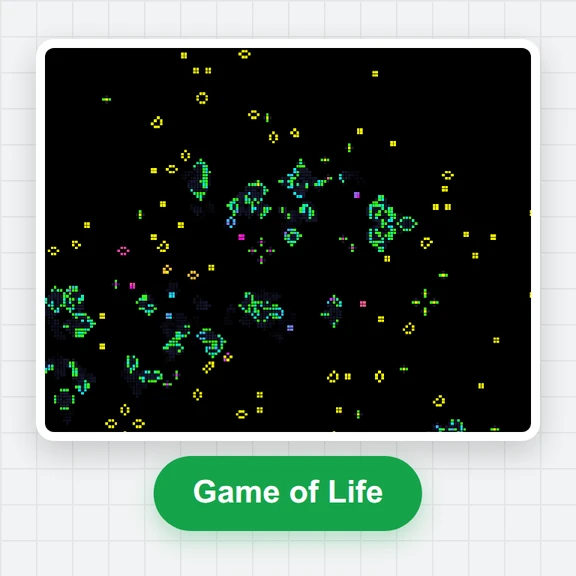 Game of LifePlay the Game of Life free online: draw cells, drop gliders, guns and spaceships, try HighLife and other rules, import RLE patterns and save a video clip.
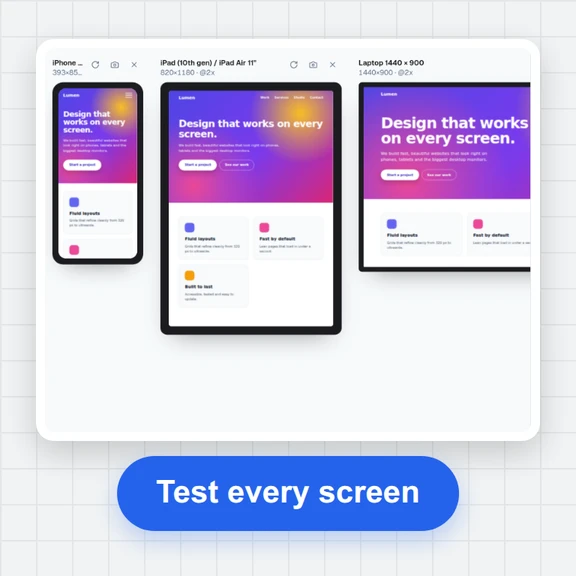 Responsive TesterFree responsive tester: see a website or your HTML at dozens of phone, tablet and laptop screen sizes side by side. Resize, rotate, find overflow, save screenshots.