
Write or open a program
Start from an example, type your own assembly or open a .s file. Put data under .data and code under .text.
Type RV32IM assembly with labels and pseudo-instructions, then run it at full speed or one instruction at a time. Set breakpoints, step back, and watch registers, memory, the machine code and the console as the program runs.
Open RISC-V Simulator →Start from an example, type your own assembly or open a .s file. Put data under .data and code under .text.
Press Run to go at full speed, or Step to run one instruction and see which registers and memory changed. Click beside a line number to set a breakpoint.
Output and input happen in the console. Check registers and memory, step back to find where things went wrong, and copy the machine code as hex.
Went one step too far? Step back undoes the last instructions, registers, memory and output included, so you can look again without running from the start.
call overwrites ra. A function that calls another must save ra on the stack first and restore it before ret, as in the factorial example.
The machine code tab counts how often each instruction ran. A loop body that ran once too often or never ran points straight at a wrong branch.
Use Manlin to reflect, plan and take your next step.

Yes. This online RISC-V simulator is free, with no account, no limits on runs and nothing to install.
The 32-bit base integer set (RV32I), the M extension for multiply, divide and remainder, and reads of the cycle, time and instret counters — the core instruction set taught in computer architecture and assembly courses.
Most will. Code starts at 0x00400000 and data at 0x10010000, and the system calls use the same numbers (a7 = 1 print integer, 4 print string, 5 read integer, 10 exit and so on) as the common teaching simulators. The Reference tab lists them all.
Put the call number in a7 and the argument in a0, then run ecall. When the program reads, the console asks for input: type it and press Enter. You can also type ahead before the program asks.
The instruction count is exact. The cycle count is an estimate for a simple in-order core: 1 cycle per instruction, 2 per load, 3 per jump or taken branch, 3 per multiply and 33 per divide.
Yes. The Machine code tab shows every instruction's address, hex word and decoded form. Copy it as hex, one word per line, or download a .hex or raw .bin file.
Words must be read and written at addresses that are a multiple of 4, and halfwords at a multiple of 2. Put .align 2 before word data, or check the address you computed. The error names the address and the line.
Yes. Step back undoes up to the last 4,096 instructions, registers, memory and output included, so you can find a bug without running from the start.
No. Assembling and running happen in your browser, and your program is saved in this browser's storage so it is still here next time.
 FC / NES Console EmulatorPlay FC/NES (Famicom) games in your browser with local .nes ROM import, keyboard, gamepad and touch controls, save states and fullscreen. Includes 11 freely licensed homebrew games; local files stay on your device.
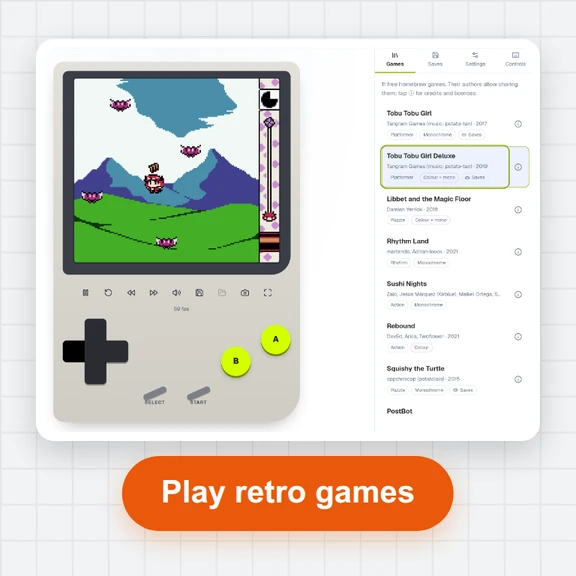 GB / GBC Handheld EmulatorPlay Game Boy (GB) and Game Boy Color (GBC) games in your browser. Import local .gb/.gbc files and use touch, keyboard or gamepad controls, save states, rewind and fullscreen. GBA is not supported.
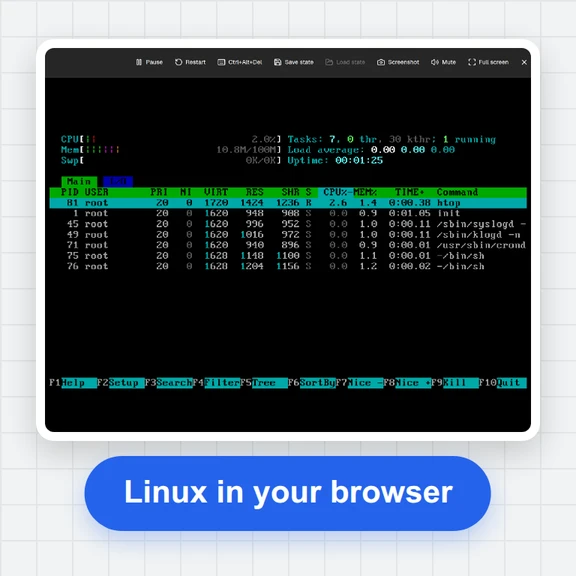 PC EmulatorBoot a real x86 PC in your browser: a Linux shell, FreeDOS with games, or the KolibriOS desktop. Copy files in and out, paste text, save the state. Free, nothing to install.
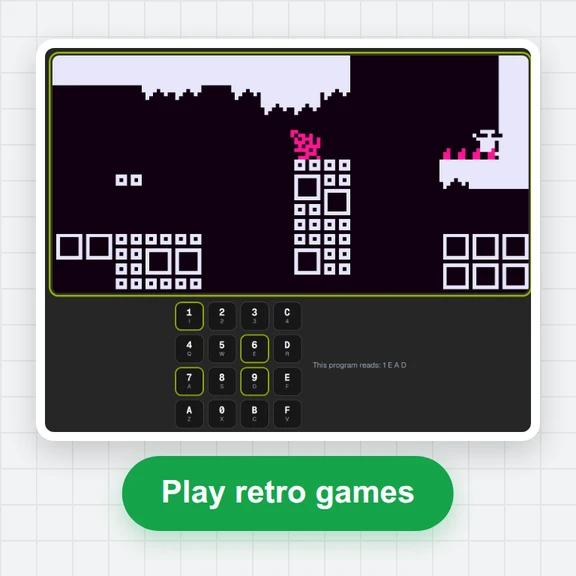 CHIP-8 EmulatorRun CHIP-8, SUPER-CHIP and XO-CHIP programs in your browser: 33 public-domain games, your own .ch8 files, quirk switches, sound, save states and a debugger.
 Game of LifePlay the Game of Life free online: draw cells, drop gliders, guns and spaceships, try HighLife and other rules, import RLE patterns and save a video clip.
 Responsive TesterFree responsive tester: see a website or your HTML at dozens of phone, tablet and laptop screen sizes side by side. Resize, rotate, find overflow, save screenshots.