
Add your clip
Drop, paste or choose an MP4, MOV, WebM or MKV video. Drag the handles under the preview to pick the part you want.
Turn a clip around so it plays backwards, or make a boomerang that plays forward and back. The sound can play backwards with it. Rotate or mirror the picture in the same step, pick the part you want, and download an MP4 or WebM, right in your browser.
Open Reverse Video →Drop, paste or choose an MP4, MOV, WebM or MKV video. Drag the handles under the preview to pick the part you want.
Reverse plays it backwards, Boomerang plays it forward and then back, Forward keeps the direction. Rotate or flip the picture if you like.
Make the video, watch the result next to the original and download it as MP4 or WebM, ready for TikTok, Reels, Shorts or a chat.
Use Manlin to reflect, plan and take your next step.

Yes. Reverse, rotate and flip as many videos as you like, with no account and no watermark on the result.
Add your clip, keep Reverse selected and press Reverse video. Every frame is written out in the opposite order, so the last moment of your clip becomes the first, and you can download the result as MP4 or WebM.
Yes, the soundtrack is reversed along with the picture, which gives speech and music that classic rewind sound. Choose No sound for a silent clip you can add your own music to later.
A short loop that plays forward and then backward, so the motion bounces back and forth with no jump. It looks great for jumps, splashes, hair flips and pouring drinks. The turning frame is shown once, so the bounce is smooth.
Yes. Choose Forward to keep the direction, then rotate by 90°, 180° or 270° or flip the picture horizontally or vertically. It fixes sideways phone videos and mirrored selfie clips.
You can open MP4, MOV, M4V, WebM and MKV videos. The result is an MP4 (H.264 with AAC sound) that plays almost everywhere, or a WebM (VP9 with Opus sound). Each export covers up to 5 minutes of your clip in up to 1080p, keeping the original frame rate.
No. The video is decoded, reversed and encoded in your browser, so it never leaves your device. That also makes it quick to try another effect.
A short clip is ready in seconds. Longer HD videos take about a minute or two per minute of video, depending on your device: reversing reads the clip in short pieces from the end, and the progress bar shows the time left.
 Video Compressor & EditorCompress video to a smaller size or to fit 10 MB or 25 MB, trim, crop, change speed, convert MP4 to MP3 and remove audio. Free in your browser: no upload, no watermark.
 Video ConverterConvert videos to MP4, WebM, MOV or MKV for free. Pick the quality and resolution, preview the result and download. Runs in your browser: no upload, no sign-up, no watermark.
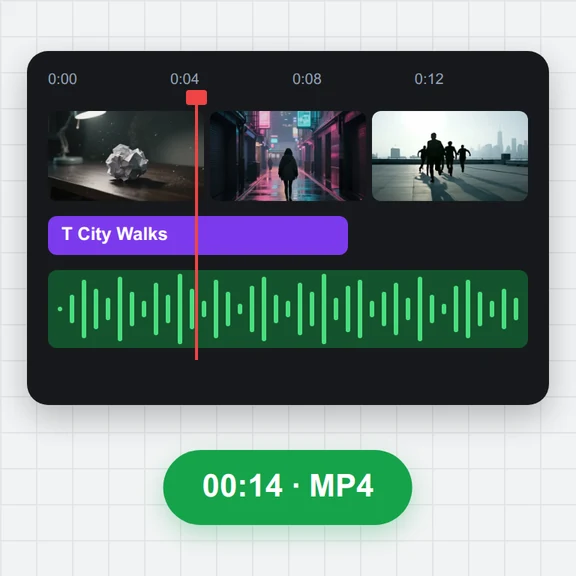 Video EditorEdit videos free in your browser: multi-track timeline, split and trim, transitions, titles, subtitles, music, speed and colour, then export MP4, WebM, GIF or MP3. No upload, no sign-up, no watermark.
 Video to GIF ConverterConvert video to GIF free in your browser: trim MP4, MOV or WebM clips, choose the size and frame rate, and download a looping GIF. No sign-up, no upload, no watermark.
 GIF MakerMake an animated GIF from photos or images free in your browser: reorder frames, set the speed, loop, size, crossfade and text, then download a GIF or MP4. No sign-up, no upload.
 Subtitle GeneratorGenerate subtitles from speech automatically, free. Edit captions, style them, download SRT, VTT or TXT, or burn them into your MP4. No upload, no watermark.