
Add your files
Drop or choose two or more videos, or two or more audio files. Each one appears as a card with its length.
Join videos into one MP4, or combine audio files into one MP3, in the order you choose. Drag to reorder, preview the result, then download.
Open Media Merger →Drop or choose two or more videos, or two or more audio files. Each one appears as a card with its length.
Drag the cards, use the arrows, or sort them by file name. The first video sets the size of the result.
Merge, play the result to check it, and download one MP4 or MP3.
Use Manlin to reflect, plan and take your next step.

Add two or more videos, put them in order by dragging the cards or using the arrows, then select Merge. You get one MP4 that plays the videos one after another.
Yes. Add two or more audio files, such as MP3, M4A, WAV, FLAC or OGG, and merge them into one stereo MP3, one after another.
It’s free, with no account and no watermark. Your files are joined in your browser and never leave your device.
Yes. Every video is converted into one MP4 at the size and frame rate of the first video. Videos of another size are scaled to fit, and a different shape (for example vertical next to landscape) gets black bars. Put the video whose shape you want first.
No. Merge videos with videos, or audio with audio. Videos without sound are fine: they get silence for their part.
Each file can be up to 2 GB, and all files together up to 4 GB. Long or high-resolution videos take longer and need more memory on your device.
The files are re-encoded so they can play as one, at a quality close to typical camera and phone video. The result keeps the first video’s resolution; audio is saved as 192 kbps MP3.
Older formats such as AVI, WMV, FLV and MPG can’t be opened in the browser, and some codecs only play in certain browsers. If a file fails, convert it to MP4 or MP3 first, or try Chrome or Edge.
 Video Compressor & EditorCompress video to a smaller size or to fit 10 MB or 25 MB, trim, crop, change speed, convert MP4 to MP3 and remove audio. Free in your browser: no upload, no watermark.
 Video ConverterConvert videos to MP4, WebM, MOV or MKV for free. Pick the quality and resolution, preview the result and download. Runs in your browser: no upload, no sign-up, no watermark.
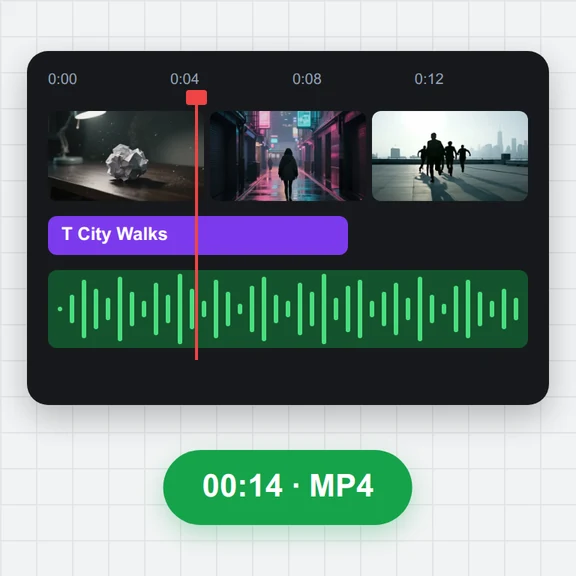 Video EditorEdit videos free in your browser: multi-track timeline, split and trim, transitions, titles, subtitles, music, speed and colour, then export MP4, WebM, GIF or MP3. No upload, no sign-up, no watermark.
 Video to GIF ConverterConvert video to GIF free in your browser: trim MP4, MOV or WebM clips, choose the size and frame rate, and download a looping GIF. No sign-up, no upload, no watermark.
 GIF MakerMake an animated GIF from photos or images free in your browser: reorder frames, set the speed, loop, size, crossfade and text, then download a GIF or MP4. No sign-up, no upload.
 Subtitle GeneratorGenerate subtitles from speech automatically, free. Edit captions, style them, download SRT, VTT or TXT, or burn them into your MP4. No upload, no watermark.