
Open a photo or video
Drop, paste or choose a picture or clip. Pick your footage’s colour space if it was shot in log.
Preview 55 free looks on your photo or video, build your own with colour wheels and curves, and export a .cube, .3dl or HALD LUT. Convert LUT files, and apply a look to many photos or to a whole video. Your files never leave your device.
Open LUT Generator →Drop, paste or choose a picture or clip. Pick your footage’s colour space if it was shot in log.
Try the 55 free looks on your own picture, load a .cube or HALD file, or build a look with wheels, curves and split toning.
Download the look as a .cube, .3dl or HALD LUT, or save the graded photo, a ZIP of photos or an MP4.
Use Manlin to reflect, plan and take your next step.

Yes. Every look, export and conversion is free, with no account and no watermark.
No. Everything is processed in your browser, on your device. Your files are never sent to a server.
A look-up table: a list that maps each colour to a new colour. Applying a LUT gives footage a consistent look, and the same LUT can be reused in video editors, colour apps and photo editors.
Yes. The built-in looks are CC0 (public domain). Use them in client work, products and videos, and share or change them. The ZIP includes the licence.
33 points works almost everywhere and is the usual choice. 65 points gives the smoothest result for strong looks; 17 points suits older apps and cameras or monitors that only accept small LUTs.
That’s log footage. Under “Your footage is”, pick your camera’s log format to convert it to normal contrast before the look. These conversions are approximate and clip very bright highlights.
Yes. Open a video, choose a look and export an MP4. The video is re-encoded as H.264 with the original sound kept. Long or 4K videos take longer, so keep the tab open.
Open the Convert tab, drop the LUT, choose the output format and size, and download. The tool also shows warnings, such as values outside 0–1 or an unusual size.
Yes. Use Undo and Redo, or Ctrl+Z and Ctrl+Shift+Z. Each section has its own reset, and your last grade is saved in your browser.
It uses the same tetrahedral interpolation as professional colour apps, and the results match a reference implementation to within one level in 8-bit. Some apps use trilinear interpolation, which you can also choose here.
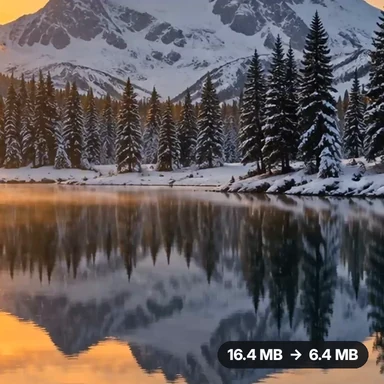 Video Compressor & EditorCompress video to a smaller size or to fit 10 MB or 25 MB, trim, crop, change speed, convert MP4 to MP3 and remove audio. Free in your browser: no upload, no watermark.
 Video ConverterConvert videos to MP4, WebM, MOV or MKV for free. Pick the quality and resolution, preview the result and download. Runs in your browser: no upload, no sign-up, no watermark.
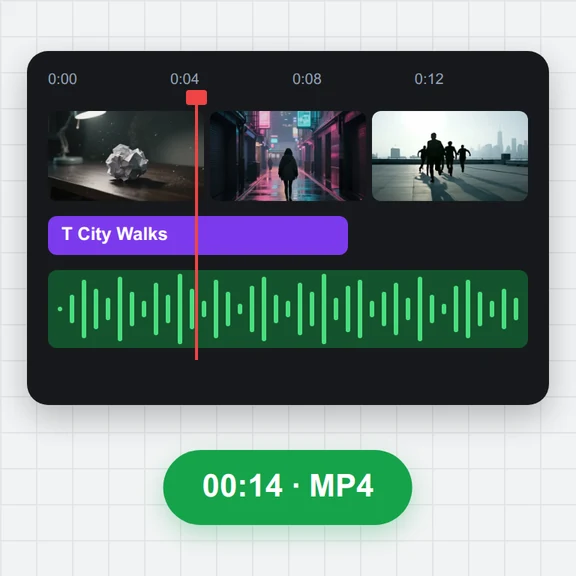 Video EditorEdit videos free in your browser: multi-track timeline, split and trim, transitions, titles, subtitles, music, speed and colour, then export MP4, WebM, GIF or MP3. No upload, no sign-up, no watermark.
 Video to GIF ConverterConvert video to GIF free in your browser: trim MP4, MOV or WebM clips, choose the size and frame rate, and download a looping GIF. No sign-up, no upload, no watermark.
 GIF MakerMake an animated GIF from photos or images free in your browser: reorder frames, set the speed, loop, size, crossfade and text, then download a GIF or MP4. No sign-up, no upload.
 Subtitle GeneratorGenerate subtitles from speech automatically, free. Edit captions, style them, download SRT, VTT or TXT, or burn them into your MP4. No upload, no watermark.