
Pick a scene
Choose the dusk murmuration, the fish school, neon streaks, pastel kites or fireflies.
Starlings at dusk, a school of fish, glowing fireflies: watch simple rules turn into mesmerising swirls. Touch to scare or lead them, draw walls, and save a picture or a calming video clip.
Open Flocking Simulator →Choose the dusk murmuration, the fish school, neon streaks, pastel kites or fireflies.
Touch to scare the boids like a hawk, switch to the lure to lead them, or draw walls for them to flow around.
Adjust separation, alignment, cohesion, speed and wind, then save a PNG or make a video clip.
Raise alignment for long ribbons that turn together; lower it for a buzzing swarm.
With the predator on, the murmuration splits, folds and joins again like real starlings.
Switch to the lure and move your finger slowly: the fish follow and circle around it.
Draw walls across the middle and watch the school part and flow around them.
Choose the calm pace, turn on trails and go full screen for a relaxing ambient screen.
The video is replayed from the seed, so a shared link gives the same clip on any device.
Use Manlin to reflect, plan and take your next step.

Boids are simulated birds that follow three simple rules: keep some distance from neighbours (separation), fly the way they fly (alignment) and stay close to the group (cohesion). Together these rules create realistic flocks, schools and swarms. The model was introduced by Craig Reynolds in 1987.
Yes. It is free with no sign-up and no watermark, and it runs right in your browser.
Up to 3,000 boids at once. A fast spatial grid finds each boid’s neighbours, so even big murmurations stay smooth.
With the hawk tool, touch or move the mouse to scare them away. With the lure, they follow your finger. With the pen, draw walls they avoid, and erase walls with the eraser.
Separation sets personal space, alignment how strongly boids copy their neighbours’ heading, cohesion how strongly they gather, vision how far they look, speed how fast they fly and fear how strongly they flee. Wind pushes the whole flock.
Yes. Choose 9:16, 1:1 or 16:9, a length and frame rate, and the simulator replays your scene from its seed, with your walls and settings, into an MP4 (or WebM).
Yes. Press full screen, choose the calm pace and the controls fade away. The screen stays awake while it plays.
Yes. It is made for touch: tap to scare, drag to lead, pinch-free big buttons, and the settings slide up from the bottom.
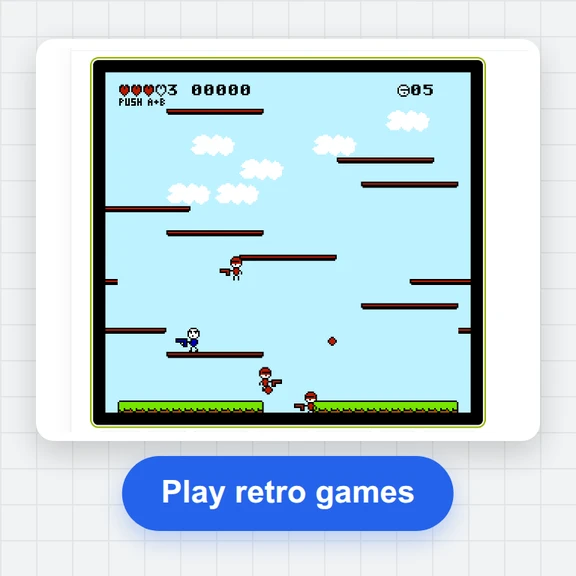 FC / NES Console EmulatorPlay FC/NES (Famicom) games in your browser with local .nes ROM import, keyboard, gamepad and touch controls, save states and fullscreen. Includes 11 freely licensed homebrew games; local files stay on your device.
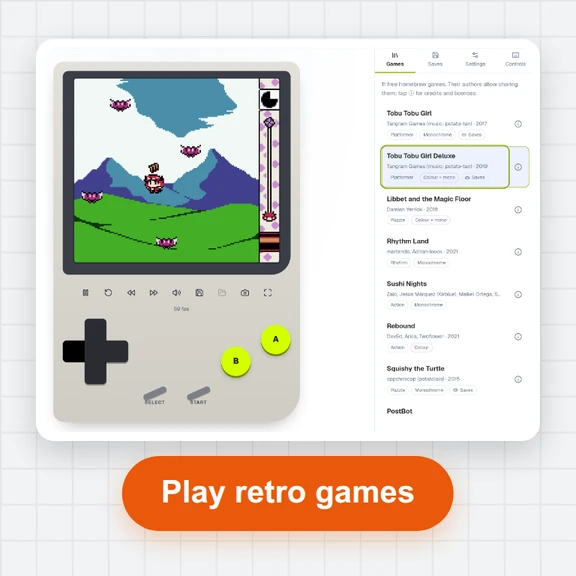 GB / GBC Handheld EmulatorPlay Game Boy (GB) and Game Boy Color (GBC) games in your browser. Import local .gb/.gbc files and use touch, keyboard or gamepad controls, save states, rewind and fullscreen. GBA is not supported.
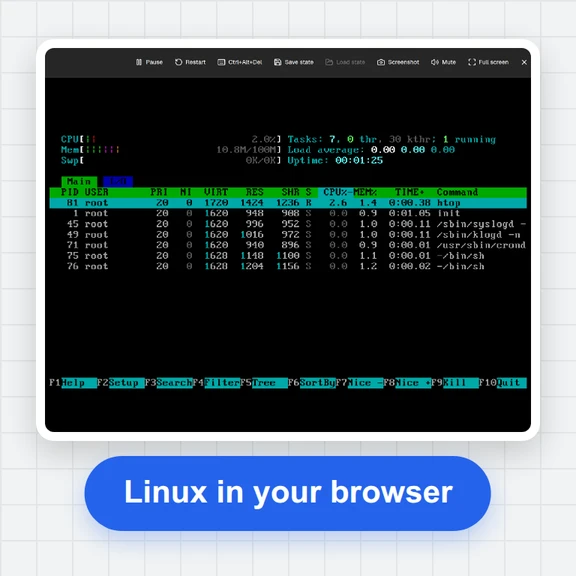 PC EmulatorBoot a real x86 PC in your browser: a Linux shell, FreeDOS with games, or the KolibriOS desktop. Copy files in and out, paste text, save the state. Free, nothing to install.
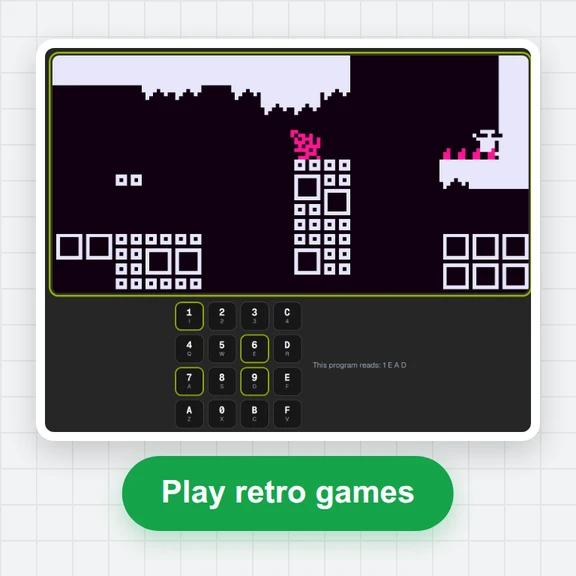 CHIP-8 EmulatorRun CHIP-8, SUPER-CHIP and XO-CHIP programs in your browser: 33 public-domain games, your own .ch8 files, quirk switches, sound, save states and a debugger.
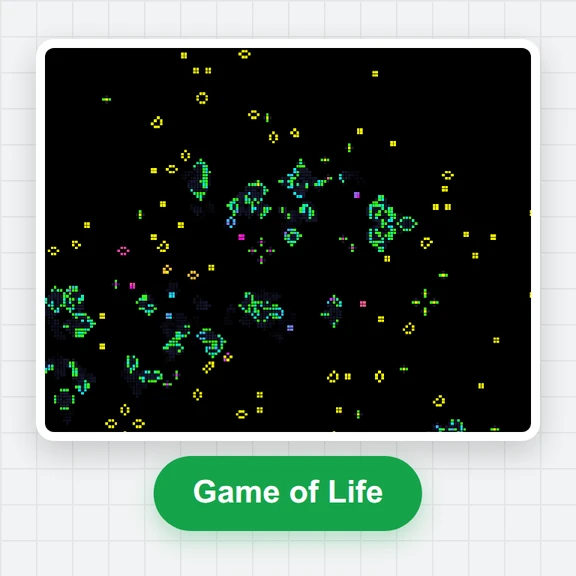 Game of LifePlay the Game of Life free online: draw cells, drop gliders, guns and spaceships, try HighLife and other rules, import RLE patterns and save a video clip.
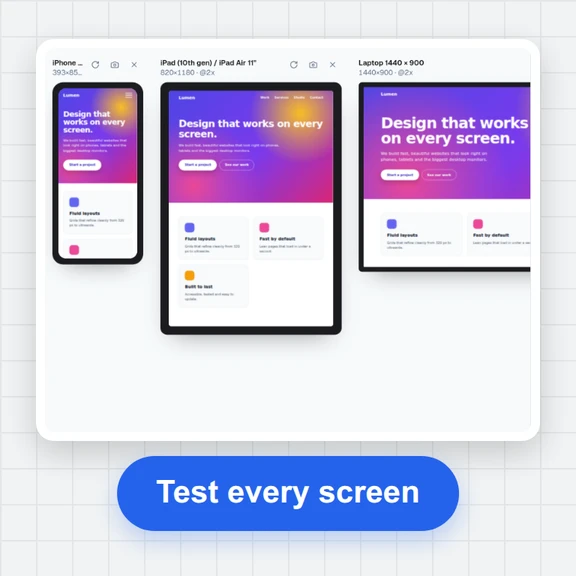 Responsive TesterFree responsive tester: see a website or your HTML at dozens of phone, tablet and laptop screen sizes side by side. Resize, rotate, find overflow, save screenshots.