
Pick a material
Choose sand, water, lava, fire or any of the 28 elements (browse the six groups or search by name), set the brush size and shape, or start from a ready-made scene.
Pour sand, water, oil, lava, fire, acid, ice, seeds and more, and watch them flow, burn, freeze, grow and explode. Record your session and export a smooth time-lapse video for TikTok, Shorts or Reels.
Open Falling Sand Simulator →Choose sand, water, lava, fire or any of the 28 elements (browse the six groups or search by name), set the brush size and shape, or start from a ready-made scene.
Click and drag, or touch and drag, to pour it into the world. Mix materials and watch them flow, burn, freeze and react.
Save a PNG or a scene file, or press Record and export your session as a smooth time-lapse video.
Glass holds acid, and walls hold everything. Draw a cup first, then pour liquids into it.
Pour water, then oil: oil floats on top. Sand and mud sink to the bottom, ash and seeds float.
Draw a wooden structure and touch it with fire. Wood glows as embers and crumbles to ash; pour water to put it out.
Lava poured into water turns to stone and sends up steam, which rises and rains back down as water.
Drop seeds onto wet ground. They sprout and climb, and plants keep growing into any water they touch.
Choose the Vertical 9:16 world size before recording and export at 9:16 for a full-screen phone video. 4× or 8× time-lapse keeps clips short.
Use Manlin to reflect, plan and take your next step.

A sandbox where the screen is a grid of tiny cells and each cell is a material. Simple rules for each material, such as sand falls, water flows, fire rises and burns, add up to rich behaviour: dunes, waterfalls, wildfires and chemical reactions.
Yes. It is free with no sign-up and no watermark on your pictures or videos. It runs in your browser, with nothing to install.
Powders: sand, salt, snow, soil, mud, ash, coal, gunpowder and seeds. Liquids: water, oil, acid and nitro. Gases: steam, smoke and gas. Solids: walls, stone, wood, metal, ice and glass. Fire and energy: fire, lava and sparks. Life and special: plants, clone and void, plus the eraser. Salt water and embers appear through reactions.
Fire lights wood, coal, oil, plants, gas, gunpowder and nitro; water puts fire out and turns to steam; steam rises and rains back down as water; lava turns water into steam, cools into stone and melts sand into glass; salt dissolves in water; acid eats almost everything except glass and walls and is used up doing it; seeds sprout on wet ground; sparks run along metal and set off whatever touches it.
Press Record, play and draw as usual, then press Stop. Choose the time-lapse speed, video shape (9:16, 1:1 or 16:9), resolution and frame rate, and export an MP4 (or WebM in browsers without MP4 encoding). The video is rendered from the recording, so it is perfectly smooth even if your device was busy.
Yes. Save scene downloads a small file you can open again later or share with friends. Save PNG keeps a crisp picture of the world.
Yes. Open a PNG or JPG and each pixel becomes the material with the nearest colour, then press Play and watch it crumble, flow and burn.
Yes. Draw with your finger, pick materials from the toolbar and use the Vertical 9:16 world size for clips that fill a phone screen.
Yes. Press the Gravity button or G and everything falls the other way: sand piles up on the ceiling and smoke sinks to the floor. Press it again to flip back. Time-lapse recordings keep every flip.
Clone copies the first material that touches it and keeps making more, so it works as a tap for water, sand or lava. Void removes anything that touches it, which makes a handy drain.
Type in the search box above the elements, or press / and start typing. The group buttons show one kind of element at a time, and hovering an element shows what it does.
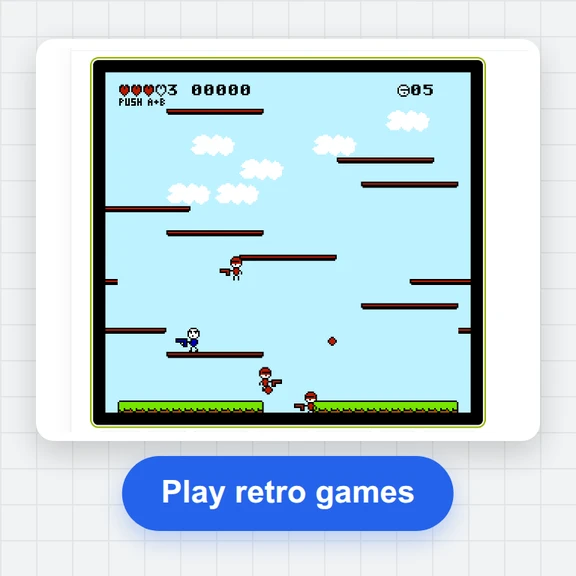 FC / NES Console EmulatorPlay FC/NES (Famicom) games in your browser with local .nes ROM import, keyboard, gamepad and touch controls, save states and fullscreen. Includes 11 freely licensed homebrew games; local files stay on your device.
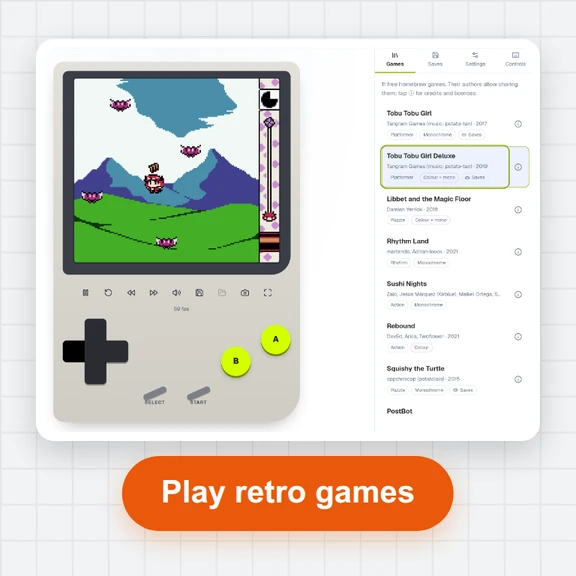 GB / GBC Handheld EmulatorPlay Game Boy (GB) and Game Boy Color (GBC) games in your browser. Import local .gb/.gbc files and use touch, keyboard or gamepad controls, save states, rewind and fullscreen. GBA is not supported.
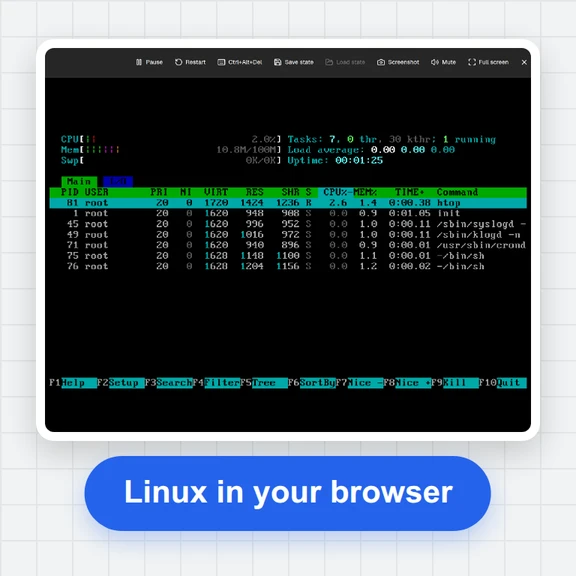 PC EmulatorBoot a real x86 PC in your browser: a Linux shell, FreeDOS with games, or the KolibriOS desktop. Copy files in and out, paste text, save the state. Free, nothing to install.
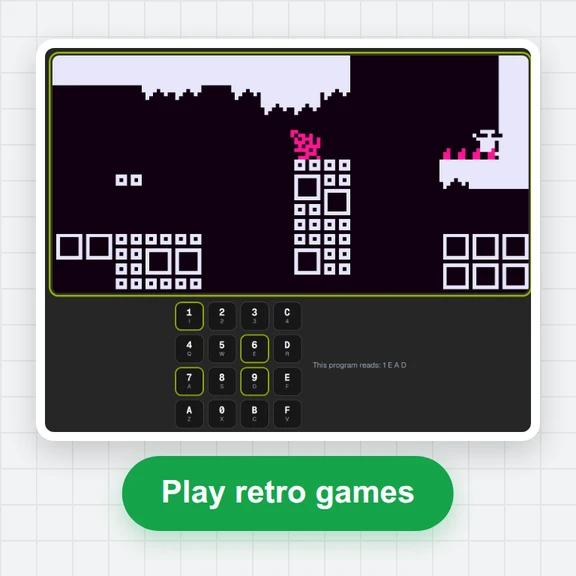 CHIP-8 EmulatorRun CHIP-8, SUPER-CHIP and XO-CHIP programs in your browser: 33 public-domain games, your own .ch8 files, quirk switches, sound, save states and a debugger.
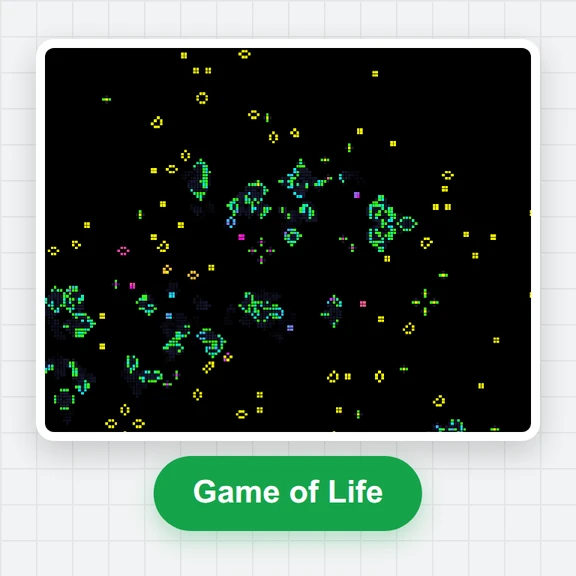 Game of LifePlay the Game of Life free online: draw cells, drop gliders, guns and spaceships, try HighLife and other rules, import RLE patterns and save a video clip.
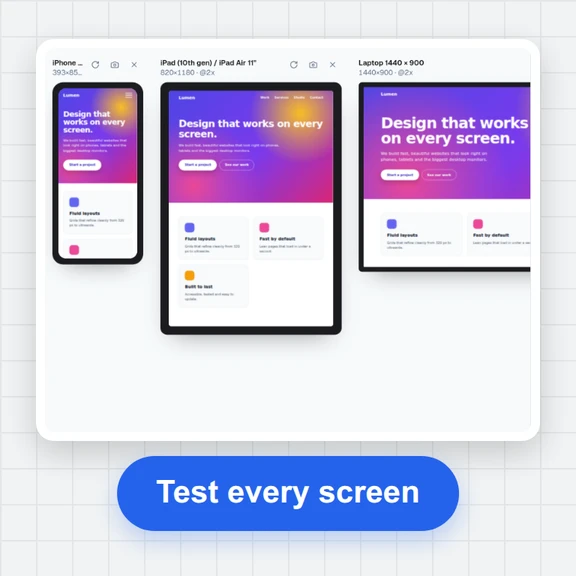 Responsive TesterFree responsive tester: see a website or your HTML at dozens of phone, tablet and laptop screen sizes side by side. Resize, rotate, find overflow, save screenshots.