
Add your photos
Drop, paste or choose a whole set of JPG, PNG, WebP or HEIC photos. Each one shows the location and other details it carries.
Remove the location, camera and other hidden details from your photos, make them smaller and add your watermark. Every file is checked after saving, then the set downloads as one ZIP. Your photos never leave your device.
Open Creator Photo Prep →Drop, paste or choose a whole set of JPG, PNG, WebP or HEIC photos. Each one shows the location and other details it carries.
Keep the steps you need: turn upright, remove metadata, resize and compress, add a watermark, and use neutral names.
Every photo is processed and read back to check that the metadata is gone. The set downloads as one ZIP, with an optional list of old and new names.
Use Manlin to reflect, plan and take your next step.

No. Everything runs in your browser: the photos are read, processed and zipped on your device and never sent anywhere.
EXIF and XMP details such as the GPS location, camera make and model, serial number, lens settings, dates, software, author and copyright fields, comments and the embedded thumbnail. The colour profile may be kept so colours look the same.
Each new file is opened again after saving and read the same way as the original. The list shows what was found before, what was removed and whether anything is left.
Only if you resize or compress them, or add a watermark, because the photo is then saved again. With only metadata removal on, the metadata is cut out and the picture data is copied unchanged; only sideways photos are saved again when “Turn photos upright” is on.
Names from phones and cameras often contain the date, a device name or a counter that links photos together. Random names hide that. The optional CSV keeps the old and new names together for you; don’t share it with the photos.
JPG, PNG and WebP, and HEIC in browsers that can open it. HEIC photos are saved as JPG, or as WebP or PNG if you choose.
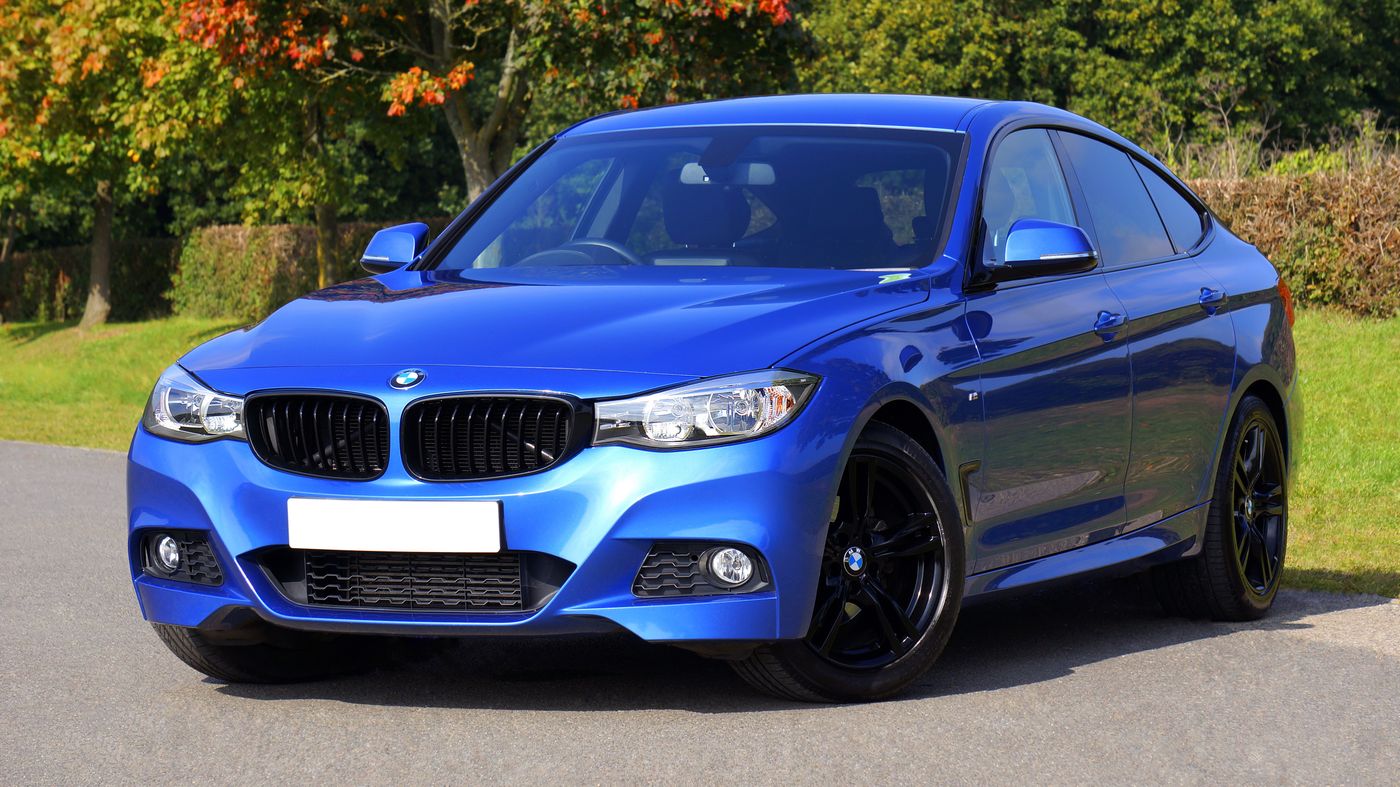 Car Poster MakerCar Poster Maker. Your photos stay in this browser. Export PNG or JPG with editable text and optional plate covers.
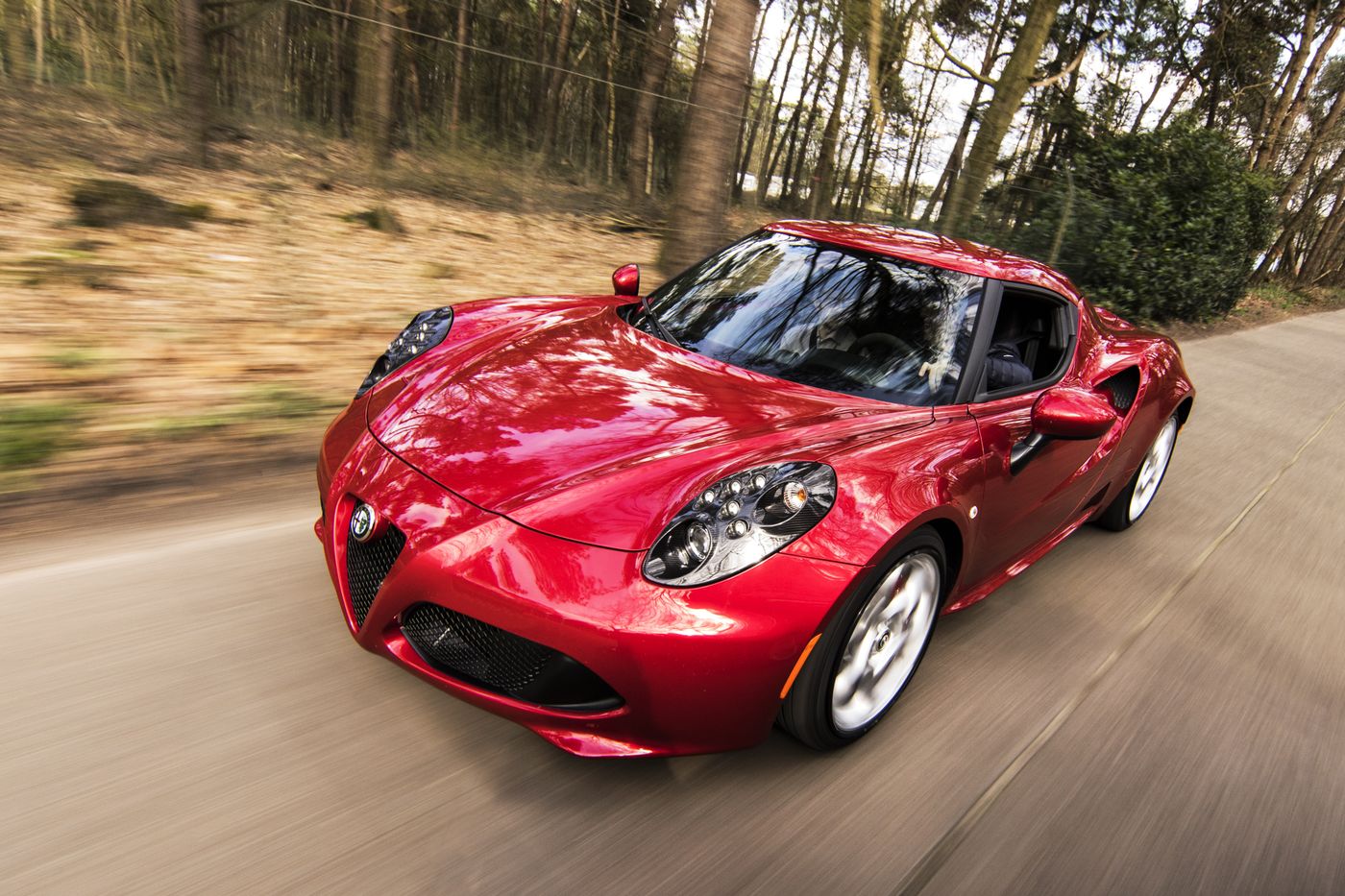 Used Car Listing Photo EditorUsed Car Listing Photo Editor. Your photos stay in this browser. Export PNG or JPG with editable text and optional plate covers.
 License Plate BlurHide license plates in photos with manual rectangles, solid cover, pixelation or blur. Local processing, original-size exports and batch ZIP.
 Tier List MakerCreate a tier list with images or text, drag or tap to rank, and export PNG or editable JSON. Free and local.
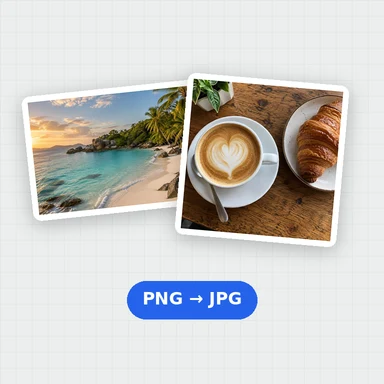 Image ConverterConvert images between JPG, PNG, WebP, GIF and BMP for free. Batch convert many images at once, set the quality and download a ZIP. No upload, no sign-up, no watermark.
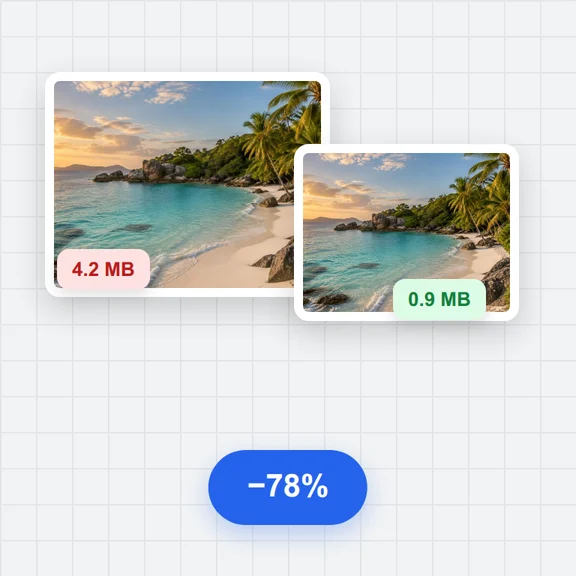 Image CompressorCompress images online for free. Reduce the file size of JPG, PNG and WebP photos in batches, choose the quality and format, and download a ZIP. No upload, no sign-up, no watermark.