
Add your images
Drop, paste or choose one or more images. Each one appears as a card with its size.
Reduce the file size of one image or a whole batch. Pick the quality, see each file before and after, and download one file or a ZIP. Choose Target file size and enter a limit. JPG and WebP adjust quality; PNG preserves transparency. Allow smaller dimensions if needed. Files that cannot meet the limit are not downloaded.
Open Image Compressor →Drop, paste or choose one or more images. Each one appears as a card with its size.
Set the quality, pick JPG, PNG or WebP, and limit the largest side if you want smaller pictures too.
Compress them all at once, see the size saved for each, and download one file or a ZIP.
Use Manlin to reflect, plan and take your next step.

Yes. Compress as many images as you like, as often as you like, with no account and no watermark.
No. Images are compressed in your browser and never leave your device.
It depends on the picture. Photos usually shrink by half or more at 70–85% quality with no visible change. Screenshots and graphics saved as PNG shrink less unless you switch to WebP or JPG.
80% is a good start for photos. Go down to 60–70% for email and web pages, and up to 90% when you need the best look. Lower quality makes smaller files.
WebP is usually the smallest for the same look, then JPG. PNG keeps every pixel, so its files are larger; use it for graphics that need sharp edges or transparency.
Yes. Set the largest side, for example 1920 px, and bigger pictures are reduced to fit. Smaller pictures are never enlarged.
PNG and WebP keep transparency. JPG can’t store it, so transparent areas become white.
Re-encoded images omit camera and location metadata. If an image is kept unchanged because it is already small enough, its original metadata is retained.
Each image can be up to 100 MB. Very large images (tens of megapixels) may fail on phones with little memory.
Choose Target file size and enter a limit. JPG and WebP adjust quality; PNG preserves transparency. Allow smaller dimensions if needed. Files that cannot meet the limit are not downloaded.
 Car Poster MakerCar Poster Maker. Your photos stay in this browser. Export PNG or JPG with editable text and optional plate covers.
 Used Car Listing Photo EditorUsed Car Listing Photo Editor. Your photos stay in this browser. Export PNG or JPG with editable text and optional plate covers.
 License Plate BlurHide license plates in photos with manual rectangles, solid cover, pixelation or blur. Local processing, original-size exports and batch ZIP.
 Tier List MakerCreate a tier list with images or text, drag or tap to rank, and export PNG or editable JSON. Free and local.
 Image ConverterConvert images between JPG, PNG, WebP, GIF and BMP for free. Batch convert many images at once, set the quality and download a ZIP. No upload, no sign-up, no watermark.
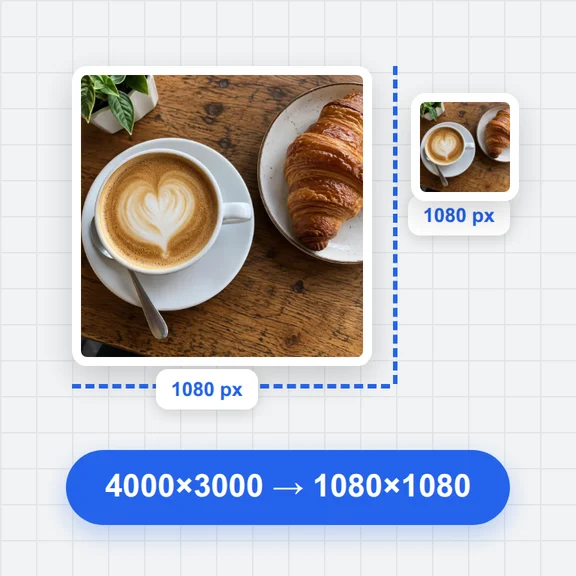 Image ResizerResize images online for free. Set an exact size in pixels, scale by percent or pick a social media size, resize many photos at once and download a ZIP. No upload, no sign-up, no watermark.