
Place the parts
Click or drag resistors, capacitors, sources, diodes and op-amps onto the grid, and add a ground. Or start from one of the examples.
Build analog circuits from resistors, capacitors, inductors, sources, switches, diodes, LEDs, Zeners and op-amps on a grid. See every node's voltage in colour and the current as moving dots, read meters, and plot voltages and currents on a scope as time goes by.
Open Circuit Simulator →Click or drag resistors, capacitors, sources, diodes and op-amps onto the grid, and add a ground. Or start from one of the examples.
Drag from a terminal to where the wire should go. Wires join where they end on a terminal or on another wire, shown by a dot.
Press Run to watch the voltages and the current, flip switches, read the meters and plot any part's voltage or current on the scope.
Use at least 50 steps per cycle of the fastest signal: 20 µs for 1 kHz, 1 µs for 20 kHz. Then pick a speed that shows a few cycles per second.
Press DC point to jump straight to the state a circuit settles into, then watch how it reacts when you flip a switch or change a value.
Ground sets 0 V. Voltage colours, meters and the scope all read against it, and parts that aren't connected to it are pointed out.
Use Manlin to reflect, plan and take your next step.

Yes. Every part, the scope, the examples, files and share links are included, with no account, no time limit and no watermark on exported images.
Place parts on the grid, add a ground, drag between terminals to wire them and press Run. Voltages show as colours, current as moving dots, and meters and the scope show the numbers. It all runs in your browser with nothing to install.
Resistors, potentiometers, capacitors, inductors, DC and AC sources, current sources, switches, diodes, LEDs in five colours, Zener diodes, ideal op-amps, lamps, voltmeters, ammeters and a scope with several traces.
Yes. The simulation steps through time with a fixed time step you can see and change, so you can watch an RC circuit charge, an RLC circuit ring or a rectifier smooth an AC wave, and plot it all on the scope.
It solves the same equations circuit textbooks use and matches the formulas: a voltage divider gives R2/(R1+R2)·V, an RC circuit charges with time constant RC, an RLC circuit rings at 1/(2π√LC) and an inverting amplifier has gain −Rf/Rin. Use a smaller time step for fast signals.
Type them with SI prefixes: 4.7k or 4k7 for 4.7 kΩ, 100n for 100 nF, 2.2M for 2.2 MΩ, 10u or 10µ for 10 µ. The unit itself is optional.
A short means a wire or a closed switch joins the two terminals of a source. A loop means voltage sources (or an inductor at DC) are connected in parallel with nothing between them. The simulator names the parts so you can fix the wiring, then press Run again.
Yes. The op-amp is ideal with its output limited to the supply voltages you set, so amplifiers, comparators and oscillators work as expected. Open the inverting amplifier or the square wave oscillator example to start.
Yes. Tap a part to add it, drag to move it, drag from a terminal to draw a wire (or tap a terminal and then the end point), and pinch to zoom. The details panel slides up when you need it.
Your circuit is kept in this browser automatically. Save a circuit file to keep a copy or move it to another computer, copy a share link, or download the drawing as a PNG image.
No. The simulation runs in your browser and the circuit is saved in this browser's storage on your device. A share link carries the circuit after the # sign, which browsers never send to a server.
 FC / NES Console EmulatorPlay FC/NES (Famicom) games in your browser with local .nes ROM import, keyboard, gamepad and touch controls, save states and fullscreen. Includes 11 freely licensed homebrew games; local files stay on your device.
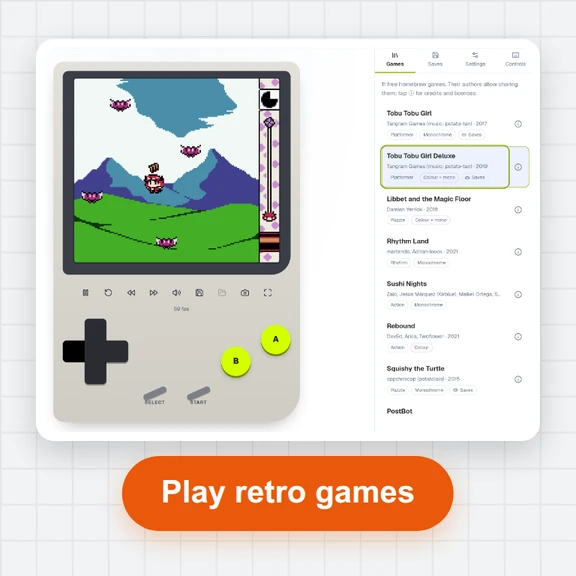 GB / GBC Handheld EmulatorPlay Game Boy (GB) and Game Boy Color (GBC) games in your browser. Import local .gb/.gbc files and use touch, keyboard or gamepad controls, save states, rewind and fullscreen. GBA is not supported.
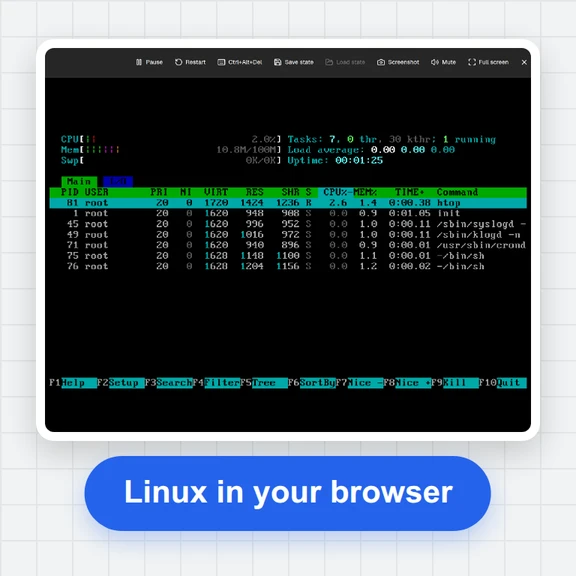 PC EmulatorBoot a real x86 PC in your browser: a Linux shell, FreeDOS with games, or the KolibriOS desktop. Copy files in and out, paste text, save the state. Free, nothing to install.
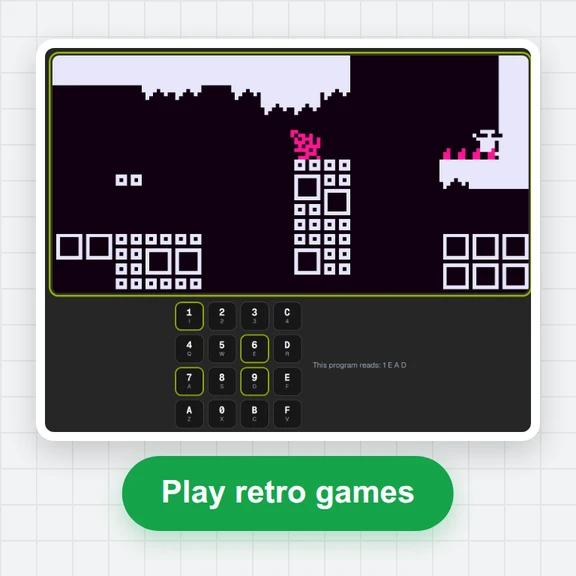 CHIP-8 EmulatorRun CHIP-8, SUPER-CHIP and XO-CHIP programs in your browser: 33 public-domain games, your own .ch8 files, quirk switches, sound, save states and a debugger.
 Game of LifePlay the Game of Life free online: draw cells, drop gliders, guns and spaceships, try HighLife and other rules, import RLE patterns and save a video clip.
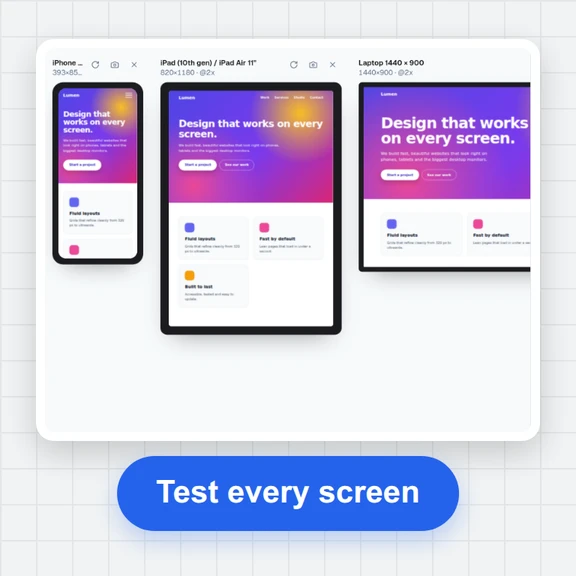 Responsive TesterFree responsive tester: see a website or your HTML at dozens of phone, tablet and laptop screen sizes side by side. Resize, rotate, find overflow, save screenshots.