
Pick a scene
Start with Ring escape, Rotating hexagon, Split on every bounce or any of the 12 scenes. The preview plays right away.
Drop balls into spinning rings, polygons and shrinking circles. Every bounce plays a note, splits a ball or breaks a ring. Pick one of 12 scenes, tune the physics and export a 1080p video with sound in seconds.
Open Bouncing Ball Simulator →Start with Ring escape, Rotating hexagon, Split on every bounce or any of the 12 scenes. The preview plays right away.
Change the rings, gaps, spin, gravity, balls, effects, colours and the notes. Press Randomise for a new run with the same settings.
Choose 9:16, 1:1 or 16:9, the length and frame rate, then export an MP4 with sound and download it.
Randomise gives the same scene a different run. Keep pressing it until the first seconds look exciting, then export.
With Loop on, the preview restarts at your video length, so you see exactly what the file will show.
9:16 at 1080 × 1920 fills a phone screen. Add a short title such as “Will it escape?” and a counter.
Perfectly elastic bounces keep the ball moving forever. Lower it for scenes that should settle down.
Fast balls and long trails look smoother at 60 fps. Use the 540p preview to check a long run quickly.
Copy scene link saves every setting and the seed in a link, so anyone can replay the same run.
Use Manlin to reflect, plan and take your next step.

A free tool that simulates balls bouncing inside rings and shapes with real 2D physics. Each bounce can play a note, split the ball, make it grow or speed up, or break a ring, and you can export the result as a video with sound.
Pick a scene, change the settings until you like the run, open Export, choose 9:16 for a vertical video, set the length and press Export video. Download the MP4 when it is ready.
Yes. No sign-up, no watermark and no limit on how many videos you export. Everything runs in your browser.
MP4 with H.264 video and AAC sound, or WebM with VP9 and Opus where MP4 is not available. Sizes are 1080 × 1920 (9:16), 1080 × 1080 (1:1) and 1920 × 1080 (16:9), plus a 540p quick preview, at 30 or 60 frames per second.
Yes. The simulation is deterministic: the same settings and seed always give exactly the same run. The video replays it frame by frame with the same drawing, so timing is exact even on a slow computer.
Every note is synthesised in your browser from the bounces: a scale, random notes from a scale, or a public-domain melody such as Ode to Joy, Für Elise, Canon in D or Morning Mood. You can also export without sound.
Yes: gravity, bounciness, friction, ball size, start speed, number of balls, ball-to-ball collisions, ring spin, gaps, shrinking and more. Changes restart the run so it stays reproducible.
Copy scene link puts every setting and the seed into a link. Opening it shows the same scene and the same run.
Yes. The preview and all settings work on phones and tablets. Exporting long 1080p videos is quickest on a computer.
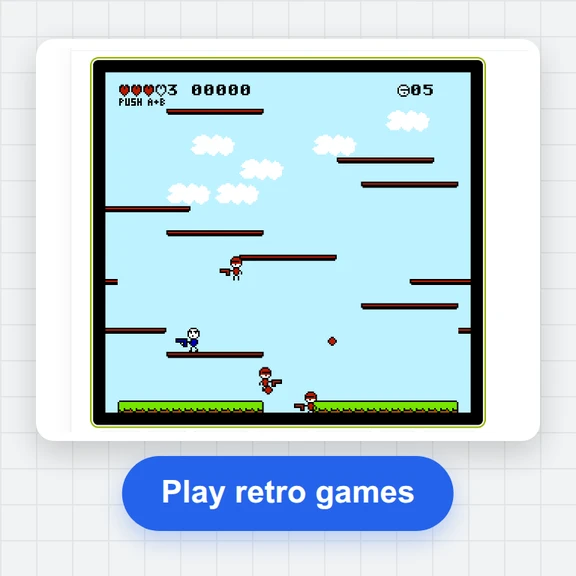 FC / NES Console EmulatorPlay FC/NES (Famicom) games in your browser with local .nes ROM import, keyboard, gamepad and touch controls, save states and fullscreen. Includes 11 freely licensed homebrew games; local files stay on your device.
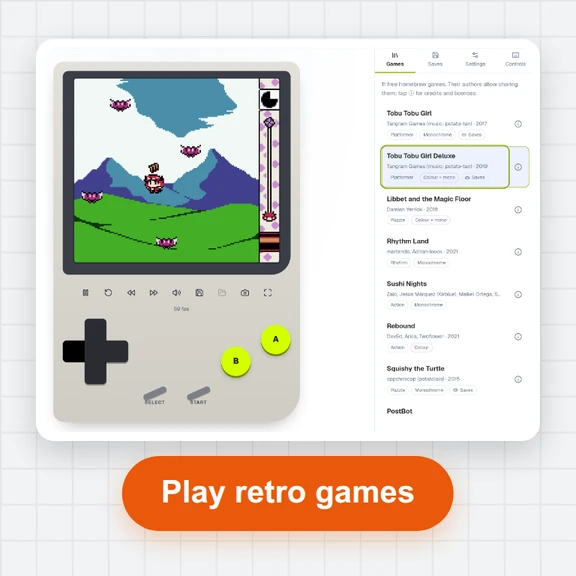 GB / GBC Handheld EmulatorPlay Game Boy (GB) and Game Boy Color (GBC) games in your browser. Import local .gb/.gbc files and use touch, keyboard or gamepad controls, save states, rewind and fullscreen. GBA is not supported.
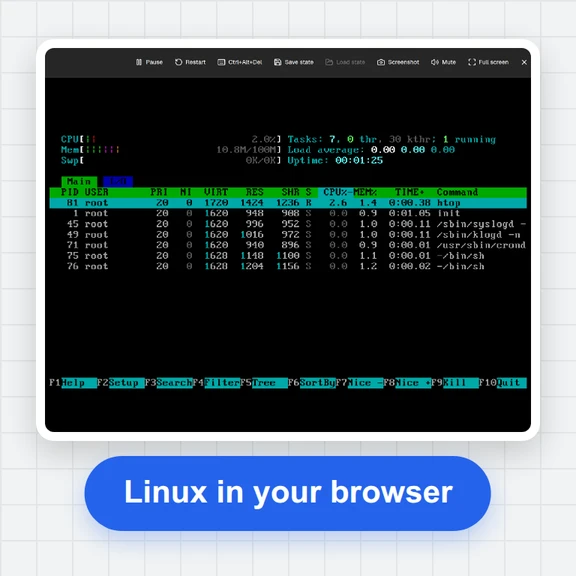 PC EmulatorBoot a real x86 PC in your browser: a Linux shell, FreeDOS with games, or the KolibriOS desktop. Copy files in and out, paste text, save the state. Free, nothing to install.
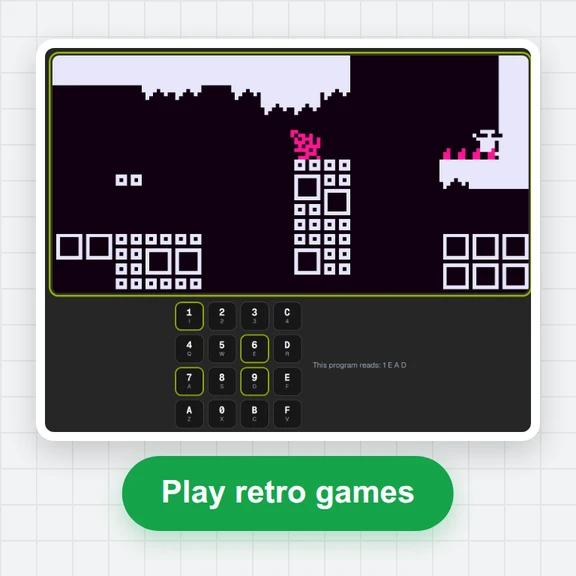 CHIP-8 EmulatorRun CHIP-8, SUPER-CHIP and XO-CHIP programs in your browser: 33 public-domain games, your own .ch8 files, quirk switches, sound, save states and a debugger.
 Game of LifePlay the Game of Life free online: draw cells, drop gliders, guns and spaceships, try HighLife and other rules, import RLE patterns and save a video clip.
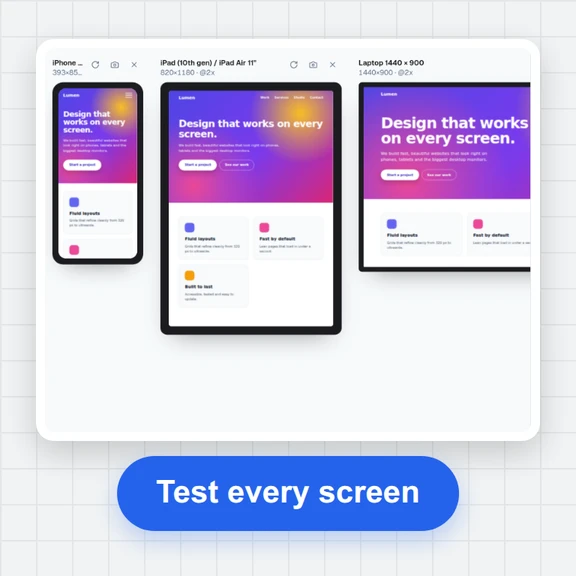 Responsive TesterFree responsive tester: see a website or your HTML at dozens of phone, tablet and laptop screen sizes side by side. Resize, rotate, find overflow, save screenshots.