
Add your data
Paste a table from a spreadsheet, open a CSV file or start from an example. Dates or years can run down the rows or across the top.
Paste a table or open a CSV and watch your data race: bars grow, overtake and climb the ranking. Style it, add your music and download an MP4 for any screen.
Open Bar Chart Race Maker →Paste a table from a spreadsheet, open a CSV file or start from an example. Dates or years can run down the rows or across the top.
Set the title, colours, number of bars, number format and speed. Add a music track if you like. The preview plays as you change things.
Pick 9:16, 1:1 or 16:9, the resolution and frame rate, and download an MP4 ready to post.
The top 10 is easy to follow on a phone. More bars work in 16:9 for bigger screens.
About one second per year suits most races. Set the total length to fit a short clip of under a minute.
Add a category column (like region or genre) and bars of the same group share a colour.
Use the compact style (1.2M) for big values and put units in the subtitle or the suffix.
Missing values between two periods are filled in smoothly, and items that start or stop grow in and drop out.
A pause of two or three seconds at the end lets viewers read the final ranking.
Use Manlin to reflect, plan and take your next step.

Yes. No account, no watermark and no limits. The chart and the video are made in your browser.
Any table with periods (years, months, dates or names like Week 1) and numbers. Paste it from a spreadsheet or open a CSV or TSV file. Periods can run down the first column, across the top row, or the table can have one row per period, name and value.
Add a column called Category, Group, Region or Type. Bars in the same group get the same colour, and you can switch between five palettes.
MP4 with H.264 and AAC, or WebM with VP9 and Opus, at 1080p, 720p or 540p and 30 or 60 frames per second, in vertical 9:16, square 1:1 or wide 16:9.
Yes. Choose an audio file from your device, pick where it starts, loop it if the race is longer and fade it out at the end. It is mixed into the video file.
As long as your data needs. Set the time per period or type the total length you want, and add a pause at the start and the end.
Turn on flags and items named after countries, in English or your language, or two-letter country codes get their flag emoji next to the name.
No. Your table and music are read by your browser, and the video is made on your device and saved to your downloads.
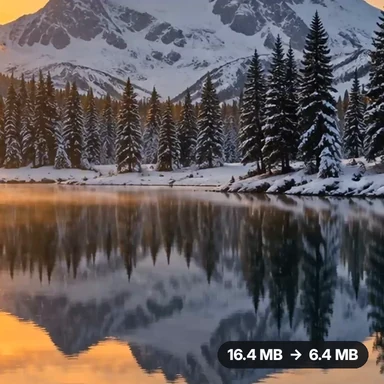 Video Compressor & EditorCompress video to a smaller size or to fit 10 MB or 25 MB, trim, crop, change speed, convert MP4 to MP3 and remove audio. Free in your browser: no upload, no watermark.
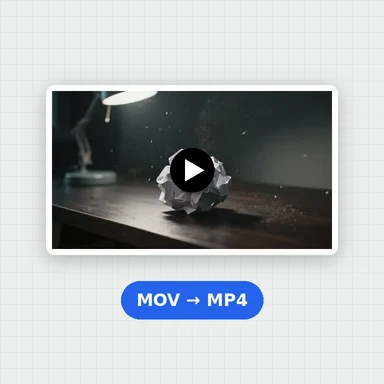 Video ConverterConvert videos to MP4, WebM, MOV or MKV for free. Pick the quality and resolution, preview the result and download. Runs in your browser: no upload, no sign-up, no watermark.
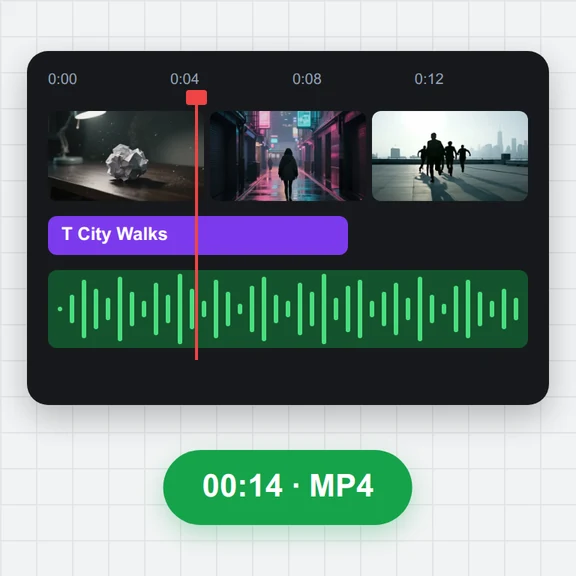 Video EditorEdit videos free in your browser: multi-track timeline, split and trim, transitions, titles, subtitles, music, speed and colour, then export MP4, WebM, GIF or MP3. No upload, no sign-up, no watermark.
 Video to GIF ConverterConvert video to GIF free in your browser: trim MP4, MOV or WebM clips, choose the size and frame rate, and download a looping GIF. No sign-up, no upload, no watermark.
 GIF MakerMake an animated GIF from photos or images free in your browser: reorder frames, set the speed, loop, size, crossfade and text, then download a GIF or MP4. No sign-up, no upload.
 Subtitle GeneratorGenerate subtitles from speech automatically, free. Edit captions, style them, download SRT, VTT or TXT, or burn them into your MP4. No upload, no watermark.