
Choose a game
Choose a sample from the game list or import a Atari 2600 file you have the right to use. Local files are not uploaded.
Play a sample directly from the game list, or choose a local .a26, .bin, .rom file. Imported files stay on this device. Add codes in the Cheats panel after launch. Supported formats depend on the selected core.
Open Atari 2600 Emulator →Choose a sample from the game list or import a Atari 2600 file you have the right to use. Local files are not uploaded.
Use a keyboard, gamepad or touch controls. Quick save and load sit below the screen; settings and cheats are in the side panel.
Core saves stay in this browser. Export or back them up before changing devices.
.a26, .bin, .rom. A supported extension does not guarantee every game will run.
Add codes in the Cheats panel after launch. Supported formats depend on the selected core.
Check each game’s license on the linked free-games platform and load only files you may use.
Use Manlin to reflect, plan and take your next step.

No. Game files are processed in this browser, and saves are stored here.
Yes. Included sample games list their authors and licenses. You can also import game files you have the right to use.
No. Code formats depend on the system and emulator core. Follow the cheat menu’s format guidance.
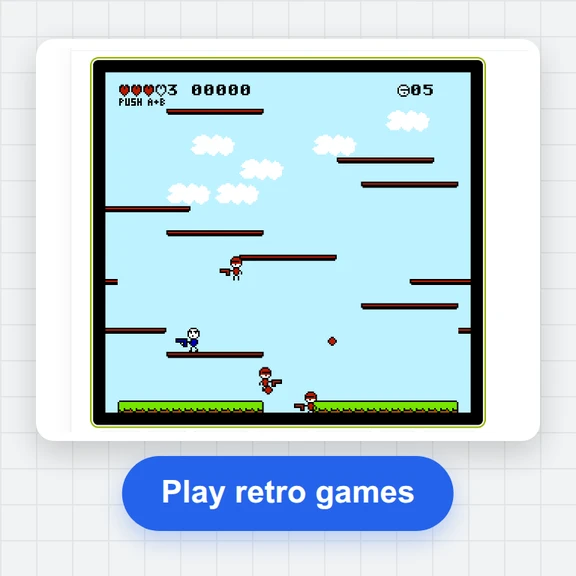 FC / NES Console EmulatorPlay FC/NES (Famicom) games in your browser with local .nes ROM import, keyboard, gamepad and touch controls, save states and fullscreen. Includes 11 freely licensed homebrew games; local files stay on your device.
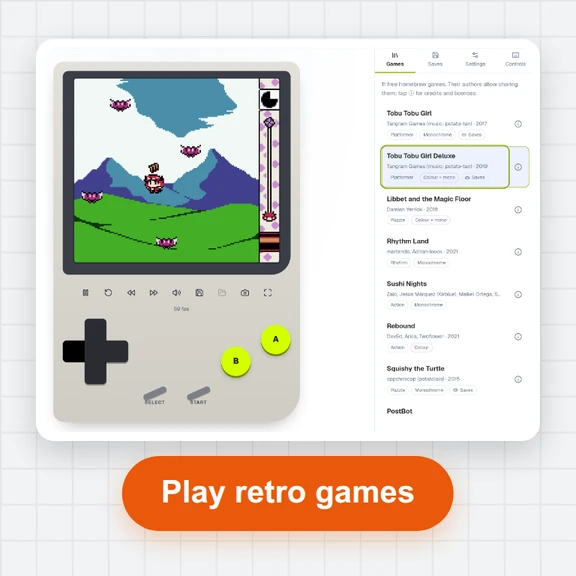 GB / GBC Handheld EmulatorPlay Game Boy (GB) and Game Boy Color (GBC) games in your browser. Import local .gb/.gbc files and use touch, keyboard or gamepad controls, save states, rewind and fullscreen. GBA is not supported.
 GBA EmulatorIncludes credited sample games. Play GBA games in your browser with local ROMs, saves, keyboard, gamepad, touch controls, fullscreen and cheats.
 SFC / SNES EmulatorIncludes credited sample games. Play SNES games in your browser with local ROMs, saves, keyboard, gamepad, touch controls, fullscreen and cheats.
 Mega Drive / Genesis EmulatorIncludes credited sample games. Play Genesis games in your browser with local ROMs, saves, keyboard, gamepad, touch controls, fullscreen and cheats.
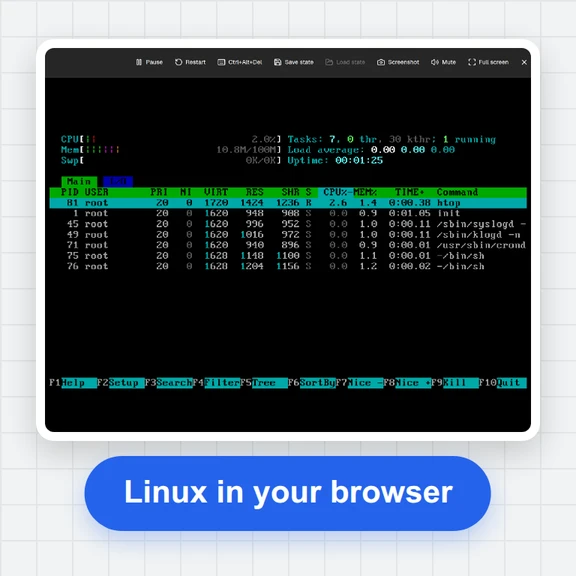 PC EmulatorBoot a real x86 PC in your browser: a Linux shell, FreeDOS with games, or the KolibriOS desktop. Copy files in and out, paste text, save the state. Free, nothing to install.