
Add a clip
Drop, paste or choose an MP4, MOV, WebM or MKV video up to 60 seconds, or load one of the sample clips.
AI draws new frames between the frames of your video, so a moment plays 2, 4 or 8 times slower and still looks smooth, not choppy. Slow the whole clip or just the best moment, keep the sound at its natural pitch, and save MP4 or WebM. Everything runs in your browser.
Open AI Slow Motion →Drop, paste or choose an MP4, MOV, WebM or MKV video up to 60 seconds, or load one of the sample clips.
Choose 2×, 4× or 8× slower, then slow the whole clip or set where the slow motion starts and ends, with a smooth ease in and out.
Watch the AI result next to a plain slow-down, then download your slow-motion MP4 or WebM with the sound.
Use Manlin to reflect, plan and take your next step.

Yes. Use it as often as you like, with no account and no watermark.
An AI model looks at each pair of neighbouring frames, works out how everything moves between them and draws the frames in between: 1 new frame per pair for 2×, 3 for 4× and 7 for 8×. Each frame is then shown for the original frame time, so the moment lasts longer and stays smooth.
Slowing a video in a player or editor repeats each frame, so motion stutters. Here every repeated frame is replaced by a new in-between picture, so a 30 fps clip slowed 4× still plays at 30 fps. Use Side by side to see both.
Yes. Choose One moment and set where the slow motion starts and ends, or use the playhead buttons. The rest of the clip plays at normal speed, and the easing option steps the speed down and back up for a smooth speed ramp.
It is slowed to match the video and keeps its natural pitch, so voices don’t turn deep. You can also save the slow motion without sound.
Clips can be up to 60 seconds. On a computer with a graphics chip, a 30 fps clip can be slowed for up to 40 seconds at 4× or 17 seconds at 8×, at up to 720p. On other devices the AI runs on the processor at 640 × 360, ideal for a short highlight.
No. The AI runs in your browser and the video never leaves your device. Only the AI model is downloaded the first time (about 11 MB), and your browser keeps it for next time.
You can open MP4, M4V, MOV, WebM and MKV videos. Save the result as MP4 (H.264 with AAC sound), which plays almost everywhere, or as WebM (VP9 with Opus sound).
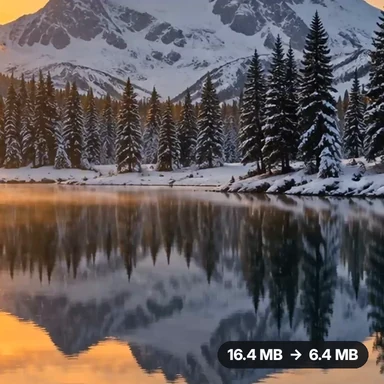 Video Compressor & EditorCompress video to a smaller size or to fit 10 MB or 25 MB, trim, crop, change speed, convert MP4 to MP3 and remove audio. Free in your browser: no upload, no watermark.
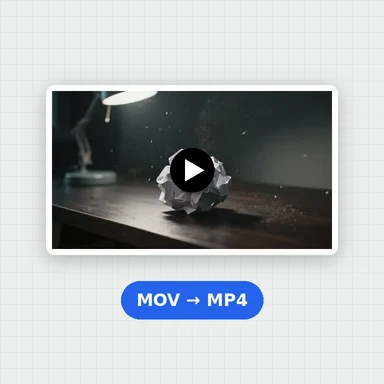 Video ConverterConvert videos to MP4, WebM, MOV or MKV for free. Pick the quality and resolution, preview the result and download. Runs in your browser: no upload, no sign-up, no watermark.
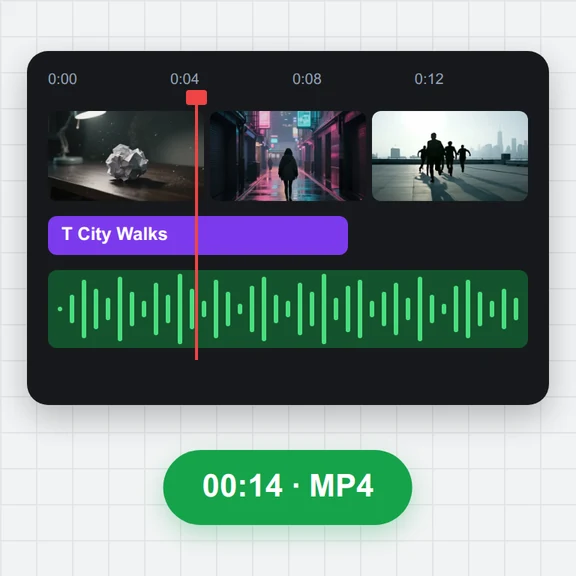 Video EditorEdit videos free in your browser: multi-track timeline, split and trim, transitions, titles, subtitles, music, speed and colour, then export MP4, WebM, GIF or MP3. No upload, no sign-up, no watermark.
 Video to GIF ConverterConvert video to GIF free in your browser: trim MP4, MOV or WebM clips, choose the size and frame rate, and download a looping GIF. No sign-up, no upload, no watermark.
 GIF MakerMake an animated GIF from photos or images free in your browser: reorder frames, set the speed, loop, size, crossfade and text, then download a GIF or MP4. No sign-up, no upload.
 Subtitle GeneratorGenerate subtitles from speech automatically, free. Edit captions, style them, download SRT, VTT or TXT, or burn them into your MP4. No upload, no watermark.