
Pose the mannequin
Choose a starter pose, drag its hands, feet or hips, or select a joint for a precise adjustment.
Drag the hands and feet of a female or male 3D mannequin, bend its joints and set the camera angle and lens. Export a clean PNG reference or share a pose link to continue editing later.
Open AI Pose Generator →Choose a starter pose, drag its hands, feet or hips, or select a joint for a precise adjustment.
Orbit the camera, choose a front, three-quarter or side view, then set the lens and framing.
Download the current pose as a PNG reference or copy a link that restores it in this tool.
Use Manlin to reflect, plan and take your next step.

Posing the mannequin, exporting a PNG and sharing pose links are free, with no account and no watermark.
Drag a pink hand or foot and the arm or leg follows. Drag the orange hips to move the body. Tap a white dot to turn that joint with the rings or sliders; every joint stops at a natural limit.
Save the PNG to your device, then import it as a pose reference in the drawing or AI image tool you use.
Press the share button to copy a link. The pose data is stored in the address, so opening the link restores it in this tool for editing.
Choose relaxed, open, fist, point or peace hand shapes. You can also turn the wrist independently.
No. Poses are processed in this browser and images are rendered on your device. Pose data is included in a link only when you choose to share it.
You can use the references you make in personal and commercial work, with no watermark or credit required.
Yes. Drag with one finger to pose or orbit, pinch to zoom and use sliders for exact angles. The browser needs WebGL support.
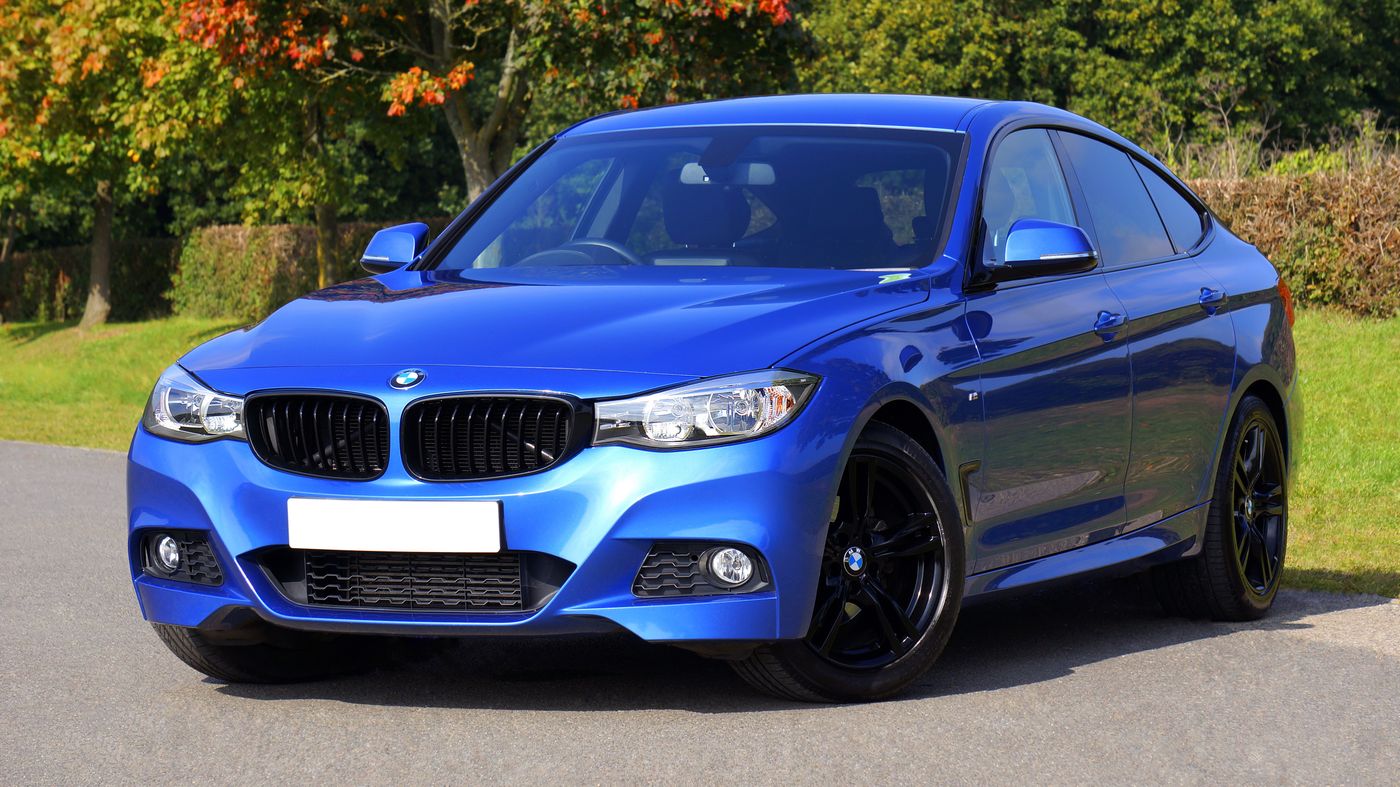 Car Poster MakerCar Poster Maker. Your photos stay in this browser. Export PNG or JPG with editable text and optional plate covers.
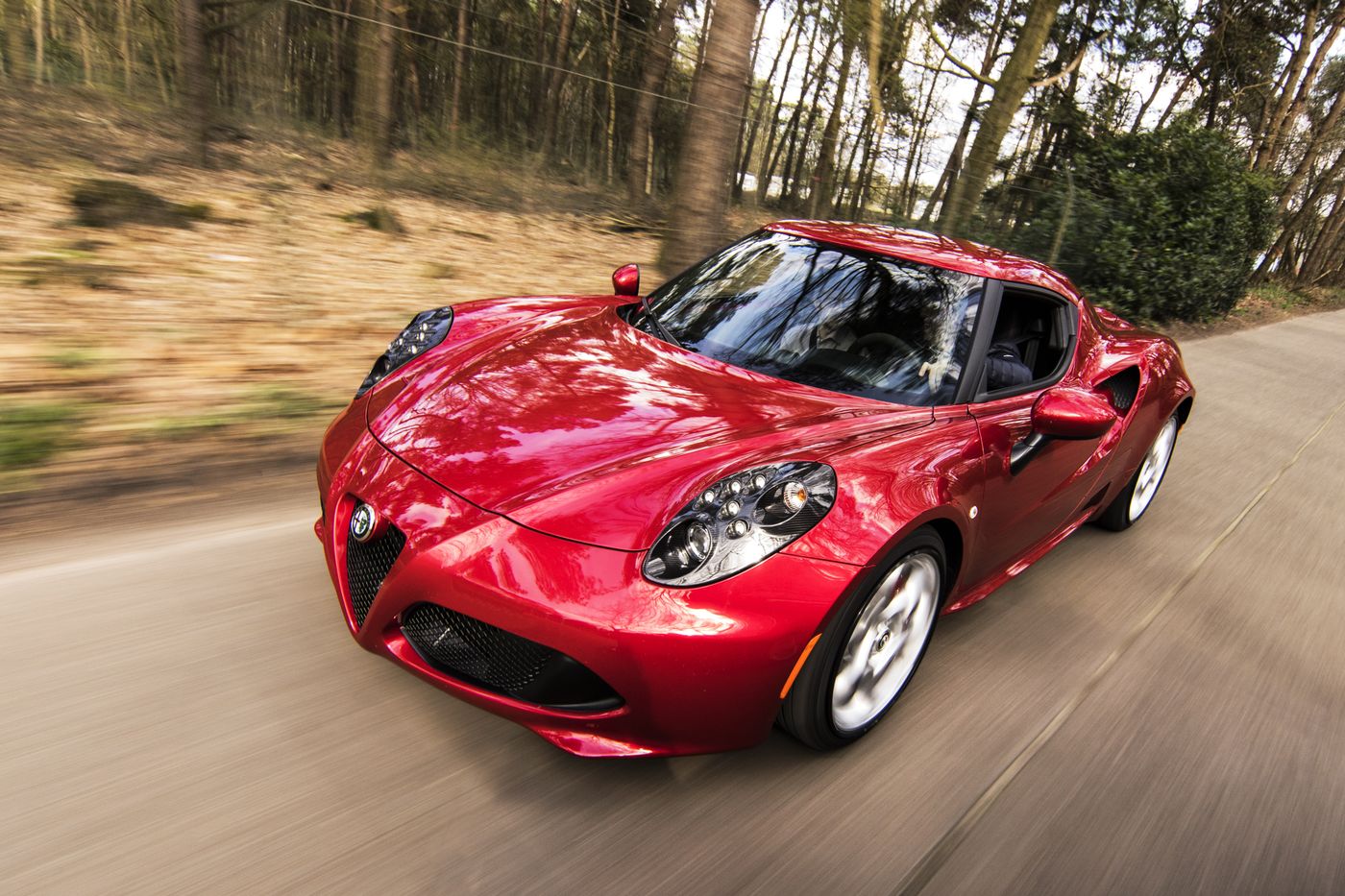 Used Car Listing Photo EditorUsed Car Listing Photo Editor. Your photos stay in this browser. Export PNG or JPG with editable text and optional plate covers.
 License Plate BlurHide license plates in photos with manual rectangles, solid cover, pixelation or blur. Local processing, original-size exports and batch ZIP.
 Tier List MakerCreate a tier list with images or text, drag or tap to rank, and export PNG or editable JSON. Free and local.
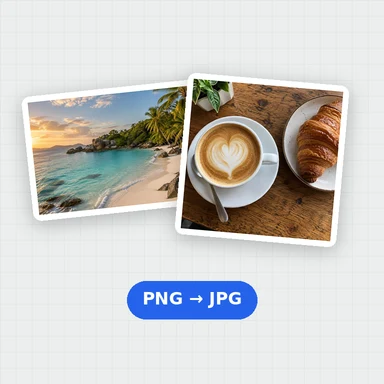 Image ConverterConvert images between JPG, PNG, WebP, GIF and BMP for free. Batch convert many images at once, set the quality and download a ZIP. No upload, no sign-up, no watermark.
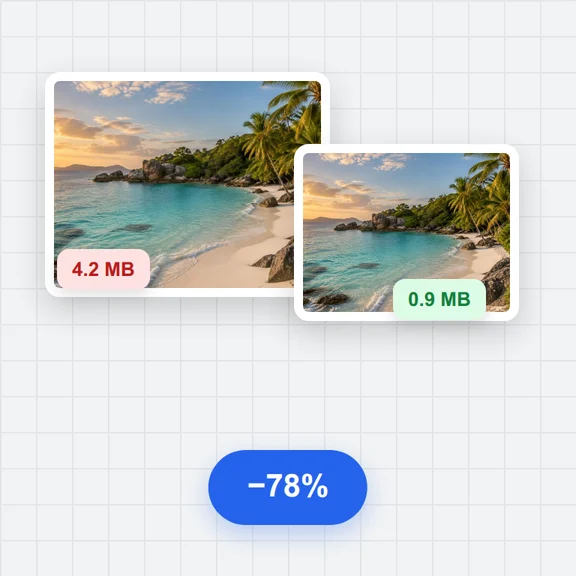 Image CompressorCompress images online for free. Reduce the file size of JPG, PNG and WebP photos in batches, choose the quality and format, and download a ZIP. No upload, no sign-up, no watermark.